Blogs

Driver

How to Install and Update Microsoft Mouse Driver on Windows

To guarantee the mouse works flawlessly on your computer, keeping the mouse driver up to date is important. Therefore, in this post, we will explain how to install and update mouse drivers to avoid facing any problems.  Often when the m...
|
How-To

How To Find Your Router IP Address On Any Device? (2023)

Have you ever been in a situation when you wanted to configure your router or set up a VPN on it, but didn’t know its IP Address? Well, finding your router IP Address isn’t that complicated, but it does take a little ‘know-how’ to g...

|
Booster & Optimizer

How To Clear Memory and Boost RAM on Windows

Is your Windows PC low on memory? Don’t fret, we are here to help. In this post, we will learn what RAM does in a computer & how to boost RAM. All systems at some point experience speed issues, therefore, understanding the root cau...

|
Command Optimization

10 Common MacBook Problems and How to Fix Them

Whether you use a Windows PC or a MacBook, every machine tends to lose its glory over time. So, if your Macbook has recently started troubling you, don’t worry. You’re not alone! A majority of users have out loud spoken about common Mac...

|
Driver

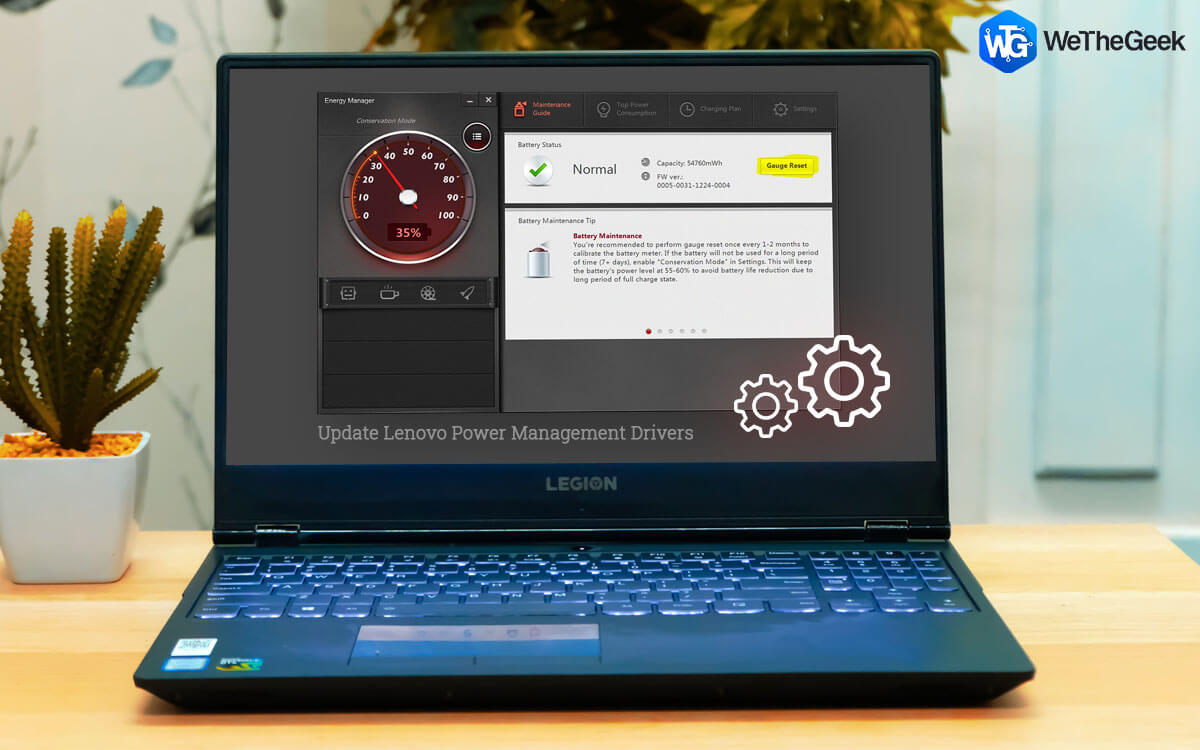
How To Update Lenovo Power Management Drivers in Windows 10?

Power Management is a feature of Windows 10 which is not known by many users. It helps users set different power options like brightness, battery consumption, sleep mode, dim or turn off the display, etc. However, power management features ...

|
Driver

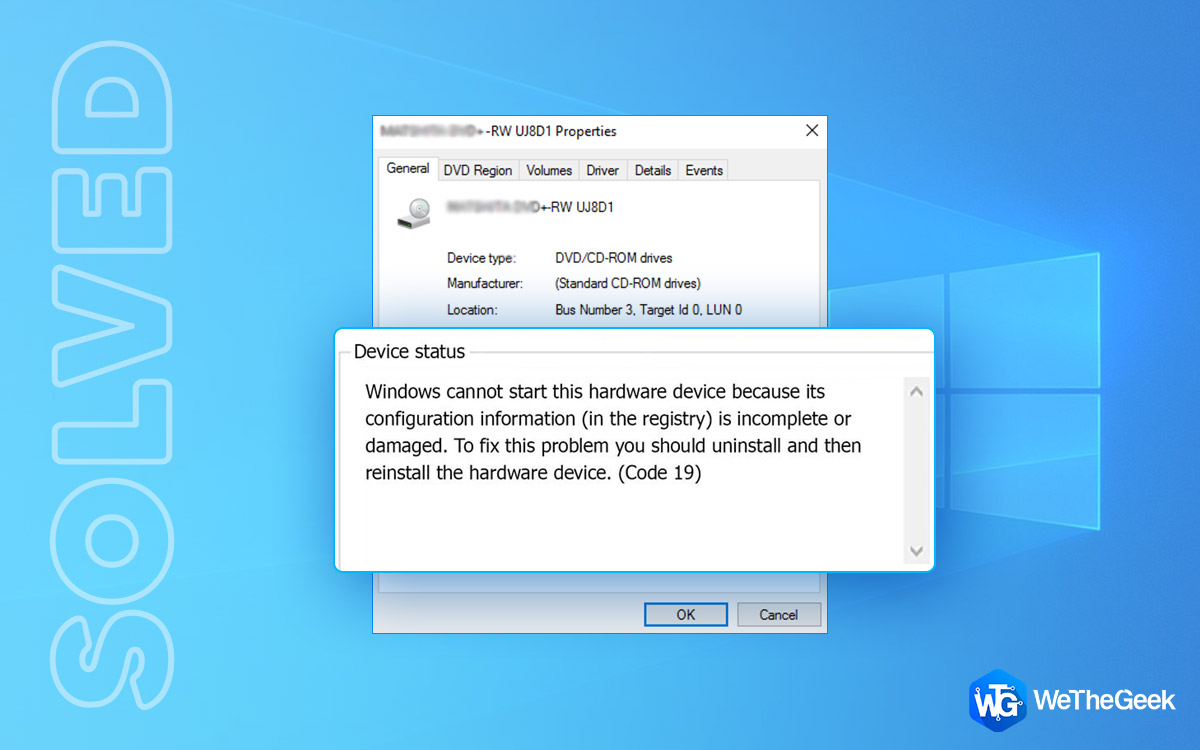
How to Fix Code 19 Errors in Windows

The Code 19 errors are pretty common on Windows OS. There may be a variety of reasons that can trigger Code 19 errors on your device which majorly include corrupt/invalid registry entries, outdated device drivers, hardware incompatibility, ...

|
Cleaner

How To Increase Download Speed on Steam-Windows?

Whether looking for the first-person shooter, adventure RPG, simulation, MMORPG, or AAA games, with a library of 30,000+ games, Steam has it all. It is one of the largest platforms to offer PC games. But when you want to download a new game...

|