Blogs

How-To

How To Disable Task Manager On Windows PC

Task Manager is a multipurpose tool that allows users to monitor and control background processes. It can regulate the efficiency of Windows-based services, processes, and applications. But what if you're giving someone else access to your ...
|
How-To

How to Fix the AutoIt Error Line 0 Startup Error on Windows

The AutoIt Error could appear when your system starts up. When you shut the window, the error generally disappears, but sometimes, it does not go away that easily and will irritate you. This error arises due to numerous reasons, and the pro...

|
How-To

How To Change The Windows Spotlight Picture

Windows Spotlight Background allows changing the backdrop image used as the lock screen background. All desktop editions of Windows 11/10 and later include the capability. You can find the lovely Spotlight photos in the hidden app data fold...

|
Security & Privacy

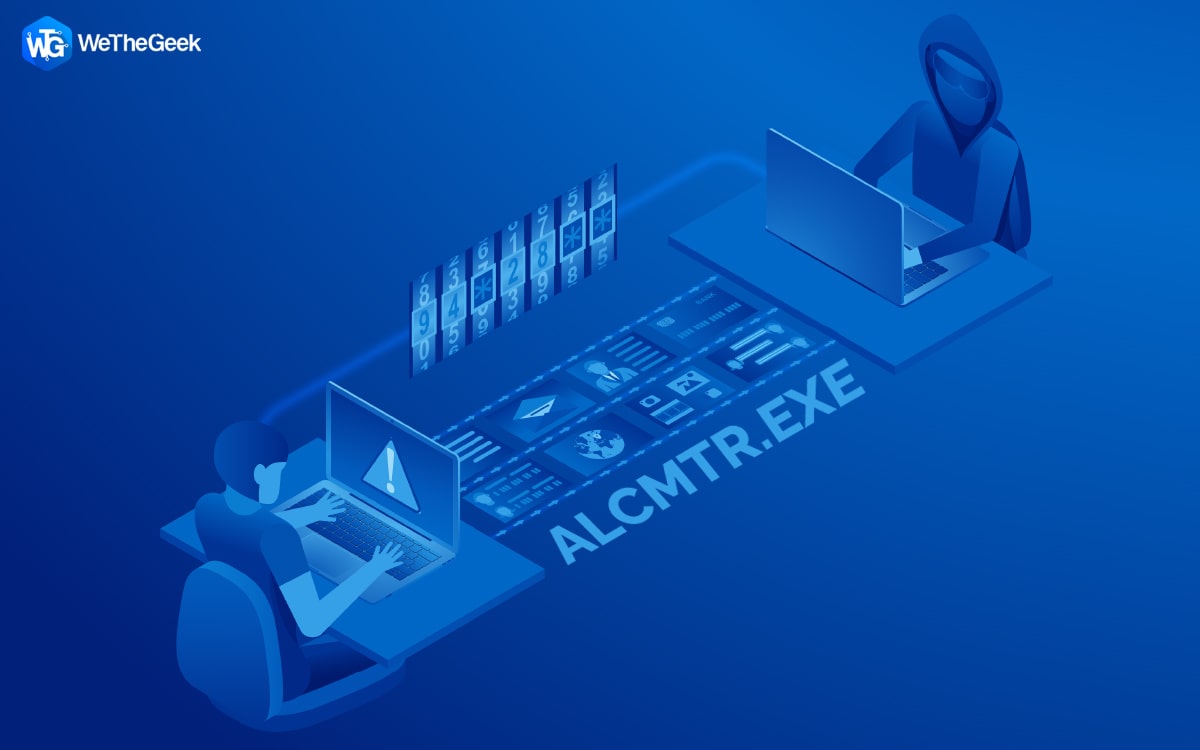
What Is ALCMTR.EXE? Is It A Malicious Process?

Most Windows processes can be identified by the software or feature they are used for. But, occasionally, you might notice a running process you are unfamiliar with. Such a process is typically ALCMTR.exe. Here are some details about the AL...

|
How-To

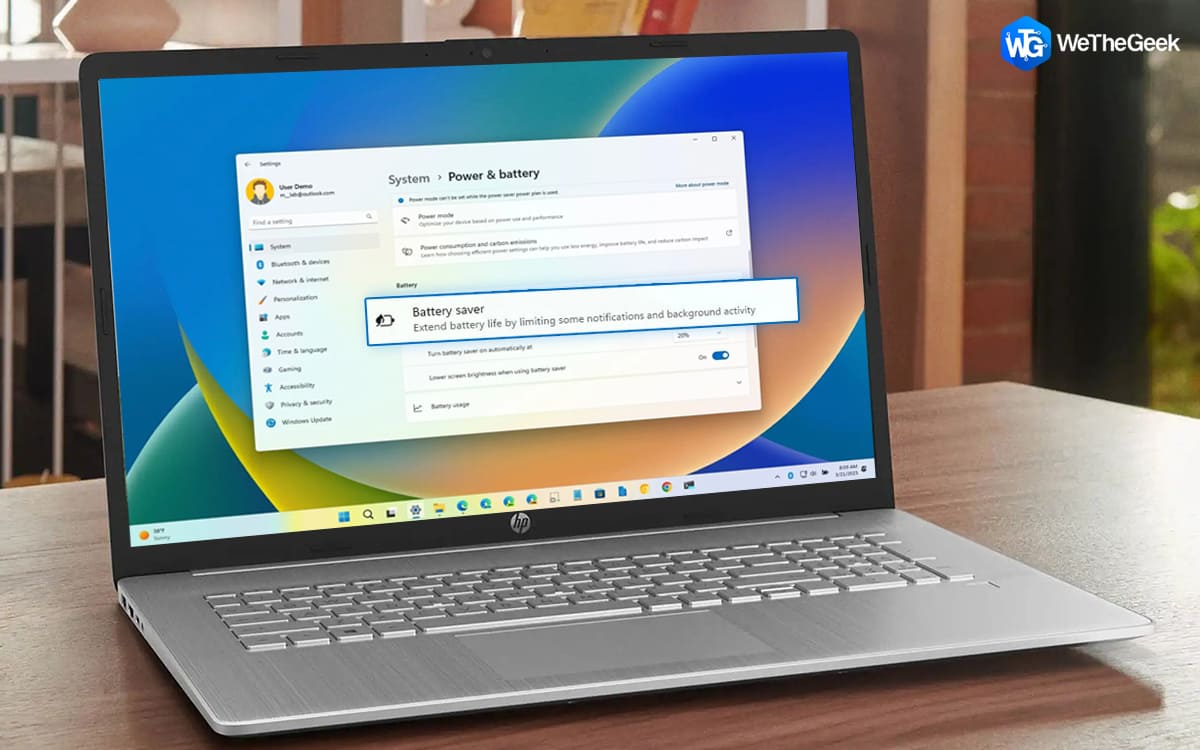
How To Enable Battery Saver In Windows 11

Battery Saver is a crucial component of power management in laptops and tablets using Windows operating systems. By restricting notifications, turning down background processes, and marginally lowering performance, you may increase battery ...

|
How-To

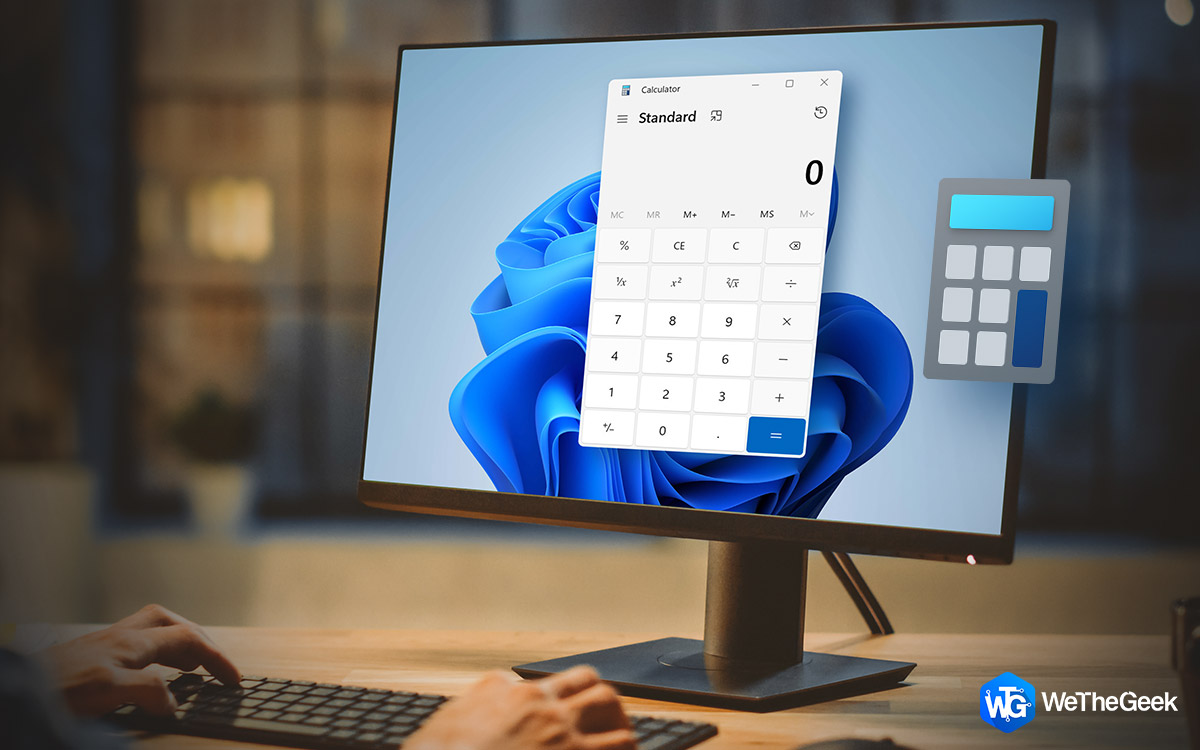
How to Keep Calculator on Top in Windows 11

Are you sick of your Windows calculator disappearing beneath other windows? By following these instructions, your calculator will always be visible and reachable regardless of what else is happening on your computer.  This post will precis...

|