Blogs

How-To

5 Ways To Change Screen Timeout In Windows 11

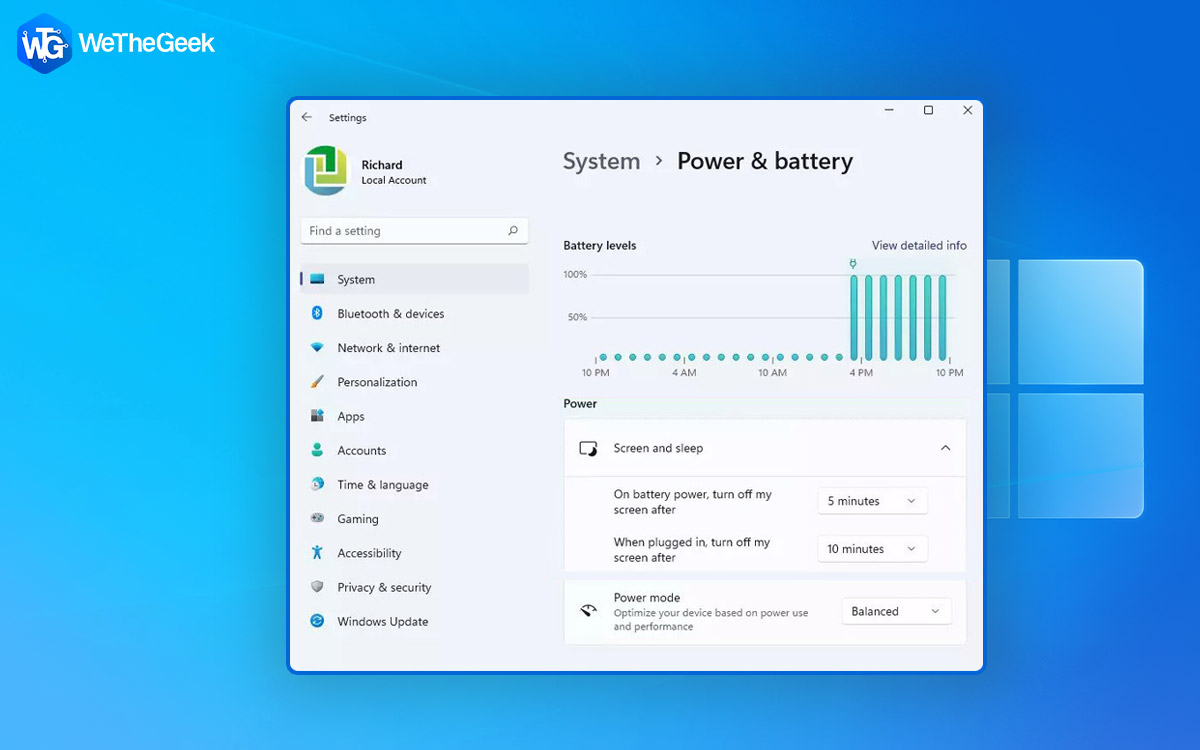
It’s frustrating when your display’s screen turns off sooner than you’d expect. Isn’t it? So, here are ways you can change the screen timeout in Windows 11. Want to change the screen timeout time of Windows 11? But why would you wa...
|
How-To

How To Fix The “iPhone Photos Not Showing On Mac” Issue

Many of us often transfer or sync files between our iPhones and Macs in order to preserve storage. However, many users have complained that their iPhone photos did not show on Mac. If that’s you, you have come to the right place. Befor...

|
Apps

7 Best Android Apps to Manage Notifications

An app notification keeps you notified of the action that has happened in an app even if it is not running. You are prompted by the way of alerts, statuses, or messages to know the whereabouts of an app. For example, you might want to be no...

|
How-To

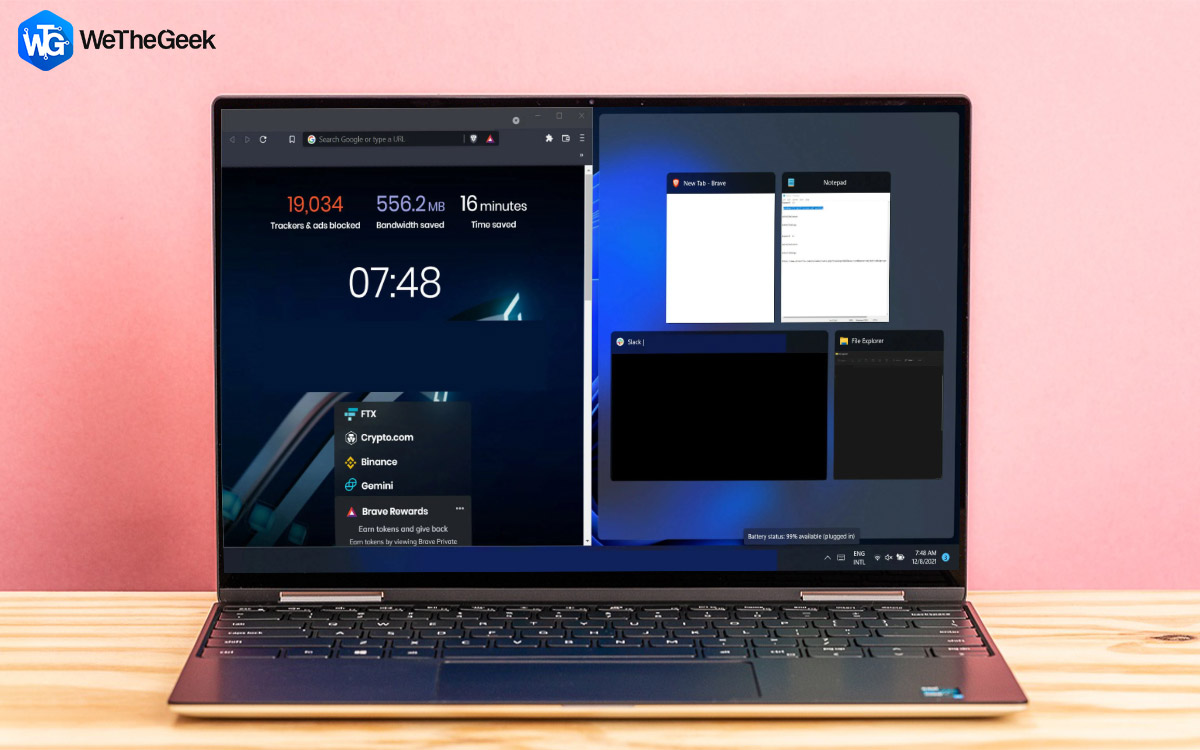
How To Split Screen On Windows 11 PC

Are you tired of constantly switching between windows on your Windows 11 computer? Well, there's an easier way to manage your multitasking needs. Splitting your screen on Windows allows you to view and work on two or more different windows ...

|
How-To

How To Use Screen Recording Software In Teaching

Teaching is not just confined to classrooms these days. No matter where you are, you can share your knowledge with your students. Not just knowledge, you can even share your feedback. And, in that, a screen recording tool can be of great he...

|
Apps

10 Best ASMR Apps And Games For Android & iOS

Have you ever found yourself in need of some relaxation or stress relief? Perhaps you struggle with falling asleep at night or focusing during the day. If so, you may want to try ASMR - “Autonomous Sensory Meridian Response.” While ASMR...

|
Software & apps

7 Best AI Photo Enhancer For Mac

As an avid photographer, photo editing might be a fun aspect of post-processing clicked pictures. But, doesn’t it get complicated sometimes when you have to juggle with so many tools that these come with? Enter the power of Artificial Int...

|
How-To

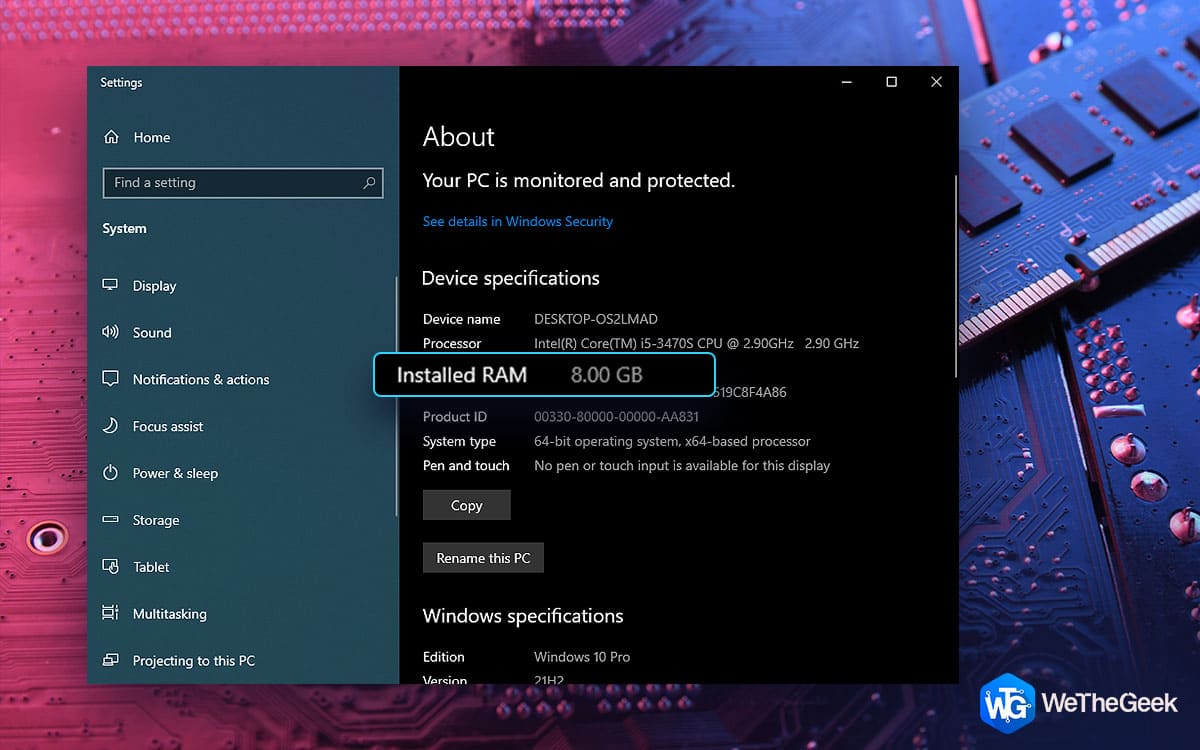
What To Do If Computer Is Not Using All RAM

RAM or Random Access Memory is one of the fundamental elements of your computer. It is your computer’s short-term memory where your computer stores all that data that it needs to access quickly. It is ideal for apps, processes, and other ...

|