Author bio

Sarang Bhargava

Sarang Bhargava

Sarang is an avid tech- blogger who loves to pour his heart out in form of words. The very thought of exploring new things especially from the tech domain fascinates him. When not writing you can find him either immersed in his own thoughts, taking a nap, listening to music or devouring on books, movies or even topics for his next blog.

How To Compress Screen Recording On Windows 11/10

There could be multiple reasons you want to compress your screen recording or record a video of a smaller file size. For instance, in case your record the activity on your screen frequently, the recorded videos with unoptimized file size wi...

|

How To Convert Excel Files To PDF

If your work involves juggling a lot of data and numbers, you probably use Microsoft Excel or Google Spreadsheets. But, do you know it is always a good practice to convert Excel files to PDF before you share them with someone else?  In ...

|

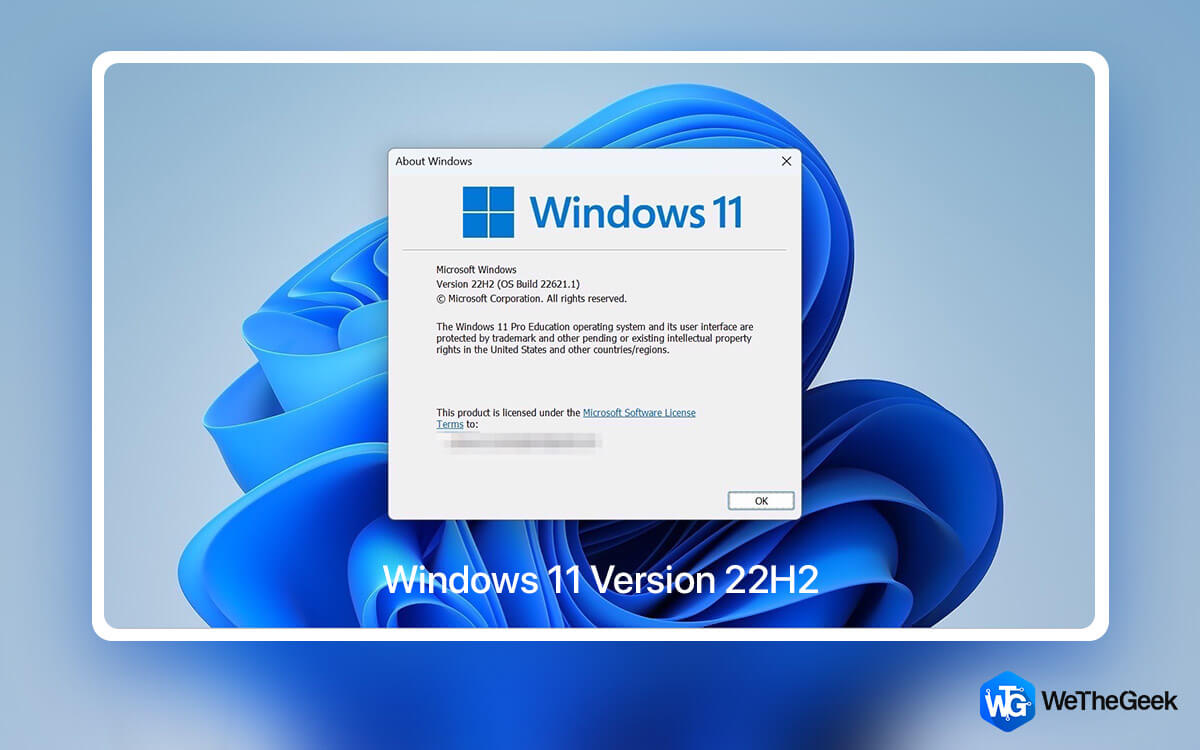
New Windows 11 22H2 Features You Can Look Forward To

We are a strong advocate of updating Windows. Take the latest Windows 11 update, for instance; Microsoft recently rolled out the Windows 11 22H2 update, which has brought along some exciting features that can increase your productivity and ...

|

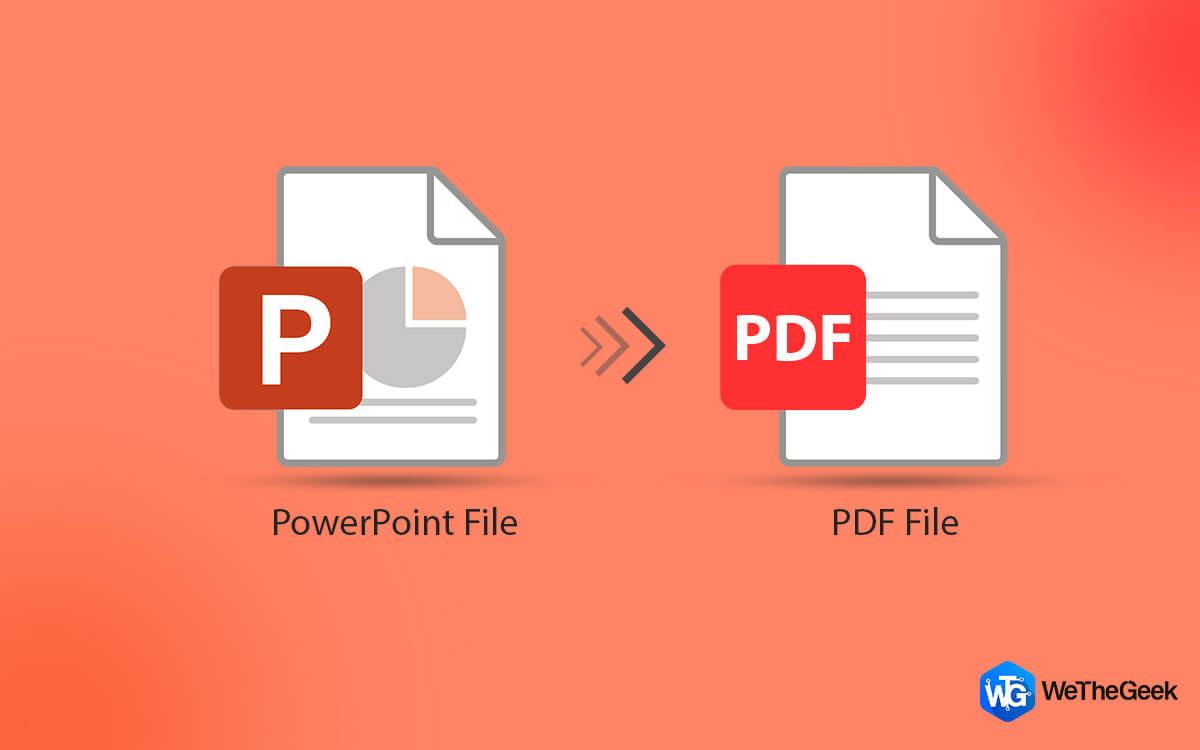
How to Convert PowerPoint to PDF on Windows 11, 10, 8, 7 (4 Ways)

Why convert PowerPoint to PDF? Why go that extra mile to change the contents of PowerPoint into PDF? For several reasons, but just to bring things into perspective - Let’s say you have spent hours putting up a PowerPoint presentation that...

|

How to Convert a JPG to PDF on Windows PC

The reasons to convert JPG to PDF can be many. For instance, you could want to add JPG images between your existing PDF pages. Apart from that, it could be that you want to convert scanned pages to JPG (as in the case of scanning lecture no...

|

How to Fix Steam Client WebHelper High CPU Usage

Many users had reported that their games and PC lagged when trying to play games on Steam. On diving further into the Task Manager, they saw that a background process under Steam called Steam Client WebHelper consumed a lot of CPU. If you a...

|