PC Optimization

For Windows 10

Settings You Should Customize After Getting Windows 10

As the end of support for Windows 7 is near, a lot of users are switching to Windows 10. Well, getting your system upgrade to Windows 10 is quite easy but giving it a personal touch could take a while. Installing software and drivers is the...

|
For Windows 10

How To Disable Fast User Switching In Windows 10

Multiple users were introduced in Windows XP to make it easier to share a computer. The fast user switching enables to jump from one user account to another without losing each session. The advantage of the feature which is disable fast use...

|
For Windows

What Is Reserved Storage & How To Enable/Disable It?

Windows 10 brought a lot of new features. One of the useful features is Reserved Storage. Reserved Storage is a feature which puts a certain part of your available storage aside to be used as temporary storage to eliminate problems faced wh...

|
Games

Enhance Your Coding Skills With These Top 7 Free Coding Games

Learning to Code online is no more a new thing and doesn’t even require special lessons or skillset within the enthusiasts. Moreover, coding is also not limited to only IT professionals or the industries that use it very frequently, but a...

|
Backup & Recovery

How To Take a Backup Of System Files In Windows 10?

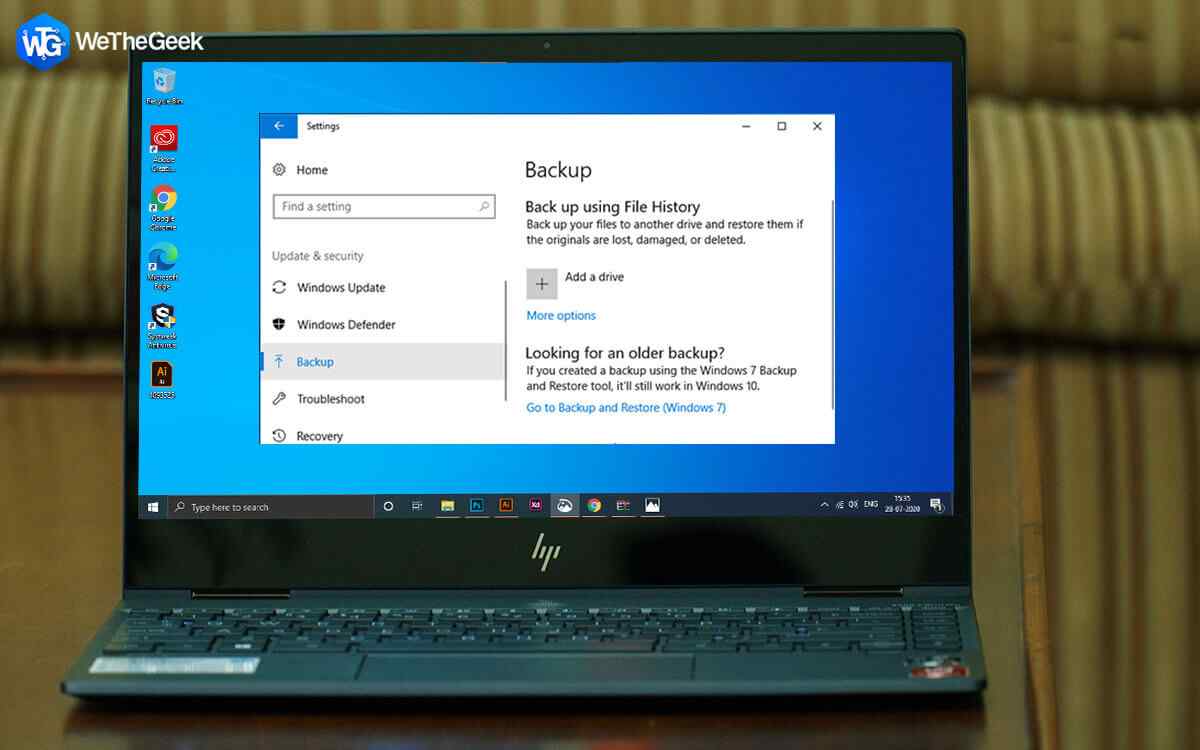
It is important to take a backup of system files and create a system restore point in Windows 10. This ensures that you can restore your computer in case of mishaps like computer freezes or system crashes. The idea here is to take a backup ...

|