Optimization

Best tips, tricks & hacks to optimize your slow device for better performance and extend the life of your Windows, Mac, Android & iOS.

For Windows 10

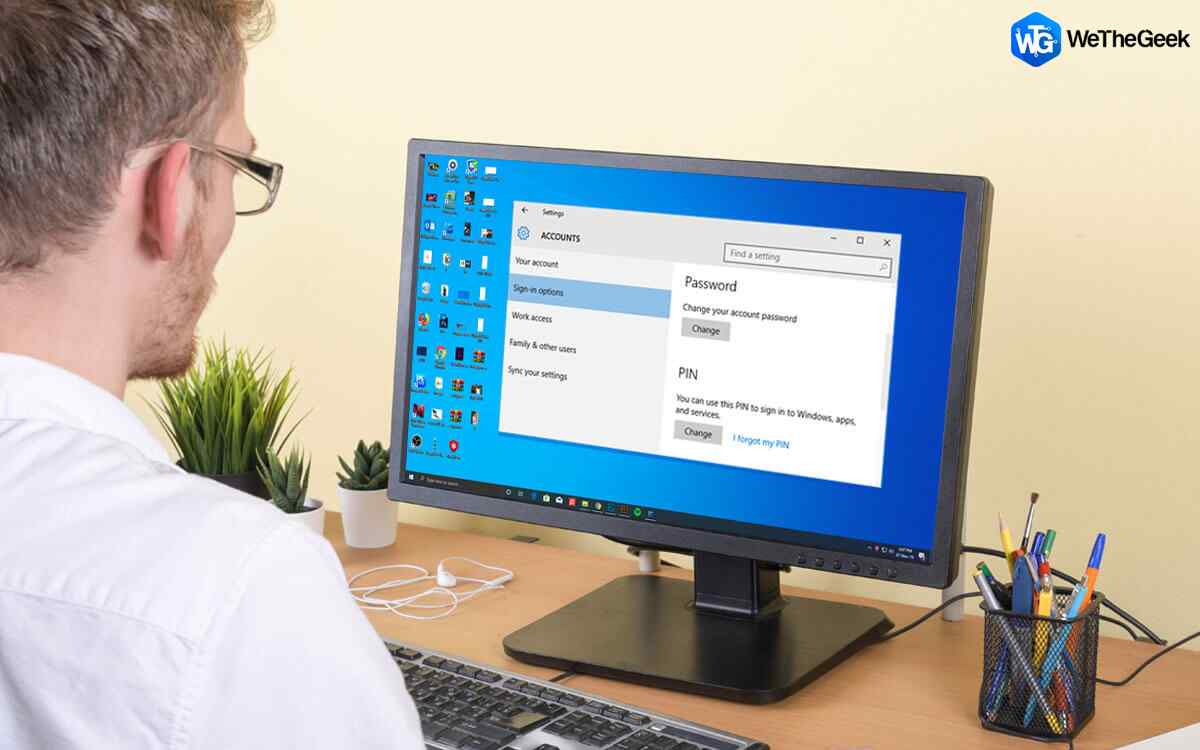
How To Remove PIN And Sign In Options From Windows 10

With Windows 10, Microsoft has included several security features such as options to lock your screen using the PIN, password and even fingerprint(in fingerprint supported device). PIN is a part of the Windows Hello provides various methods...

|
For Mac

Tweak Your Mac Without Using Terminal

Mac is an intricate device. While modifying simple settings and making changes in the preferences can be easily managed through System Preferences. However, if you want to make functional or visual changes, you need to use Terminal, the ter...

|
How-To

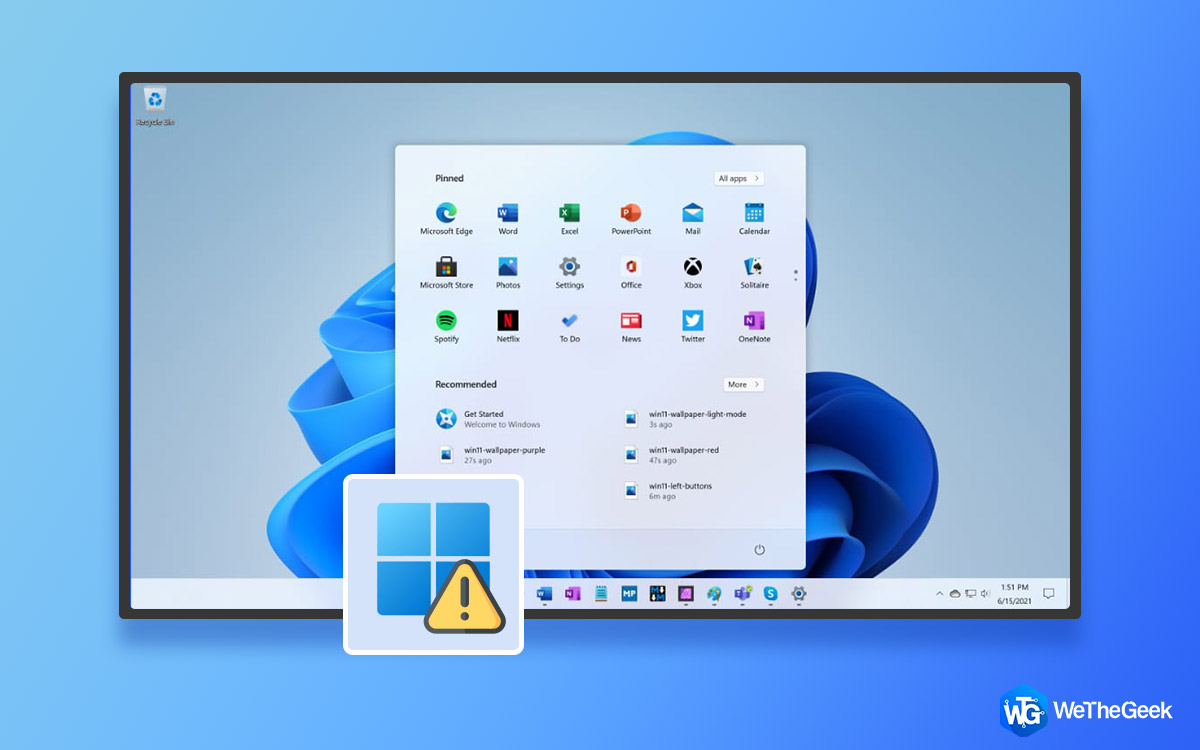
How to Reinstall Windows 11?

If you feel that your Windows 11 is acting up or things are not as smooth as they used to be when first installed, then you can fix this by reinstalling Windows 11. This process helps to restore missing and corrupted system files and makes ...

|
How-To

How to Resize Dock On Your Mac

Dock has an important role in a Mac. It is the bar at the bottom of your Mac screen, where you can organise all favorite or frequently used programs. The program, files or folder, we put in dock can be quickly accessed with much ease. Mo...

|
Booster & Optimizer

Methods to Open Performance Monitor On Windows 10

When Windows 10 got launched, there were a lot of changes and additions noticed by users. There have been  changes in the ways to access a lot of basic settings. One of them is Performance Monitor. Performance Monitor is one of the useful ...

|
How-To

How to Fix Windows 11 Start Button Not Working

Windows 11 start button not working? Is it stuck or frozen? Don’t worry! We’ve got you covered. It is merely a common bug that can be solved by making a few quick changes in the settings. You can easily get past this issue by following ...

|