Page 643

Apple Watch

How To Create Your Own Message Reponses For Apple Watch

Although Apple Watch shows you a preview of received texts, replying to them might seem a little complicated at times. However, using a message response is an effective way to reply to your friends and co-workers. Whether you want to send a...


|
How-To

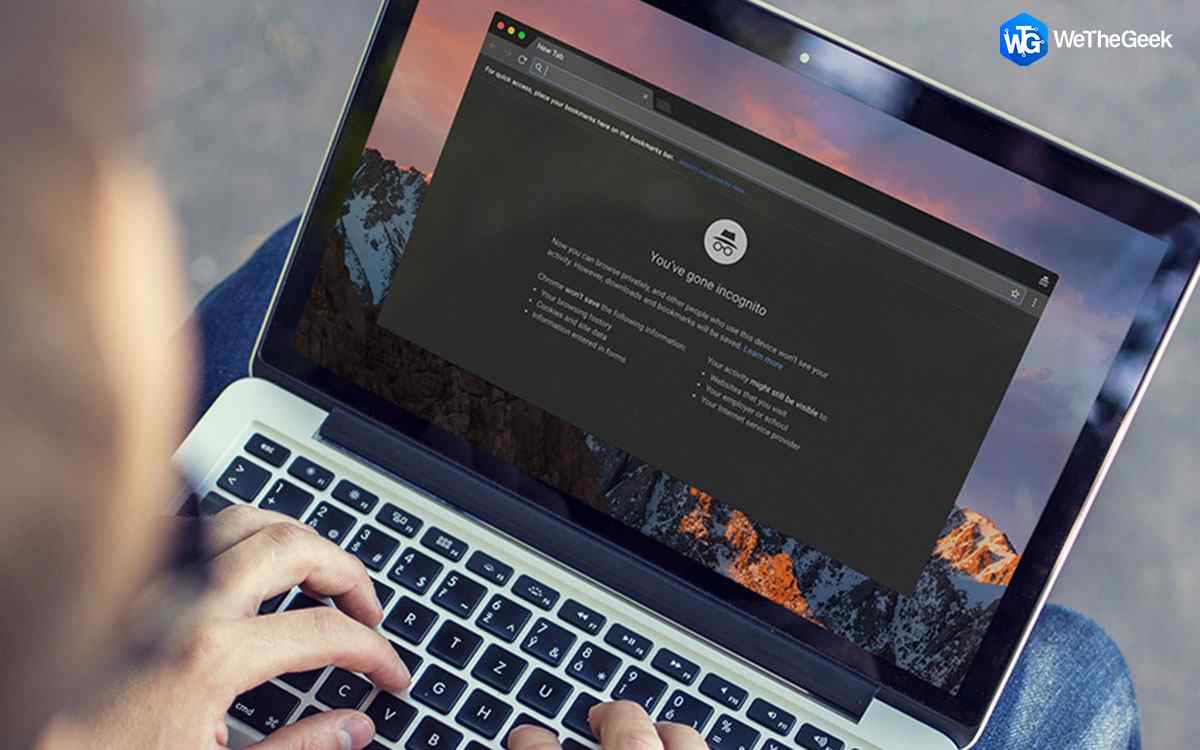
How To Delete Saved Passwords On Chrome Browser

In today’s digital era your password is one of the most important assets that you always carry within your mind. If you’re skeptical about sharing your password with anyone, you may be surprised to know that your browser is already awar...

|
How-To

How To See Who Unfriended You On Facebook

Rejection totally sucks, whether it’s real life or digital! But regardless of what we feel, it’s quite a usual phenomenon in the social media age! We live in a world, where people are obsessed with Likes and Follower Counts. And, get...

|
How-To

How To Place Free Phone Calls Via Google Home

Home Assistants & Smart Speakers are turning even more useful around the house to help us answer questions, keep reminders, set timers. They all are interconnected, from lights to locks to televisions & now they are connected to you...

|
Multimedia & Editing

Step-By-Step Guide To Get Instagram Verified

There are tons of people who want to know how to get verified on Instagram? Why? Because it’s one of the most prestigious “Blue Tick” any individual can earn. To signify their status? No, the popular social networks have designed them...

|
Multimedia & Editing

6 Tips And Tricks To Make The Most Of Pinterest

Pinterest is one of the most impressive image platforms where you can find a variety of ideas under one roof. From your favorite celeb pictures to DIY creative ideas, Pinterest is a dream come true for every art enthusiast. Whether you’re...

|
For Mac

Tweak Your Mac Without Using Terminal

Mac is an intricate device. While modifying simple settings and making changes in the preferences can be easily managed through System Preferences. However, if you want to make functional or visual changes, you need to use Terminal, the ter...

|