How-To

How-To

How To Hide Facebook Account From Strangers

The primary motto to launch Facebook was to connect people virtually. The interface of Facebook is designed in a manner that it is easy to find anyone across the globe. The social media platform offers multiple options to look for a person....

|
Gmail Tips

How To Download Gmail MBOX Data Using Google Takeout

Google’s Gmail is widely used as the most preferred email client for both personal and professional purposes. Gmail has now tens of several Google support and services such as Drive, Task, Docs, etc. integrated into it, making email servi...

|
For Windows

How To Fix Laptop Freezing Problem?

Does your laptop stops responding to commands every now and then? Do you often find yourself struggling with your computer while working on it? If yes, then you might know the teeth-gnashing feeling you get every time use your lousy laptop....

|
For Android

How to Unlock Your Android Mobile With Fitness Trackers

To avoid any unauthorized access. Everyone likes to secure their phones with a passcode But this can be cumbersome when you have to unlock your phone several times a day. Entering the passcode or drawing a pattern each time to unlock is not...

|
google

How To Unlock Google Maps’ Hidden Driving Mode?

Way back in 2015 if you wanted to search for restaurants, public facilities, hotels and more in your vicinity, you needed to check it out with the Nearby feature on Google maps. However, with an update that came in the beginning of 2016, Go...

|
How-To

What is Google Play Gift Card: How to Use it?

Receiving a gift gives us an out of the world happiness and especially when it’s from a loved one! Yes, you may not be able to express it well, but deep down it does makes us happy. Be it a birthday gift from a friend or a special anniver...

|
How-To

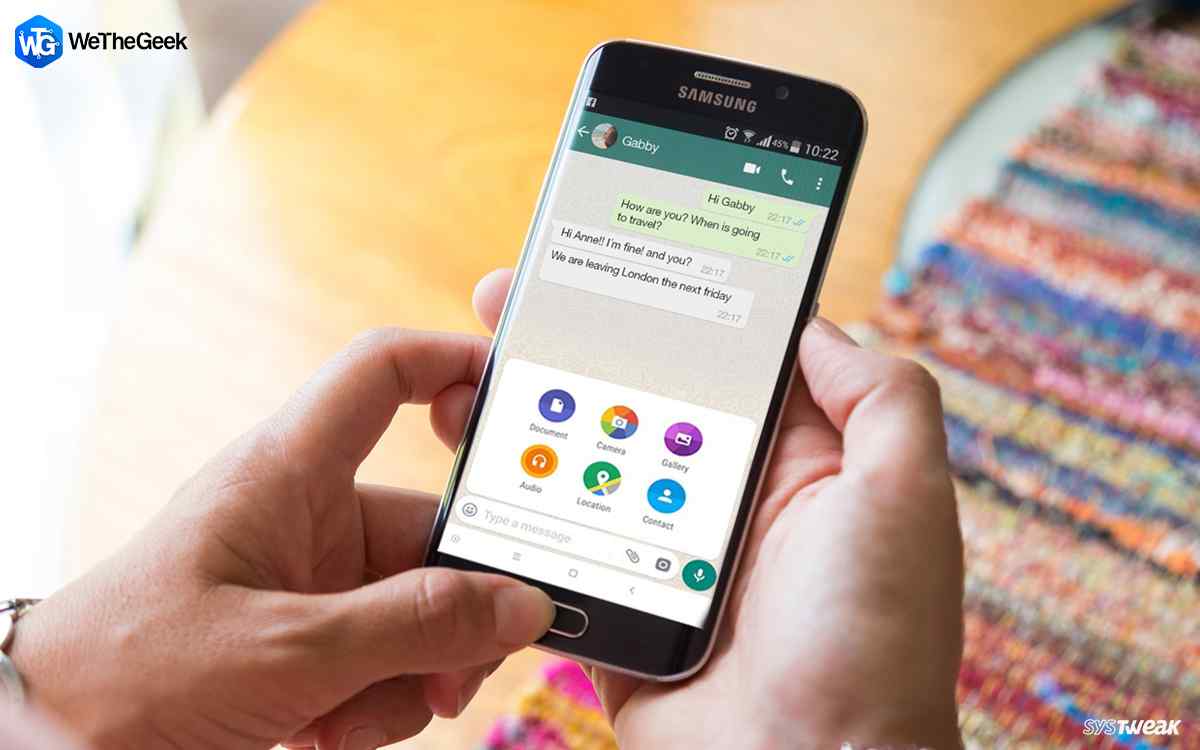
How To Send WhatsApp Images Without Losing Quality

WhatsApp is undoubtedly a great application for communication, but it’s surely not an ideal platform for sharing photos. If you’ve ever sent a picture via WhatsApp Messenger, you must have noticed that the resolution turns rather small....

|