Blogs

For Windows 10

How To Fix Recovery Drive is Full Error on Windows 10

The entire digital age in which we’re traversing is built upon data. Don’t you think so? Yes, data is one of the most important assets that we do not wish to lose, under any circumstance. Windows Recovery Drive is a useful space that st...


|
For Windows 10

3 Easy Methods to Record Vimeo Videos to Your Computer

With around 1.6 million subscribers Vimeo is one of the growing video sharing and hosting sites. Here people can post their video creations and host different videos on various topics. From animations to music videos to demonstrations anyth...

|
How-To

How To Fix Hard Disk Issues with Disk Speedup?

Hard Disk is the computer hardware that stores your operating system, system files, drivers, applications, games, and most importantly all your files and data. This makes it one of the most important components of your PC and care must be t...

|
How-To

How to Fix VPN Error 789 Connection Failed on Windows 10

Stuck with the VPN error 789 on Windows? Don’t worry! You can easily get past this issue by making a few changes to your device’s settings. The VPN connection failed 789 error can be caused due to misconfigured VPN settings, IPSec se...

|
How-To

How To Strengthen Web Security with VPN

A website’s security is important for the host who launches the website as well as the clients who visit the website for one reason or another. Hence it becomes the duty of the site owner to ensure that there are security measures in plac...

|
How-To

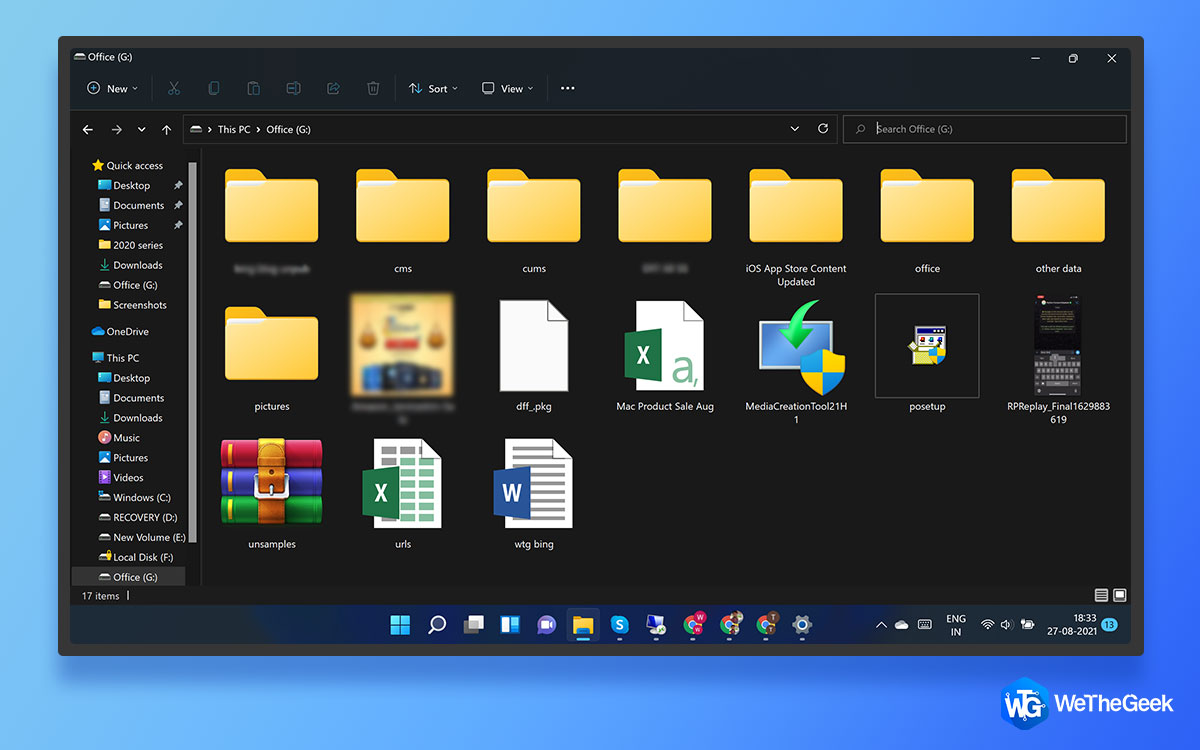
How To Disable File Explorer Search History In Windows 11

The upcoming version of Windows 11 is soon about to make its official release, by the end of this year. And most of you would be pleased to know that File Explorer is finally getting a major revamp. Yes, that’s right! Compared to Windows ...

|
Driver Guide

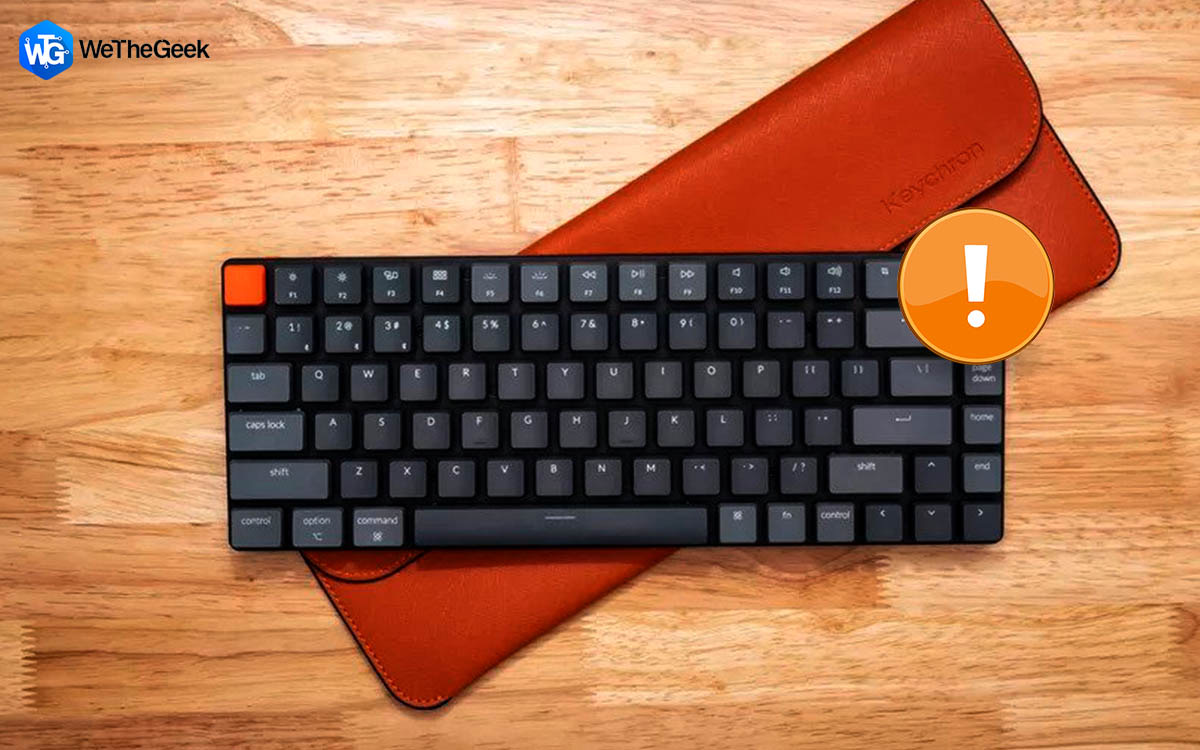
How To Fix Wireless Keyboard Lag on Windows PC?

A wireless keyboard is preferred over its wired predecessor as it has a lot of advantages. However, the absence of a wire means that the keyboard must use alternative technology to connect to your PC and that is Bluetooth or RF (Wi-Fi). Tho...

|