Blogs

How-To

How To Fix Compressed Folder is Invalid Error on Windows 11

Did you just encounter the "Compressed Folder is Invalid" error on Windows 11? Well, you’re not alone. This error message typically occurs when you try to open or extract a compressed folder that is corrupted or damaged. When you creat...
|
How-To

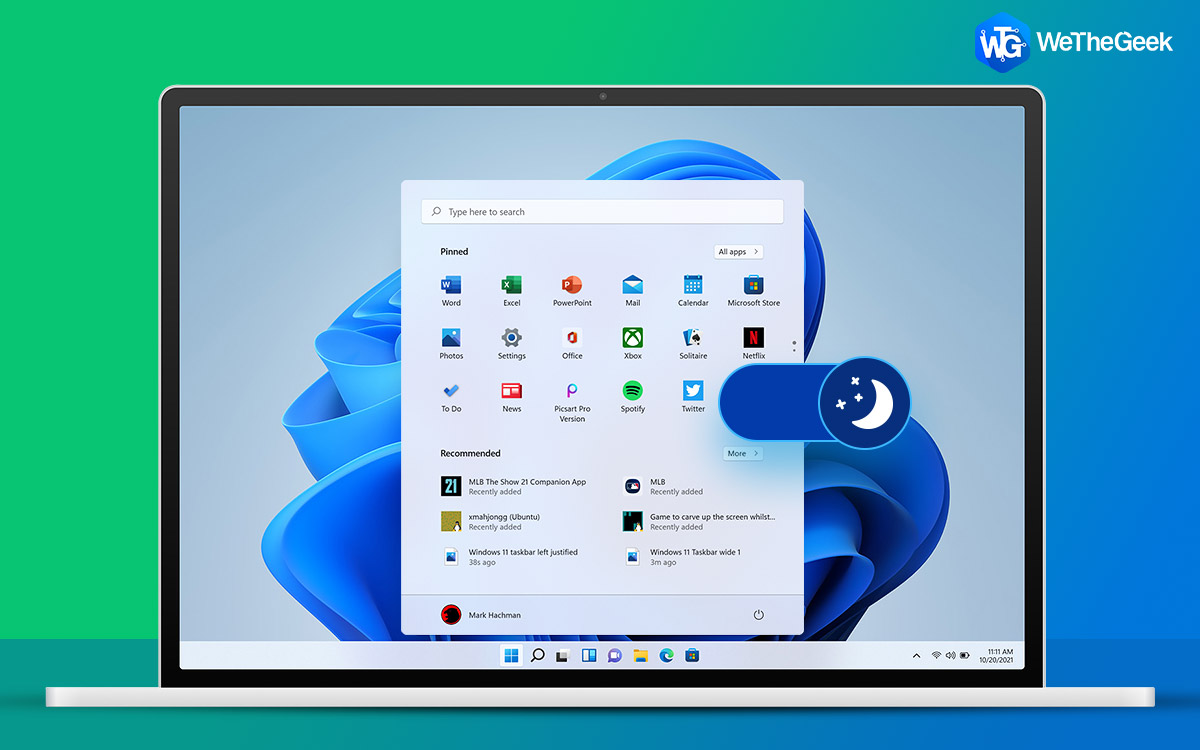
How To Put Apps To Sleep In Windows 11/10?

Apps can drain the battery life even when they are not in use as they keep running in the background. Thankfully, Windows has several energy-saving functions, such as the Sleep option. By putting your computer and programs to sleep after a ...

|
How-To

How To Replace Siri with ChatGPT On Your iPhone

AI has become an integral part of our daily lives, aiding in a myriad of tasks ranging  from answering complex questions, improving the quality of music streaming, writing codes, enhancing smartphone photography and what not! The prevalenc...

|
Apps

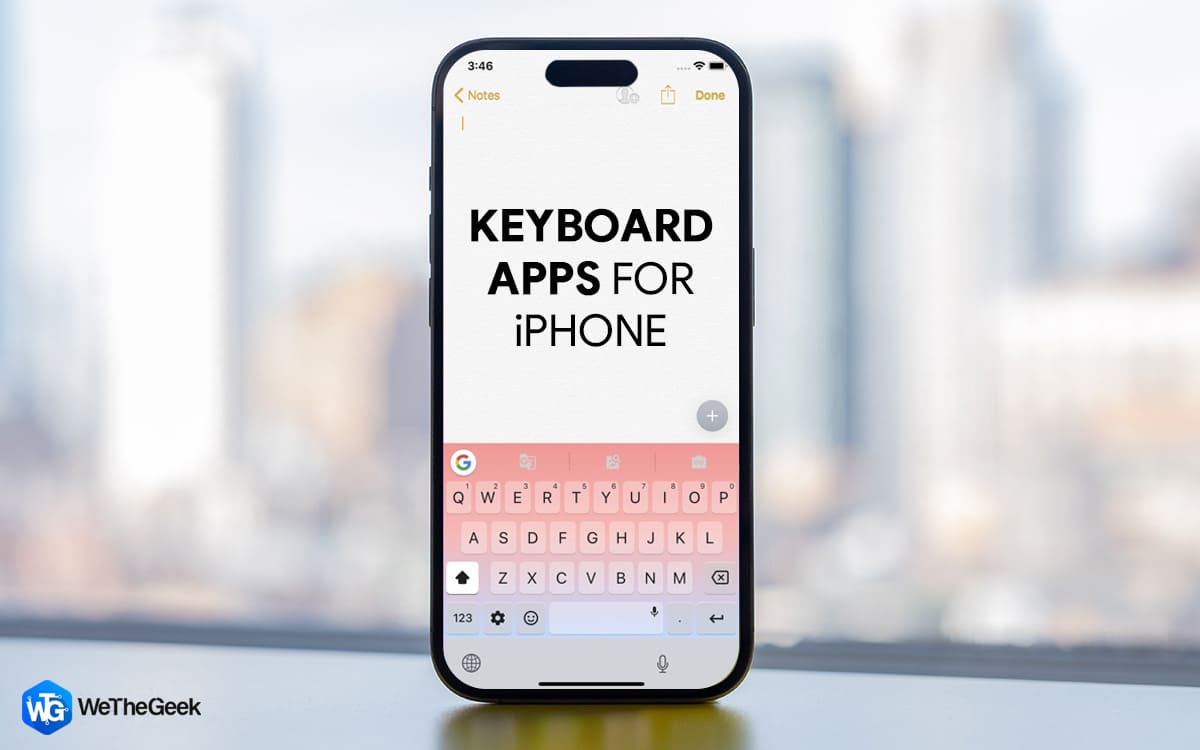
8 Best Keyboard Apps For iPhone And iPad

Hey there, fellow iPhone and iPad users! Are you tired of the same old typing experience on your device? Let's face it, the default keyboard on your device can be a bit boring and limited. It's time to switch things up and discover some ama...

|
How-To

Locked Out of Microsoft Store? Here’s How to Regain Access!

Microsoft Store won’t let you sign in. Are you having trouble signing in to Microsoft Store? It can be frustrating when you're unable to access the apps and games you want to download. But fear not! We've got you covered with some trouble...

|
How-To

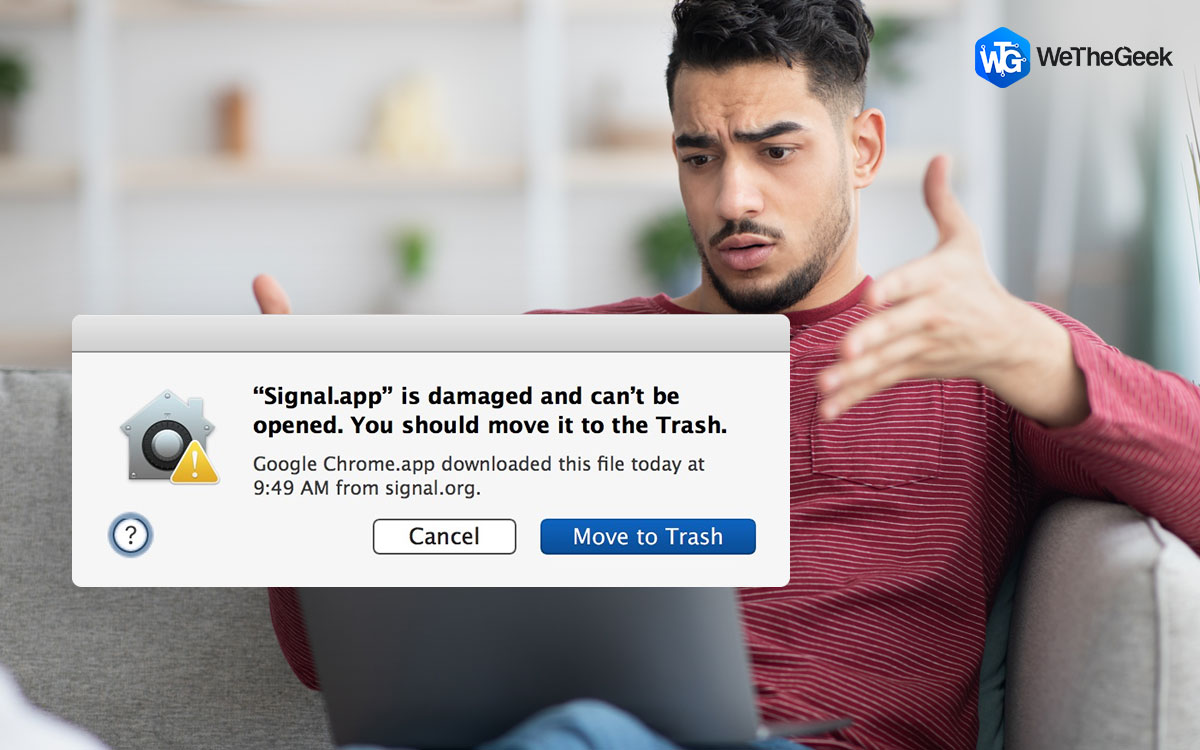
How to Fix “App Is Damaged and Can’t Be Opened” on Mac

If yes, you are not alone. Many Mac users regardless of the Mac version have encountered or are encountering this issue. By Mac version, we also mean the latest M1-based Macs including macOS Ventura. Some popular applications like Signal, X...

|