Author bio

Preeti Seth

Preeti Seth

A tech enthusiast who started her career as a technical support agent understands the importance of problem-solving. Being in the IT industry for almost 12 years she has a vision to help people with troubleshooting. She specializes in curating articles about the latest update in the tech world. In her free time, she loves reading mystery, sci-fi books, and travelling.

How To Fix High CPU And RAM Usage By MRT.exe

MRT.exe is an executable legitimate Windows program file short for Malicious Removal Tool. In some sense, this file helps protect from infections; hence, you might see a spike in CPU and RAM usage. Besides this MRT.exe process can also caus...
|

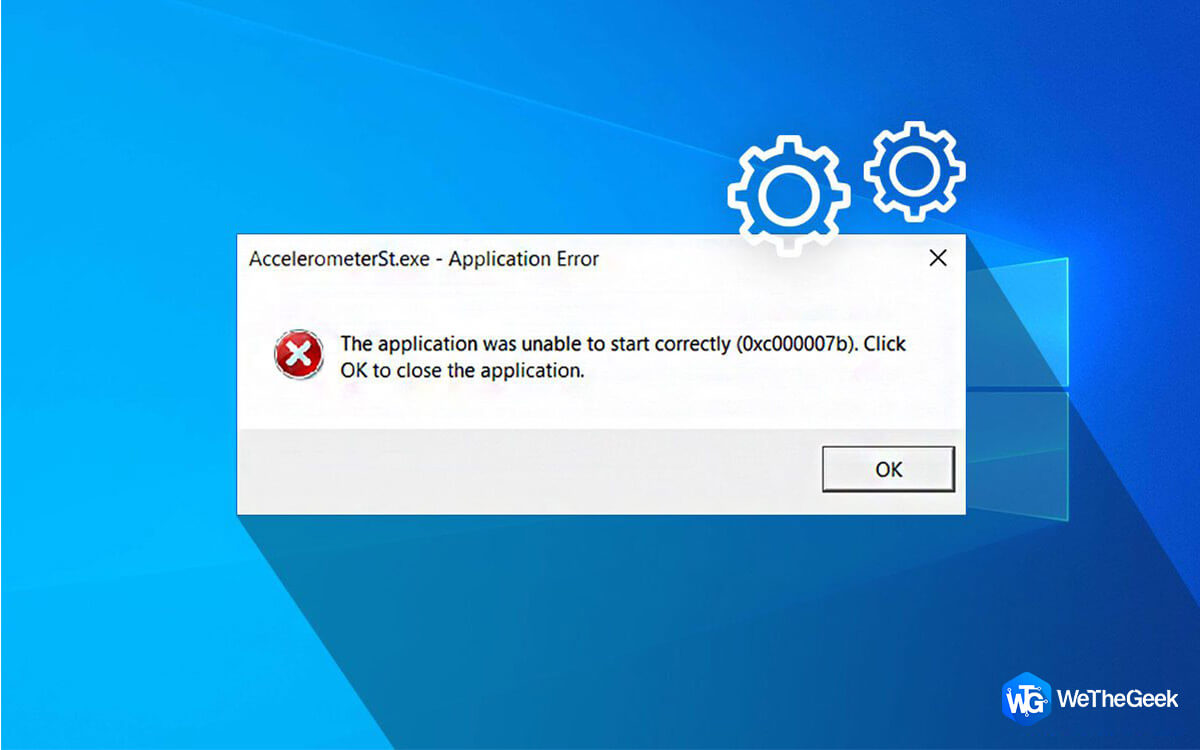
How to Fix AccelerometerSt.exe Error on Windows 10 PC

AccelerometerSt.exe Error is quite an annoying issue for Windows 10 users. If you have encountered an AccelerometerSt error after upgrading to Windows 10 Creator, you’ve come to the right place. Here we will discuss how to fix this system...

|

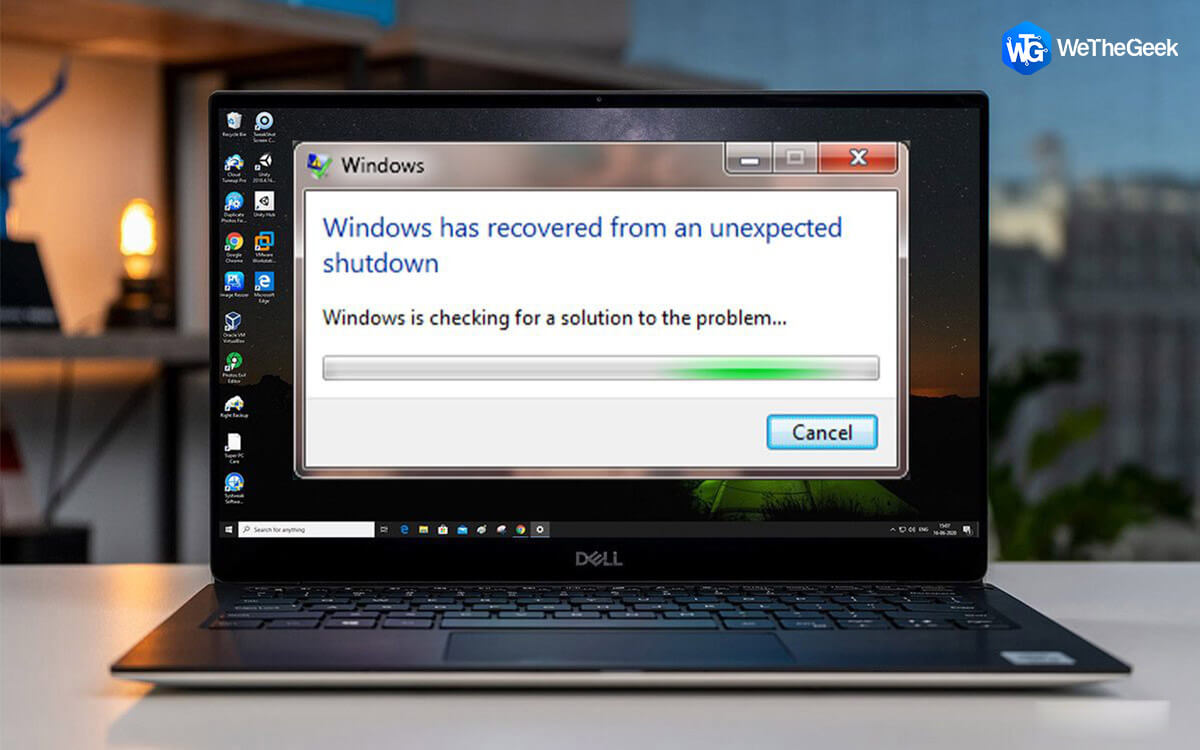
How to Fix Windows Has Recovered From An Unexpected Shutdown Error

Lately, several Windows users have complained about windows has recovered from an unexpected shutdown error: the system has recovered from an unexpected shutdown. Hence, here we are with the quick fixes to resolve this error on Windows. ...

|

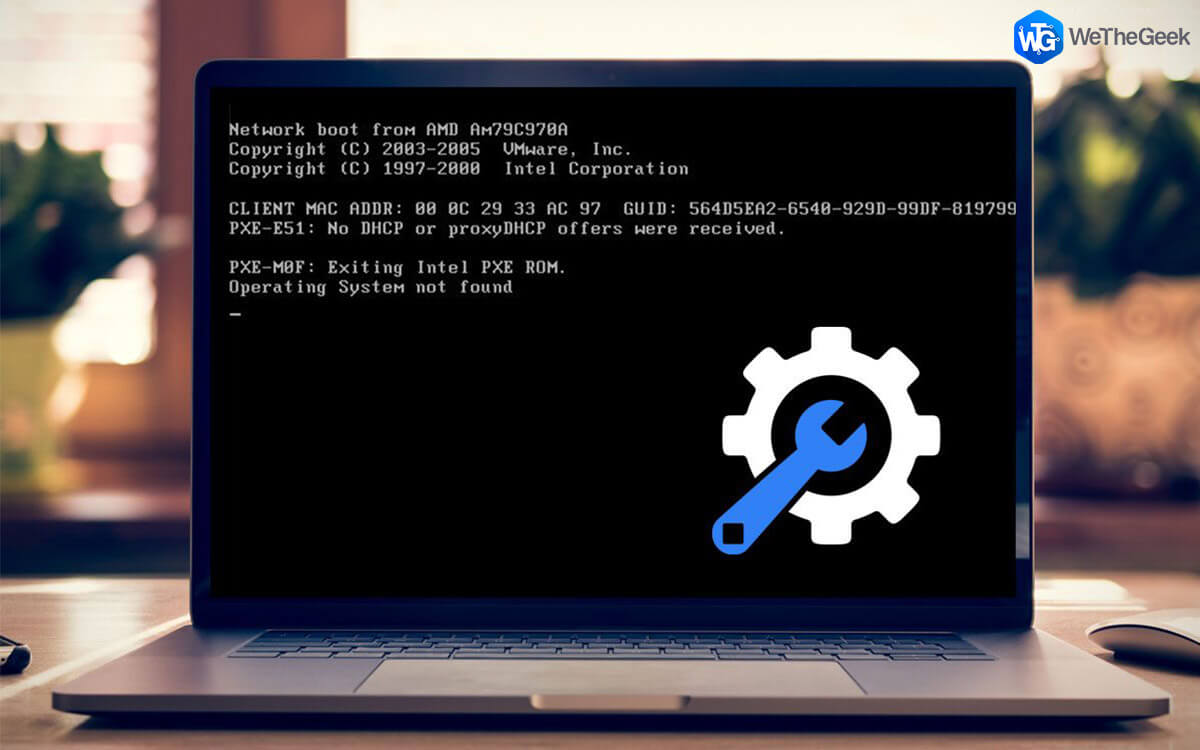
How To Fix Operating System Not Found Error

Missing operating system or boot device not found, please install an operating system on your hard disk, error messages appear on a black screen. This means you cannot boot your PC. Here’s how to fix no operating system found an unusual p...

|

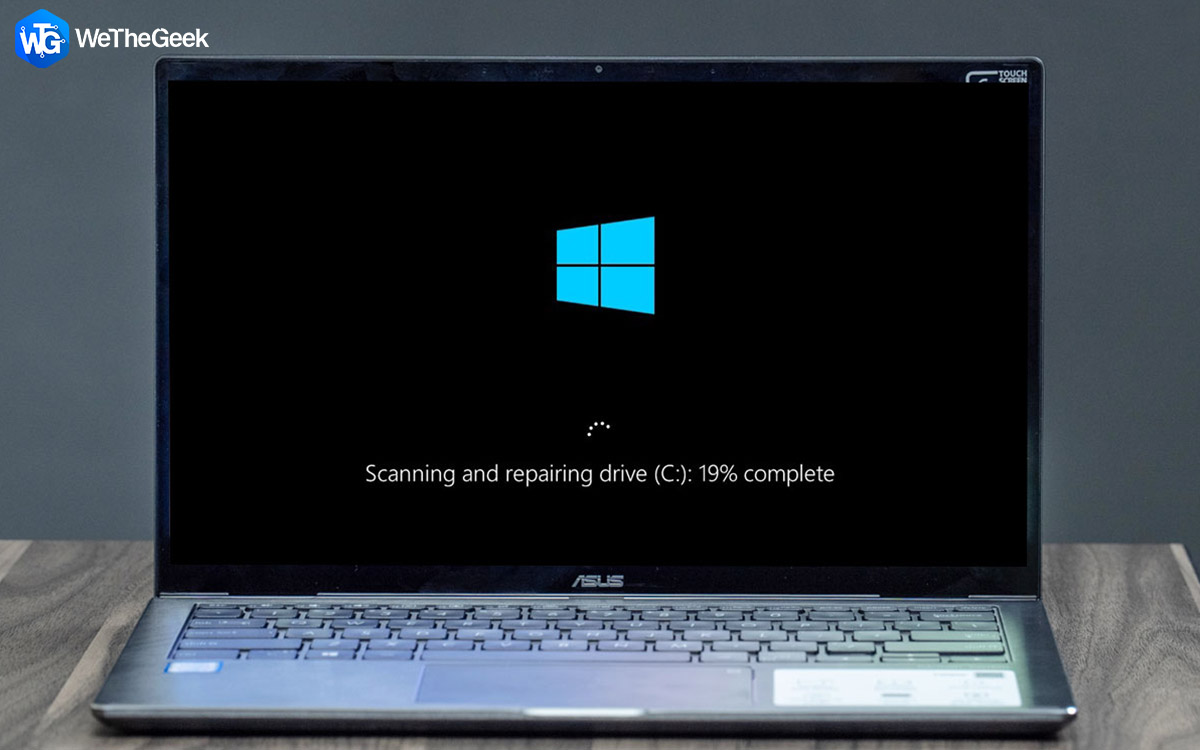
Fix Scanning and Repairing Drive Stuck in Windows 10

Amongst the common startup error messages on Windows 10, scanning and repairing drive C: or D: is most recurrent. This error occurs due to the following reasons: Improper system shutdown Bad sectors on the hard disk Virus or malw...

|

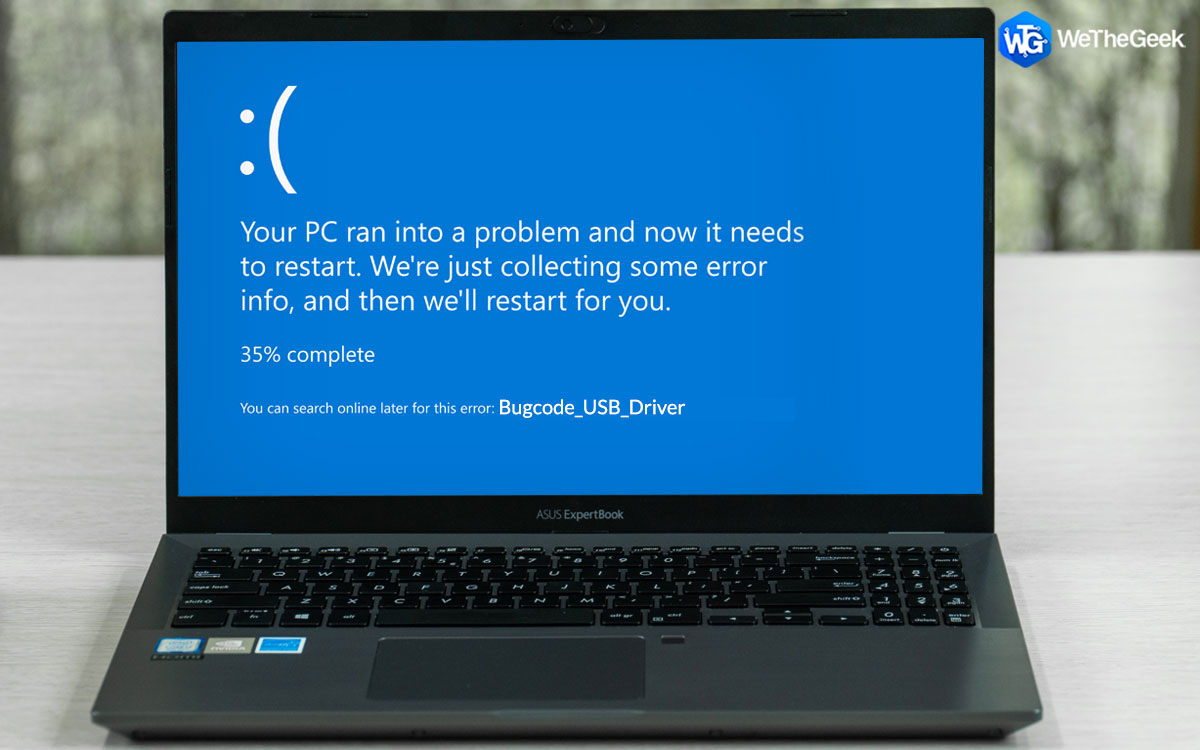
Fix – Bugcode_USB_Driver Blue Screen Error In Windows 10

After connecting a USB device to your Windows 10, are you encountering the Bugcode_USB_Driver Blue Screen of Death error in Windows 10? Well, don’t worry or get frustrated. In this post, we will discuss the quickest and simplest ways ...

|

How To Fix High CPU Usage By RAVBg64.exe?

Task Manager is a system monitor that provides information about the background running processes and applications. Unless the system starts to misbehave or freezes, we do not check these processes by opening Task Manager. However, if you f...

|