Windows

You can find articles on the latest news, troubleshooting, updates, and tips and tricks relating to Windows operating system.

How-To

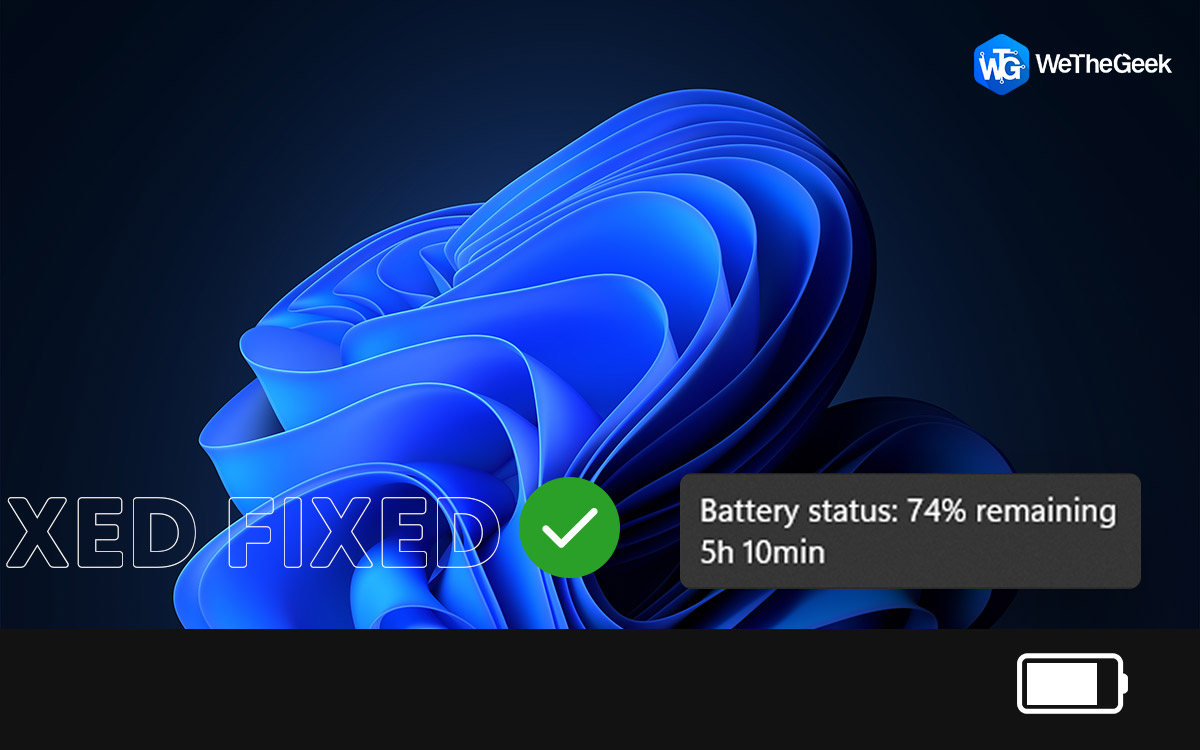
How To Fix Missing Battery Time Estimate In Windows 11

Though, it’s straightforward when it comes to keep track of how much power is left in your laptop battery. The standard process includes, observing a percentage and an estimated amount of battery life are shown when you hover the mouse ov...

|
Software

7 Best Screenwriting Software To Use In 2023 [Free & Paid]

Trying to draft or edit a script using standard word processing tools can feel like pushing a boulder uphill. Popular utilities like MS Word & Notes can help you create a screenplay, but you need to keep wrestling with the margins and l...

|
Alternative

10 Best Skype Alternatives For PC In 2023

Even though Skype comes up with some of the most helpful features to improve user experience, one can look for the best alternative to Skype for PC. Skype, being the oldest communication tool for making video and audio calls, is quite famou...

|
How-To

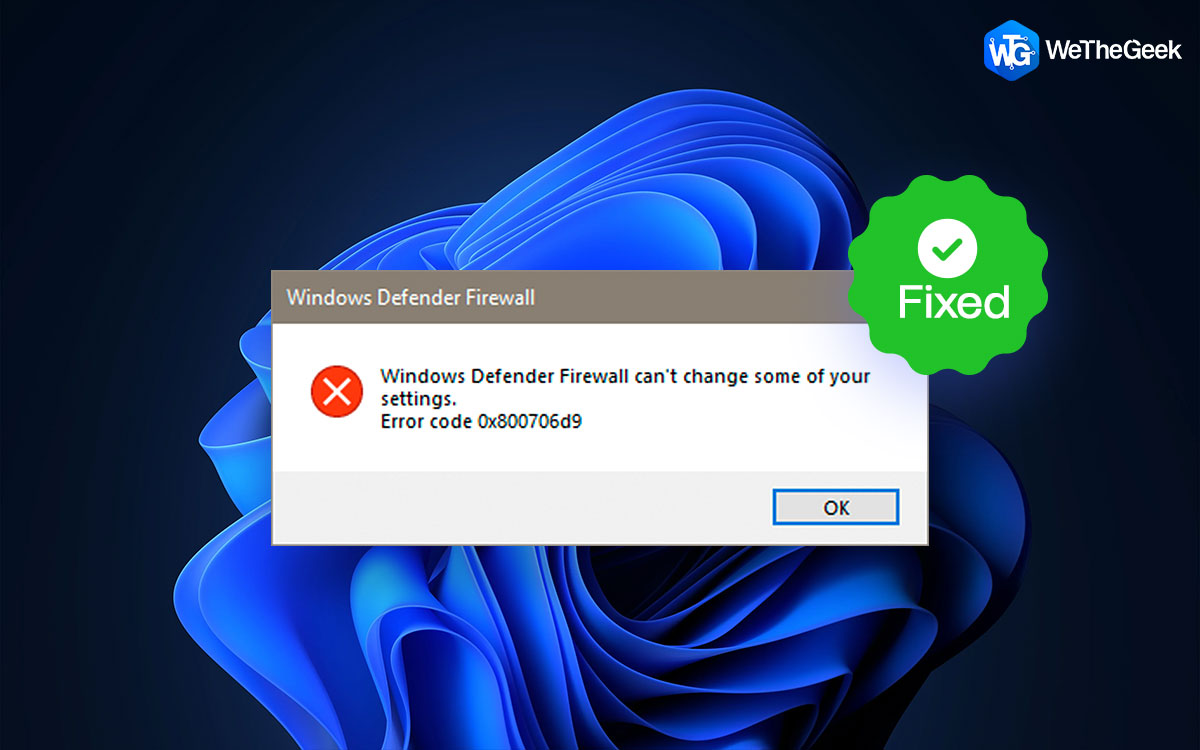
How To Fix Windows 11/10 Firewall Error Code 0x6d9?

The importance of the internet in our lives can’t be stressed enough. And, something that keeps us safe from the dangers of the internet is Antivirus software. It keeps our online activities safe and free from any malicious threats. But, ...

|
Software & apps

10 Best Video Ad Makers You Must Use

Technology advancements have made it simpler than ever to record and produce high-quality videos with them. However, you'll need the efficient video ad creators available if you want to produce a professional-caliber video for your YouTube ...

|
How-To

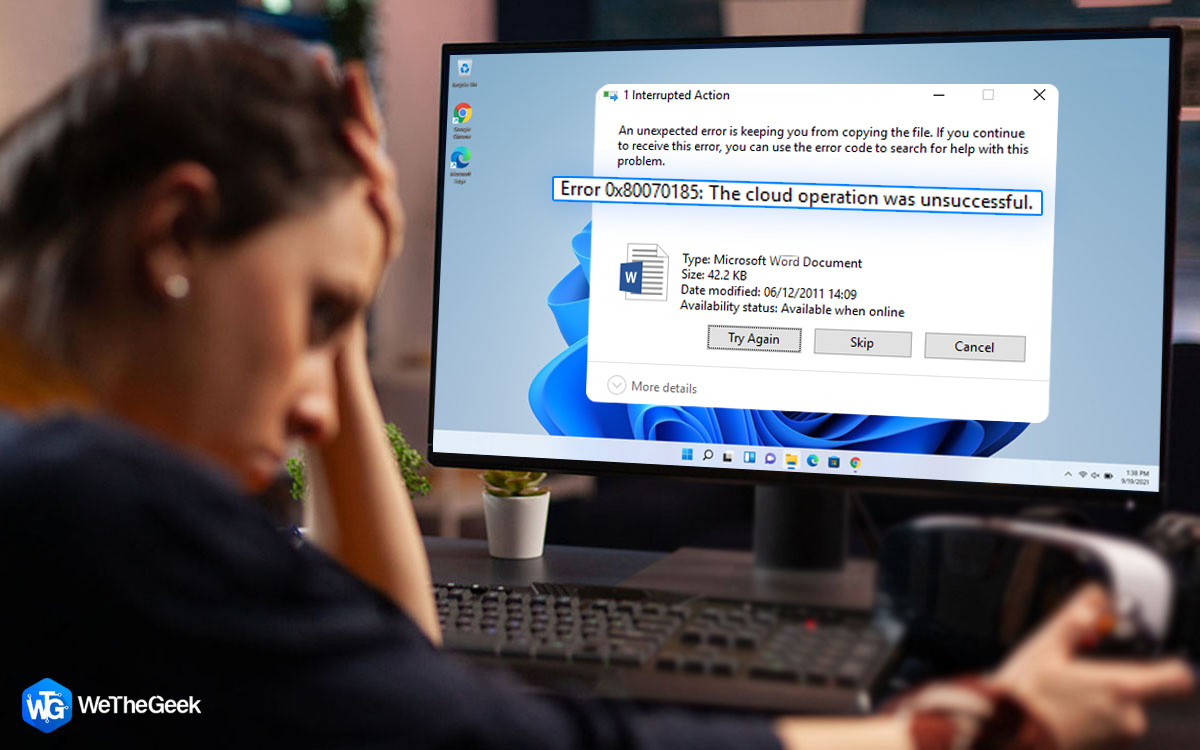
How To Fix One Drive Cloud Operation Was Unsuccessful Error

OneDrive is a popular cloud-based file hosting and synchronization service developed by Microsoft. It allows users to store files and photos, access them from anywhere, and share them with others. With OneDrive, you can store your fi...

|
How-To

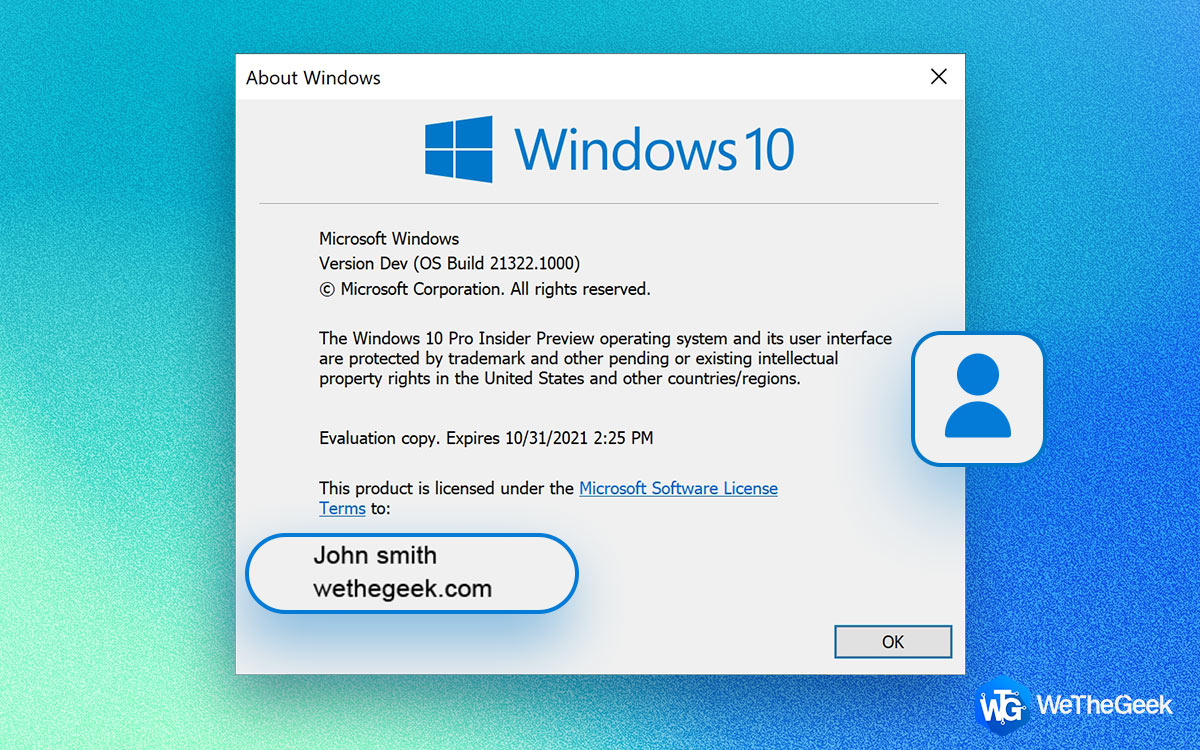
How To Change The Owner Details On Windows PC

During the setup process, Windows never prompts you to enter a PC name and organization. That's because Windows aims to make the login process effortless. The OS automatically retrieves the information from your associated Microsoft account...

|