Windows

You can find articles on the latest news, troubleshooting, updates, and tips and tricks relating to Windows operating system.

How-To

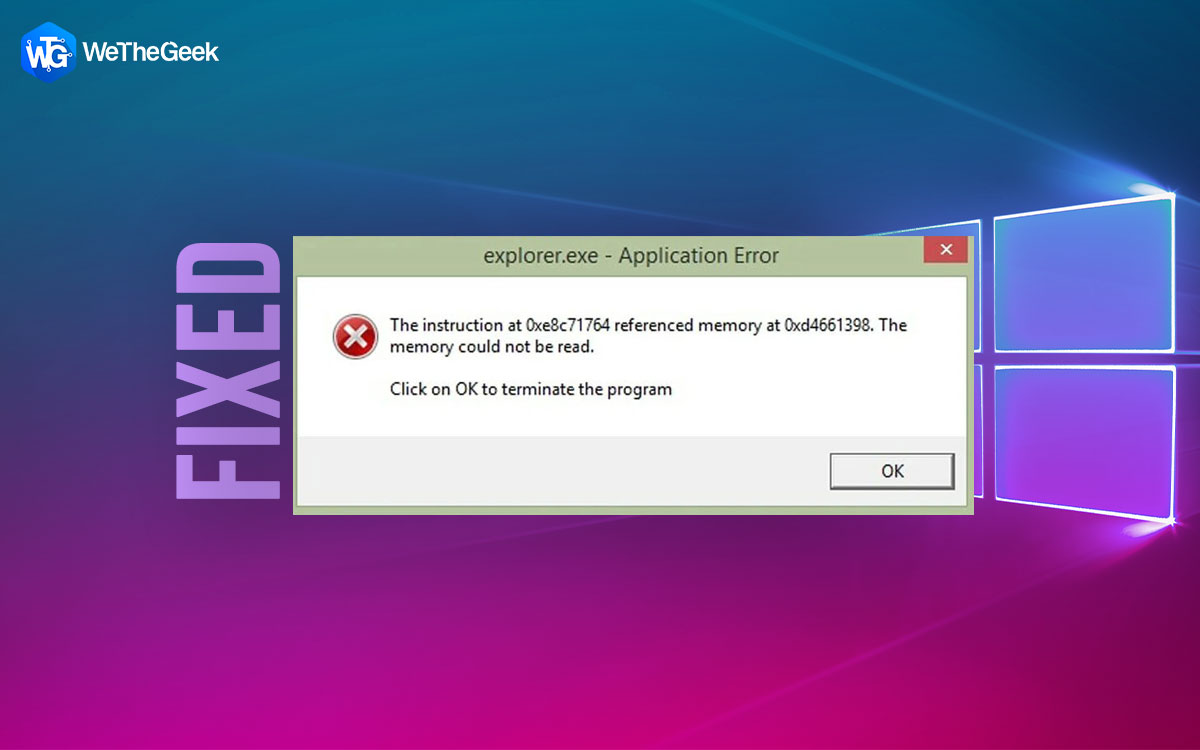
How To Fix The Explorer.exe Application Error On Windows 11/10

Some users have bumped into the Explorer.exe Application error when trying to restart, shut down or boot up their computers. In this post, we will have a look at the various ways in which you can resolve the issue. What Is The Explorer.exe...
|
How-To

How To Sign A PDF Digital Signature

Printing, scanning, and signing documents is not only a time-consuming process but also involves a lot of wastage of resources and is in a way anti-environment! Which is why over the years using e-signature to sign valuable docs has become ...

|
Top 10

6 Best HEIC To JPEG Converter For Windows PC

HEIC is an image format that was introduced back in iOS 11 and has been a part of the later iOS variants up to iOS 16. The format is known for saving up space as it doesn’t take up much of your storage space and even doesn’t compromise ...

|
How-To

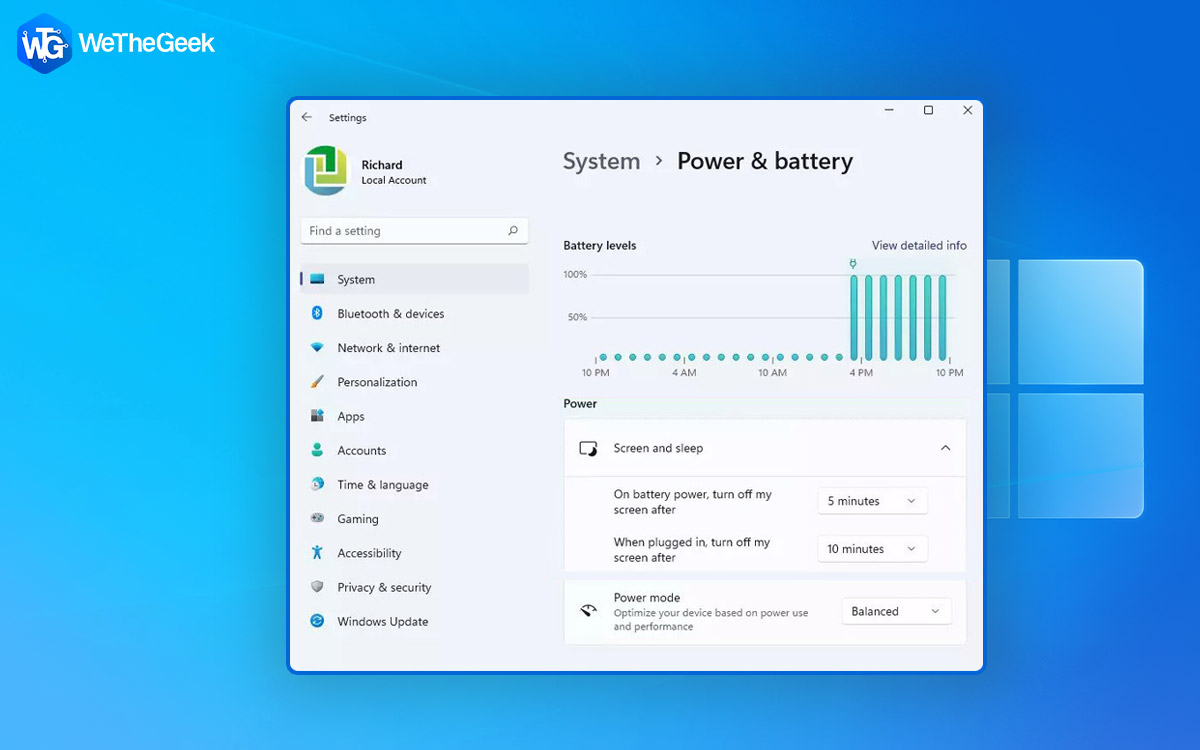
5 Ways To Change Screen Timeout In Windows 11

It’s frustrating when your display’s screen turns off sooner than you’d expect. Isn’t it? So, here are ways you can change the screen timeout in Windows 11. Want to change the screen timeout time of Windows 11? But why would you wa...

|
How-To

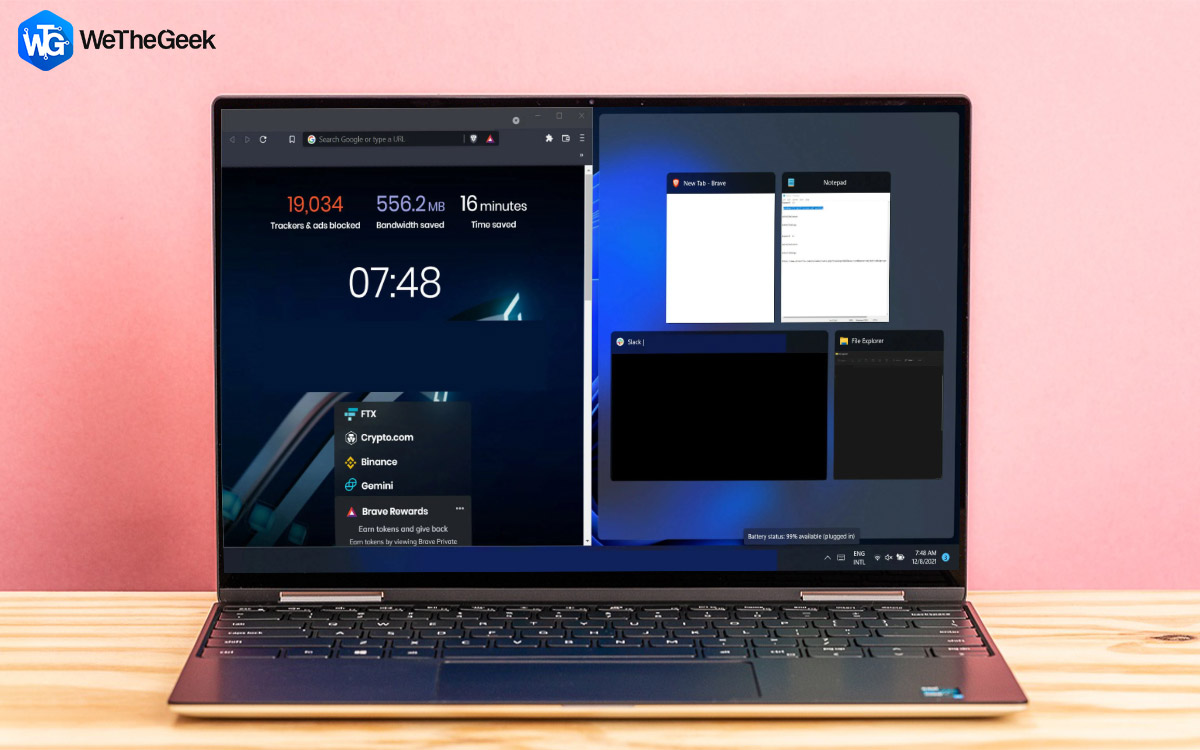
How To Split Screen On Windows 11 PC

Are you tired of constantly switching between windows on your Windows 11 computer? Well, there's an easier way to manage your multitasking needs. Splitting your screen on Windows allows you to view and work on two or more different windows ...

|
How-To

How To Use Screen Recording Software In Teaching

Teaching is not just confined to classrooms these days. No matter where you are, you can share your knowledge with your students. Not just knowledge, you can even share your feedback. And, in that, a screen recording tool can be of great he...

|
How-To

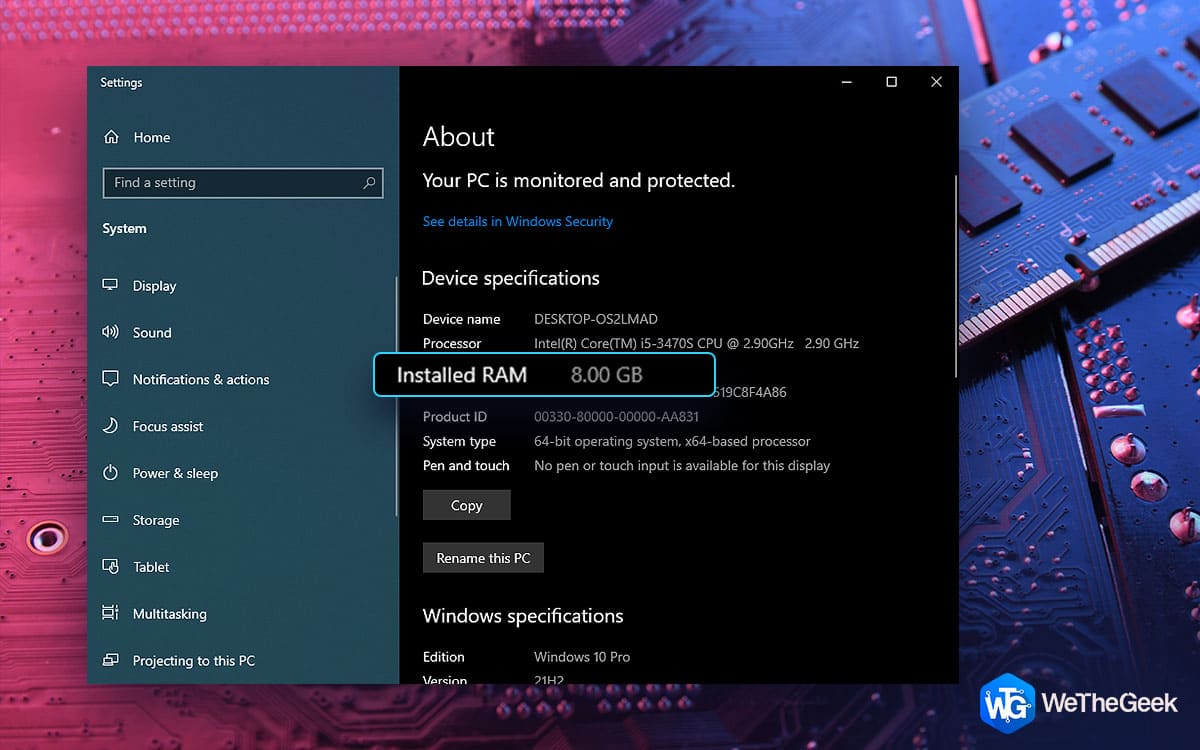
What To Do If Computer Is Not Using All RAM

RAM or Random Access Memory is one of the fundamental elements of your computer. It is your computer’s short-term memory where your computer stores all that data that it needs to access quickly. It is ideal for apps, processes, and other ...

|