Blogs

For Windows 10

How To Fix Windows 10 Task Manager Not Responding

It is such a common instinct to press Ctrl+Shift+Esc to open Task Manager or press Ctrl+Alt+Delete and then choose Task Manager to End Task an application or process that's acting up. But, what if the saviour acts up itself. What if you fin...

|
For Windows

Advanced PC Cleanup – Windows PC Cleaner Review

Windows is the most versatile and powerful operating system, but even it has its share of issues. Sudden slow down, freezing window, Blue Screen of Death, and similar problems are some of the most frustrating issues with Windows devices. ...

|
For Windows 10

How To Customize Windows Context Menu in Windows 10

The Windows context menu is the small box that appears when you make a right-click on specific items in the Windows 10 operating system. This small box that appears provides users with a list of with further options that can be carried out ...

|
Browser

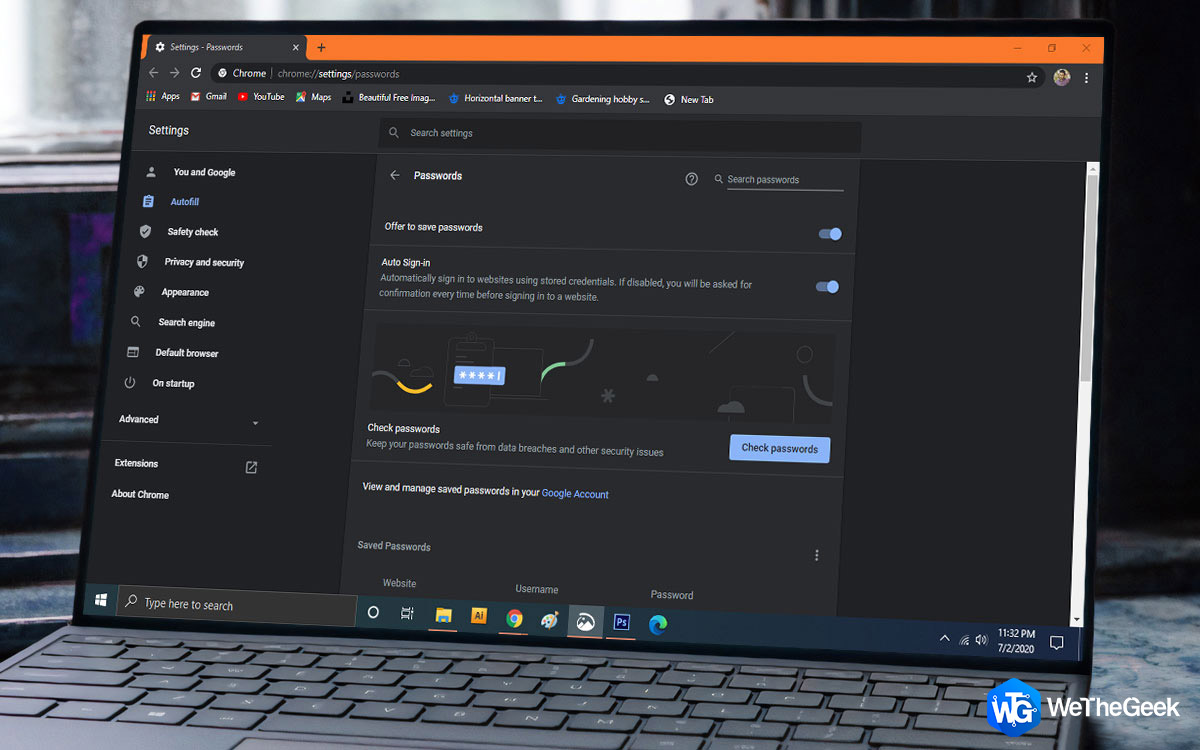
How to Fix Chrome Passwords Not Syncing Issue

Google Chrome has an in-built password manager that saves your credentials (Username & Passwords) for later use. This safe storage allows users to log into web pages and other web tools without credentials. Also, Chrome automatically sy...

|
Driver Guide

How To Quickly Fix Epic Games Launcher Not Working Error

Love playing games on your computer but Epic Games Launcher not working? We have a solution for you as it is a case of a few reasons. Either it is the cache which is obstructing the smooth functioning of Epic Games Launcher or the device dr...

|
Driver

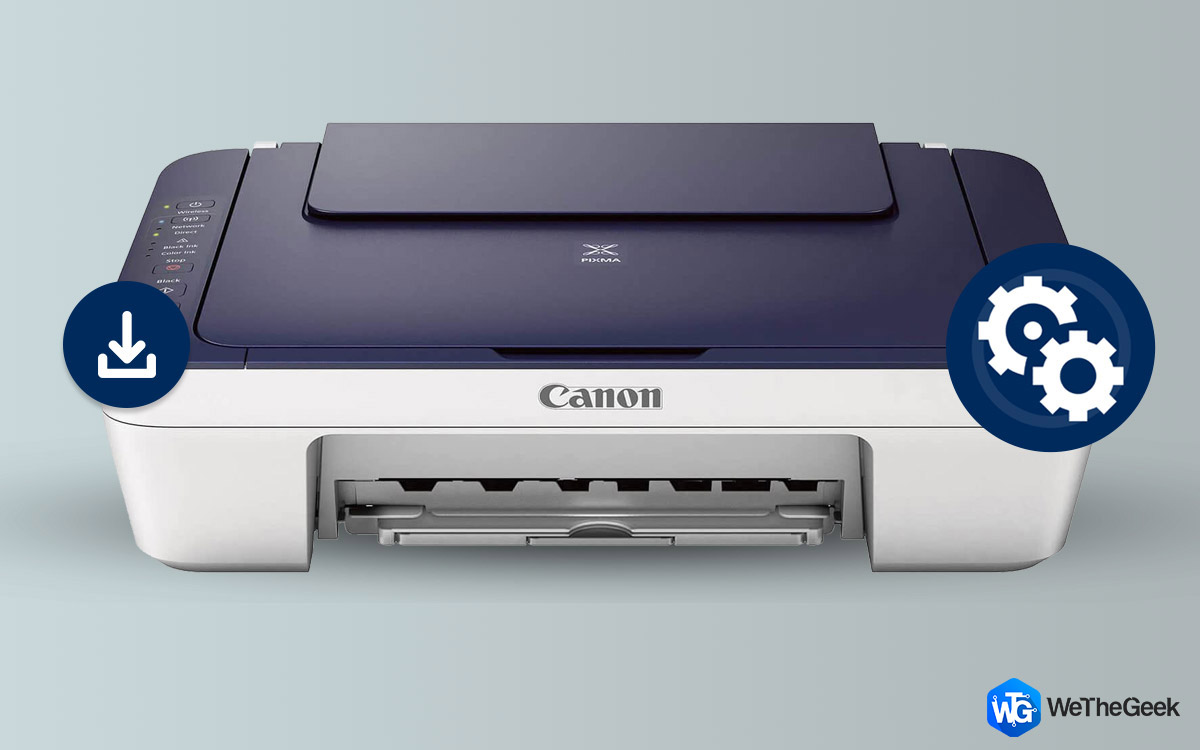
How To Download & Update Canon MG3022 Driver

When you buy a new Printer or try to connect it with another computer, you will require a compatible driver on the system. This is the most common reason why your computer is not showing you connected printer. In this article, we discuss ho...

|
brave

10 Best Private Browser [2023] – Most Secure and Reliable

While browsing various websites and other content on the internet via several devices, maintaining anonymity is a challenge. Your browsing session leaves trails in the form of browsing history, cookies, session history, temp files, search r...

|