Page 278

Multimedia & Editing

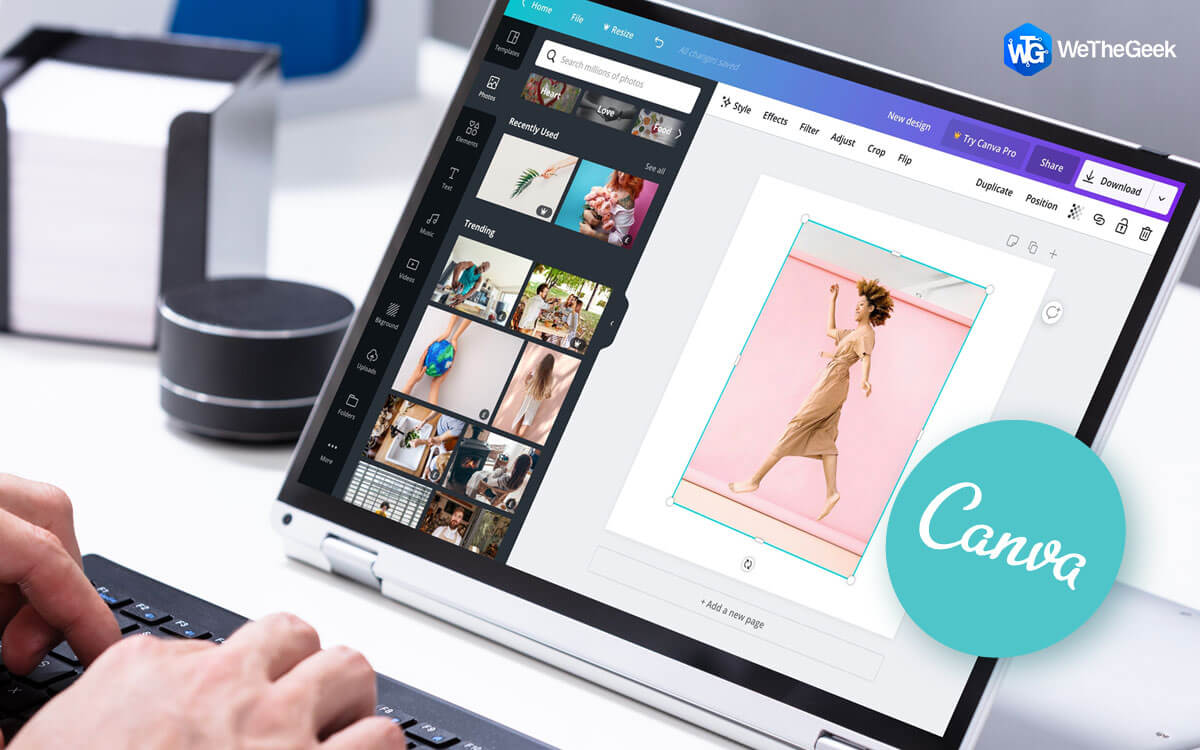
Canva Photo Editing Tips For Beginners

Blog Summary - Are you constantly looking for a way to make your photo appear good for social media platforms? Do you want to have that aesthetic look on your printed photos, but don't know how? This blog will help you learn how t...


|
Cleaner

How to Tune Up Windows 10 PC for Better Performance

Every Windows PC needs maintenance like any other machine on the planet. The difference, however, is that machines need hardware maintenance like oiling and greasing, computers need software maintenance. Without maintenance or optimization,...

|
Cyber Security

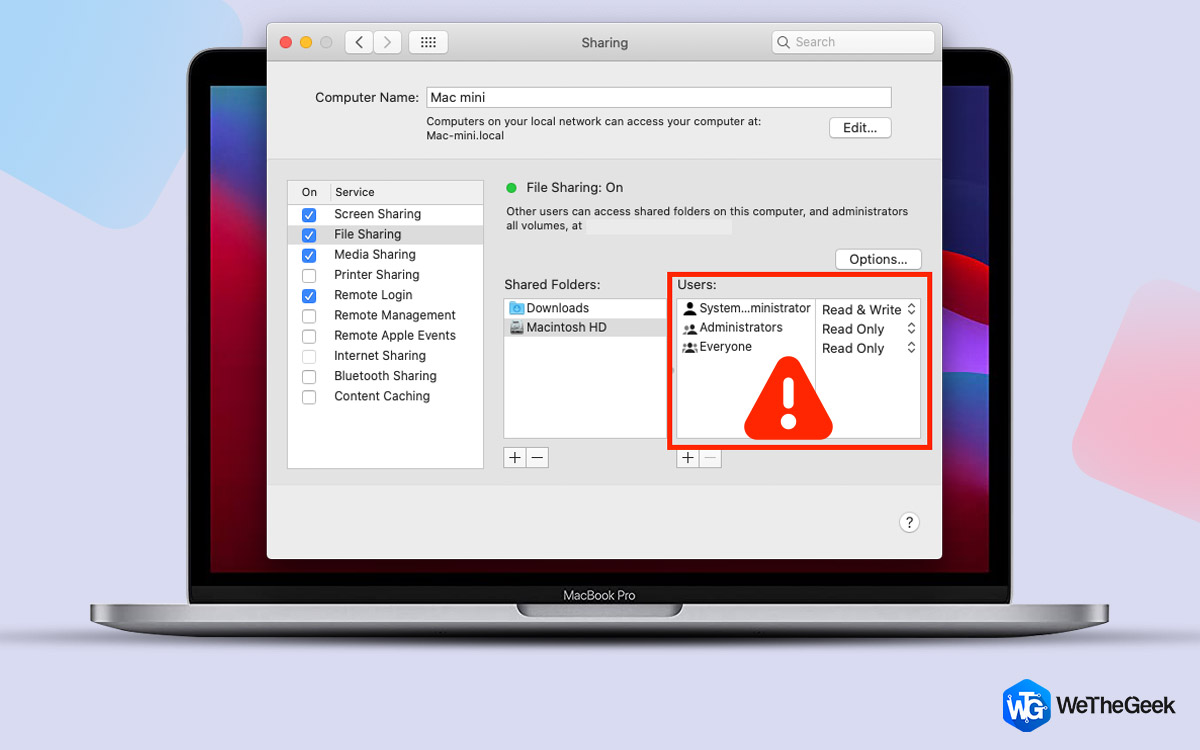
How to keep Google from tracking you?

Blog Summary - Google might know you more than your friends and family at some point. Yes, it's true, they know about your sleeping pattern with the internet usage and the things on your mind with the search results. But do you wish...

|
For Windows 10

How To Find A Compressed Zip Folder On Your Hard Disk?

Compressed files or zip files are like a bundle that contains several files and folders in such a manner that it saves space. However many times, while saving space, we club together with many files and folders that may not be connected to ...

|
Cleaner

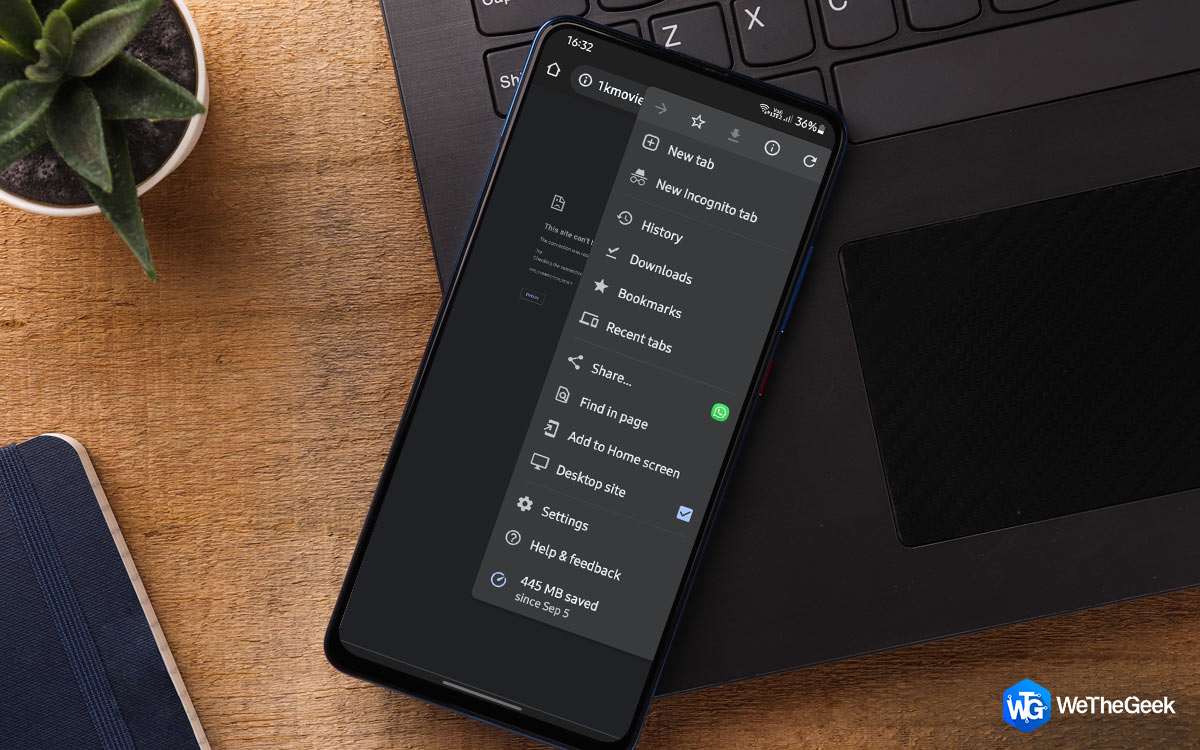
How to Delete the Thumbnails in Android

Thumbnails are minuscule replicas of the images stored in your phone. These smaller versions of your actual images are automatically created by your gallery app and enable you to see small representations of your image in the digital galler...

|
Driver

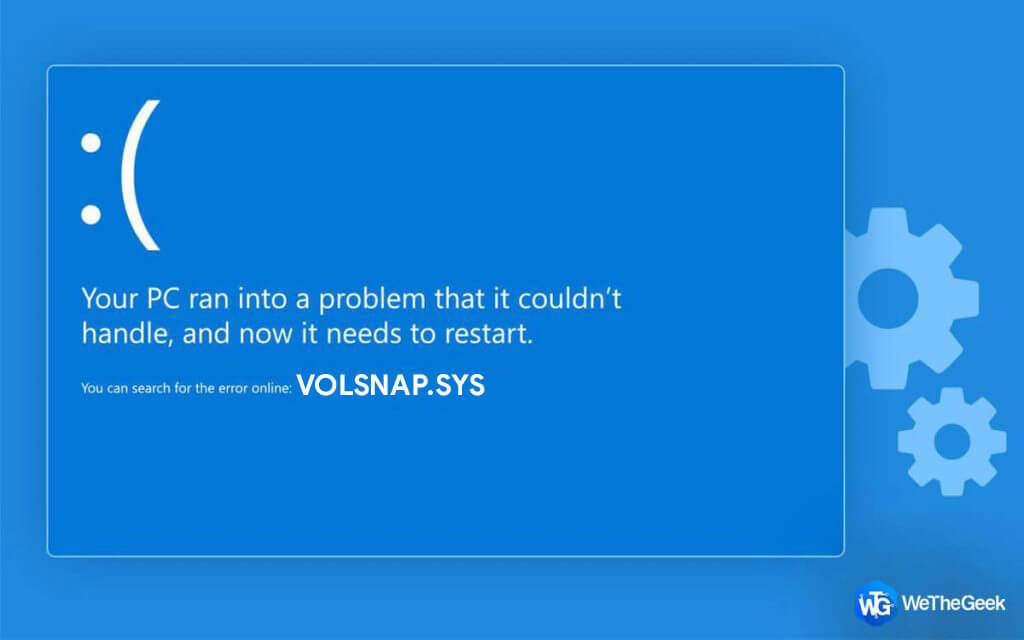
How to Fix volsnap.sys failed BSOD Error in Windows 10

If your Windows machine displays the BSOD error volsnap.sys and you're locked in a blue screen, don't be concerned. This is a typical blue screen error that can be fixed. The Volume Shadow Copy service is connected with Volsnap.sys. However...

|
Booster & Optimizer

How To Ensure A Fast Startup On Windows 10 PC?

If you feel that your computer is taking forever to startup and has high boot times then this could possibly mean that there are a lot of processes that are aligned with the Startup process of your PC. It also means that when your PC boots ...

|