Windows

You can find articles on the latest news, troubleshooting, updates, and tips and tricks relating to Windows operating system.

How-To

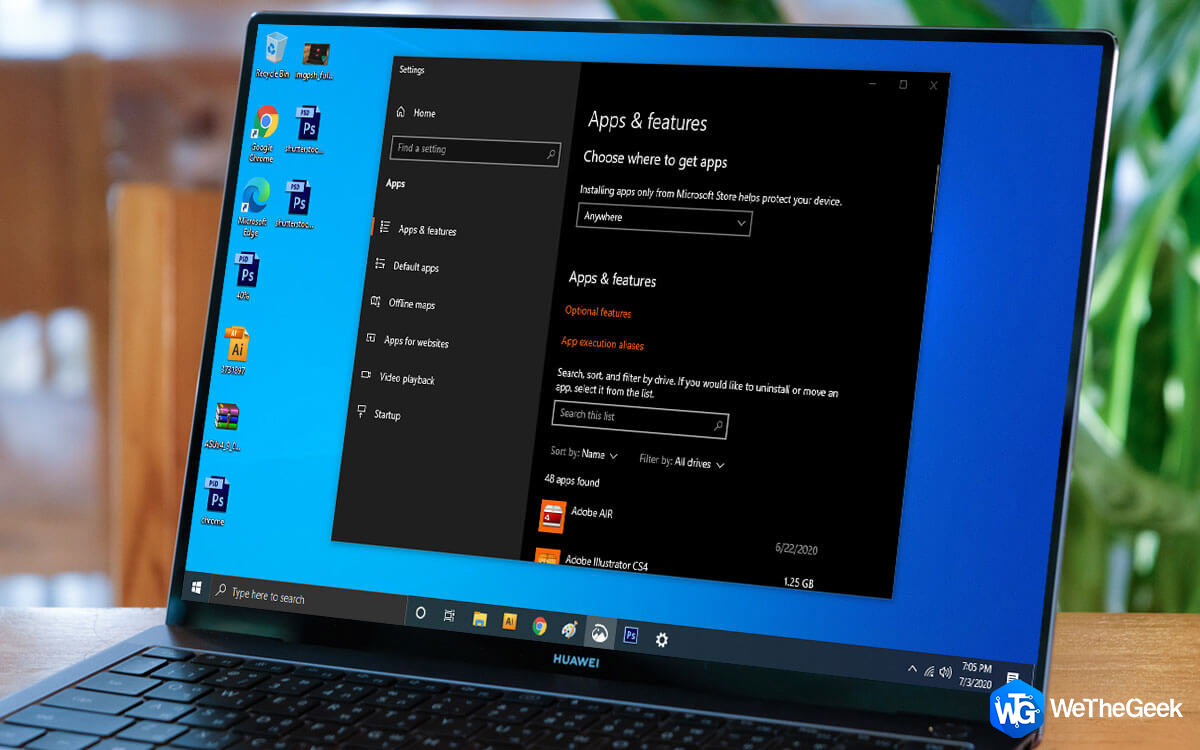
How To Uninstall Programs On Windows 10

Over some time, we tend to fill up our devices with several programs. When it comes to the storage issue is when we often look into cleaning programs to make space. On Windows, there are several programs that we might not need anymore. Ther...

|
For Windows 10

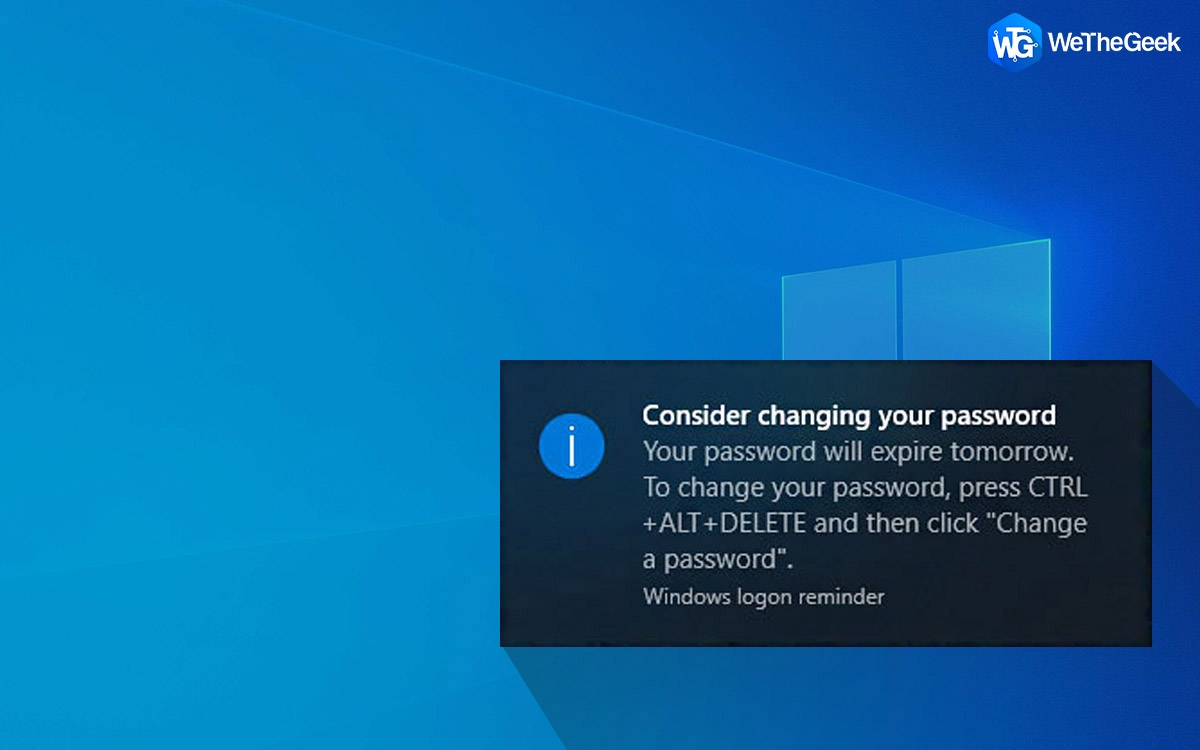
How To Set a Password Expiration Date in Windows 10

With the digital world taking over, passcodes and passwords hold a lot of importance; therefore, it is essential to keep a strong & unique password. As per several reports, saved passwords are more prone to be hacked. That's why the bes...

|
For Windows

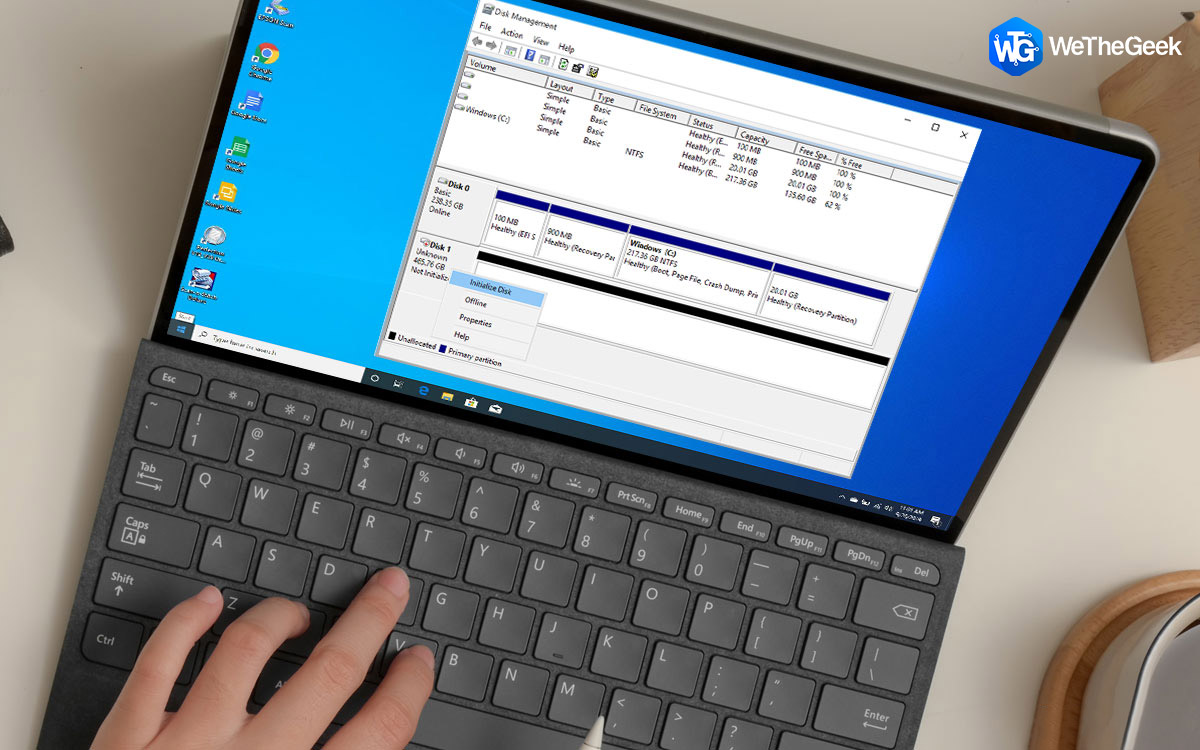
This Device Is Not Configured Correctly (Code 1) [Fixed]

Stuck with “This Device Is Not Configured Correctly (Code 1)” on Windows 10? Well, this error mostly occurs when you’re trying to upgrade your device to the latest version. This Device Is Not Configured Correctly (Code 1) is a common ...

|
Browser

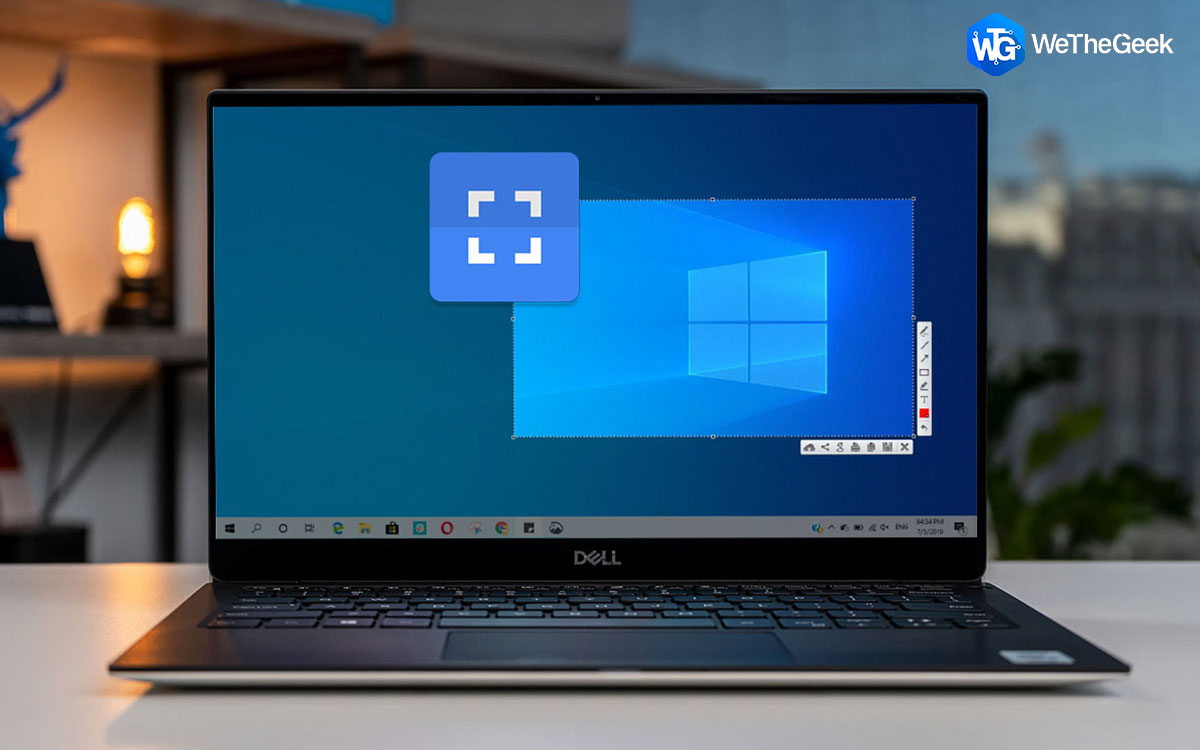
How To Save Webpage As PDF File On Chrome And Microsoft Edge

Sometimes, users may require a webpage to be available for access offline without going through searching it on a web browser. Instead, it's better to have a digital copy of that particular webpage on your PC so that you can access it to re...

|
How-To

How To Create A Timeline In Microsoft PowerPoint

One of the varieties of features that Microsoft PowerPoint offers is to help people present some information through graphics, charts, clip arts, and slideshow effects. One such feature is that of creating a Timeline. Timeline allows presen...

|
How-To

How to Zip/Unzip Files Using Powershell on Windows 10

Zip Function allows you to compress a file to a smaller size with all its associated configurations compressed in one single file. This way, such compressed Zip files can be easily shared with others over emails, or other file-sharing mediu...

|
Gmail Tips

How To Create And Work With Tasks On Gmail

People often used third-party tools to create and manage tasks and reminders. There are hundreds of web and mobile applications out there available on every App Store which can do that. And each is better than the other in doing the job rig...

|