Security & Privacy

Everything you ever wanted to know about tech security, tips/tricks, and services to protect and improve your device security & Internet privacy.

Security & Privacy

9 Best VPNs for Dark Web You Must Try

As public awareness of dark web things has increased, ISP and govt surveillance has surged. Consequently, if users want to add a layer of confidentiality to dark web browsing, a user may want to consider an accessible VPN. However, free VPN...

|
iOS

9 Best VPNs for iPhone & iPad You Must Use In 2023

The VPN market has exploded in recent years, with consumers growing more aware of the risks of browsing the internet. The proliferation of Wi-Fi networks and public hotspots means that users are exposed to a greater risk of cybercrime than ...

|
How-To

How To Fix Slow NordVPN Connection Speed

What Makes User Face Slow NordVPN Connection Speed Issues? NordVPN itself notes that while using the Virtual Private Network service, you can expect some slowdowns. This usually happens when you get connected to the closest server via Op...

|
Security & Privacy

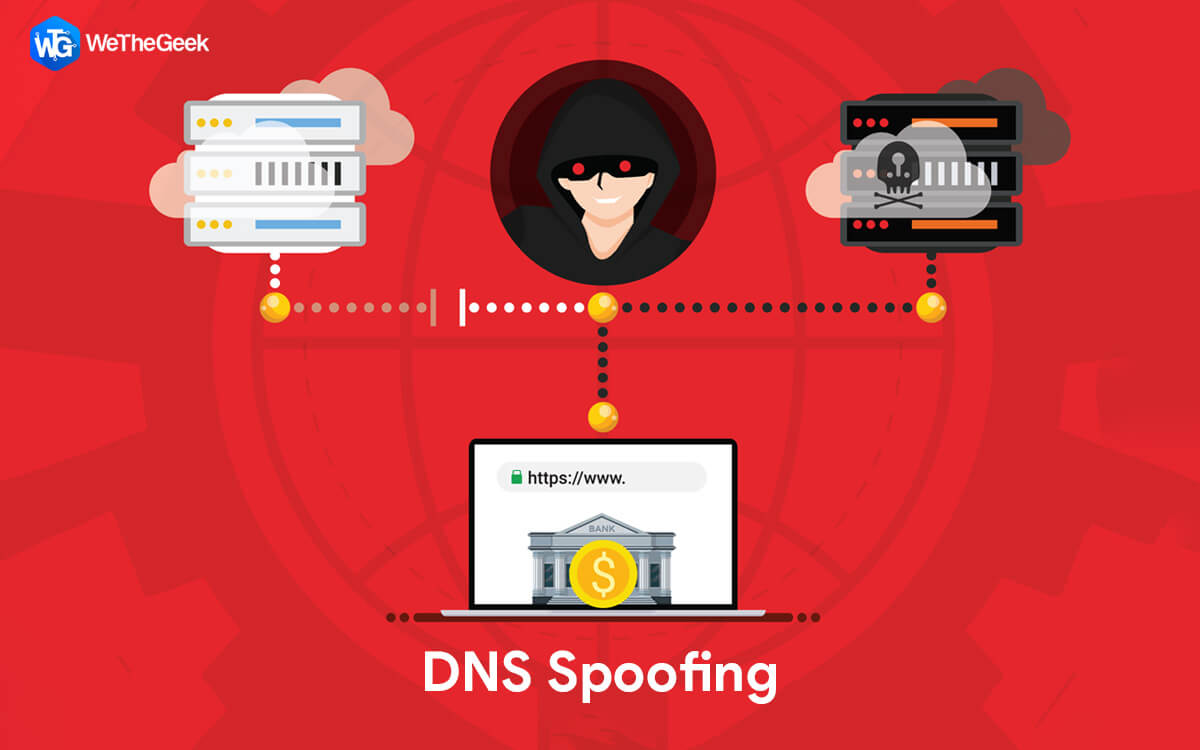
What is DNS Spoofing? How To Save Yourself

We have already given you a glimpse of DNS Spoofing in this comprehensive VPN glossary of some common VPN terms. Here we told you that DNS Spoofing or DNS cache poisoning is a security vulnerability that redirects a user’s traffic to mali...

|
Ransomware

Various Ways To Protect Your PC Against Ransomware

The risk of malware attack may be inescapable, but this doesn’t mean that you sit with folded hands. You can take some measures to protect your Windows computers from attack. Here are few tips that will help minimize the risk of attack. ...

|
Antivirus

SFC Scan Stops Working on Windows 10? Here’s the Fix!

SFC (System File Checker) is one of the most useful utility commands that helps us troubleshoot various errors on Windows OS. The SFC scan is performed on the Command Line Prompt where your system is thoroughly checked to scan and fix error...

|
Antivirus

Windows PC Won’t Go to Sleep Mode? Here’s the Fix!

Windows PC not going to sleep mode? Sleep Mode is considered one of the most useful features of the Windows OS, especially in terms of saving power consumption. The sleep mode puts your device in a low-power state, turns off the display, an...

|