Optimization

Best tips, tricks & hacks to optimize your slow device for better performance and extend the life of your Windows, Mac, Android & iOS.

Booster & Optimizer

How To Optimize Your Mac For Better Performance?

“When I first bought my iMac it was just awesome with a smooth and flawless performance. But now I feel it is slowing down a bit and the response time is not what used to be.” – David Morrison. “Surfing the internet is no longer th...
|
Cyber Security

How to Overclock Your CPU On Windows 10 PC

Want to upgrade your PC’s performance without spending an extra penny? Well, yes, no matter how crazy it sounds but it’s achievable through overclocking. Overclocking your CPU is a great way to make your PC run faster and enhance its pe...

|
Driver

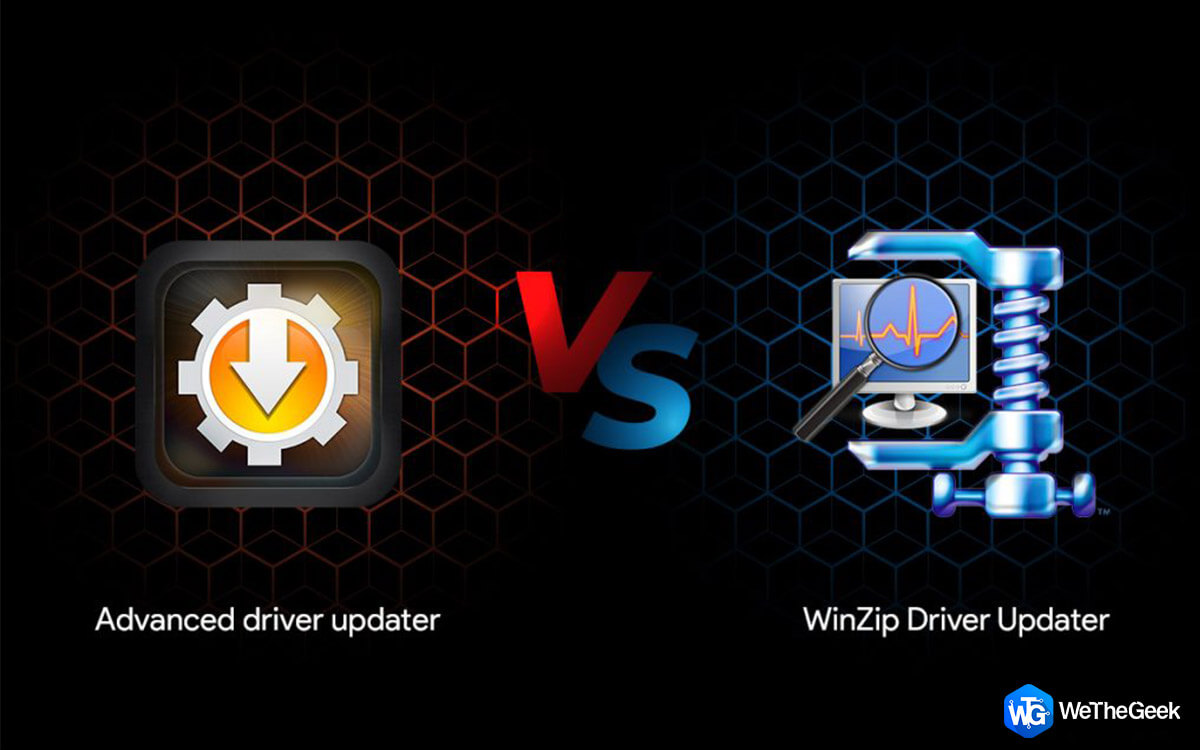
Advanced Driver Updater vs WinZip Driver Updater

The importance of Drivers is one of the most debated topics in the tech world and many tech enthusiasts often doubt the need of a driver updater software. In simple words, drivers are small codes or programs that help communicate between th...

|
Driver Guide

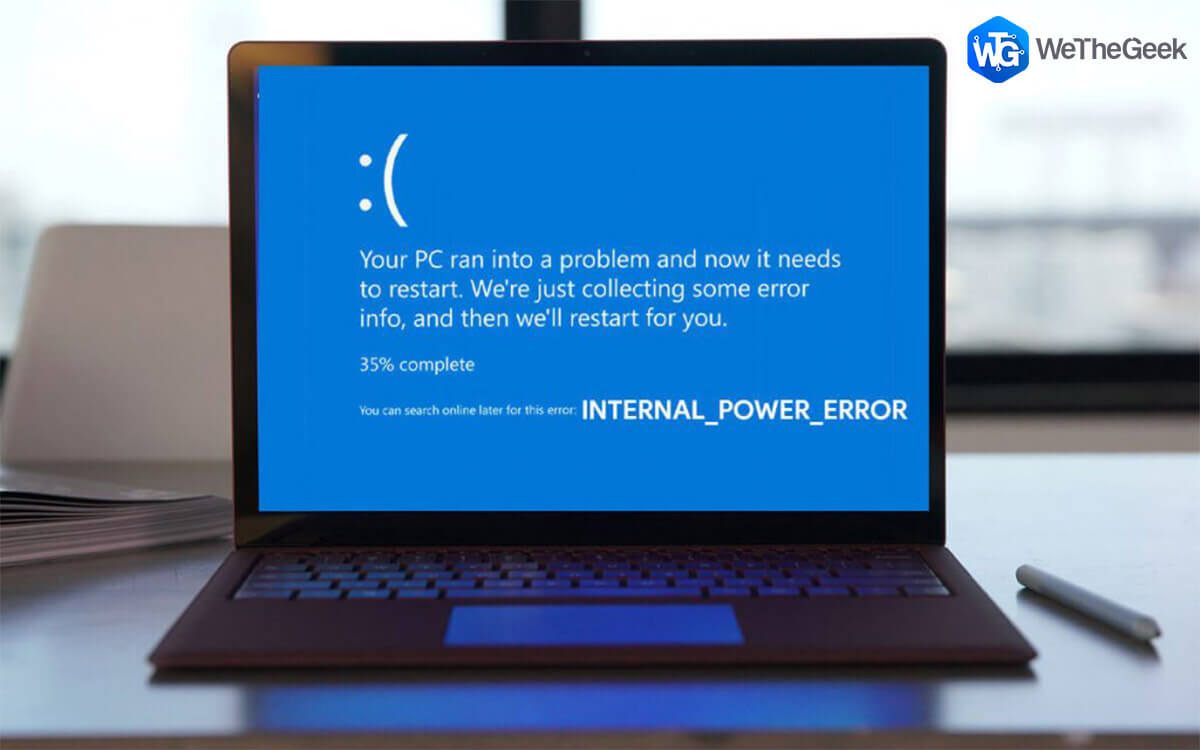
How to Fix Internal Power Error on Windows 10

The Internal Power error is typically a BSOD (Blue Screen of Death) exception that may stop your device from further functioning.  So, you just got stuck with this Blue Screen of Death stop code error message, we’re here for your rescue...

|
For Windows 10

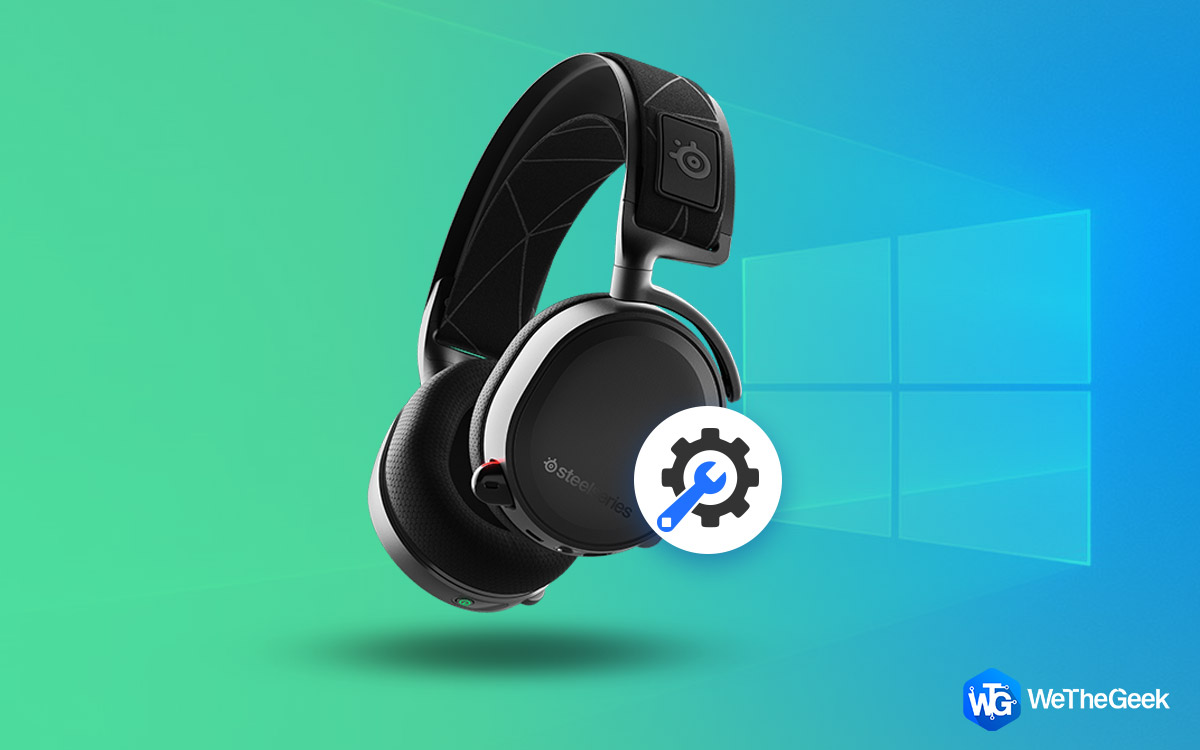
How To Fix Arctis 7 Crackling Sound On Windows 10 PC

One of the most popular gaming headsets is the SteelSeries Arctis 7 that is used by gamers across the globe. However, there have been reports that this amazing piece of hardware sometimes delivers a cracking sound. The exact cause of this i...

|
Driver

How to Download And Update Qualcomm USB Driver For Windows 10

To connect your Android device to your PC, you need a Qualcomm USB Driver because most Android devices run on a Qualcomm processor. Without this driver, you cannot connect or transfer files between your devices. This guide will explain how ...

|
How-To

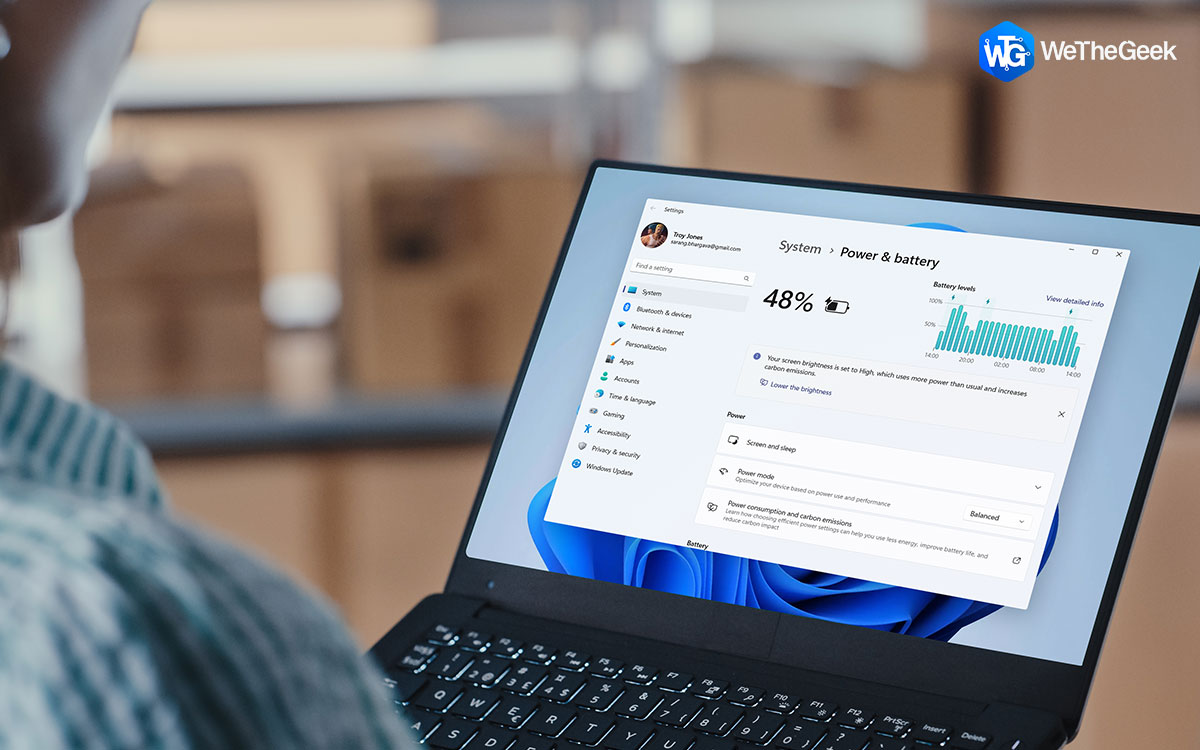
4 Ways To Fix Cannot Change the Power Mode in Windows 11

Windows' power modes control where your PC will use power by combining hardware and system parameters. The three power settings that come standard in Windows are Balanced, Best Performance, and Best Power Efficiency. While switching between...

|