How-To

For Android

How To Fix Ghost Touch Issue On Android Phone

If you're an Android user, you've probably experienced the frustrating issue of ghost touch on your device. Ghost touch, also known as phantom touch, happens when your phone's screen registers touches or swipes that you didn't make, causing...
|
How-To

How To Recover Uninstalled Drivers In Windows 11/10

A device driver is a utility that tells your operating system and other applications, how to use a piece of hardware. Your computer's Bluetooth, mouse, keyboard, headphones, and every piece of hardware has a specific driver. But, what if yo...

|
How-To

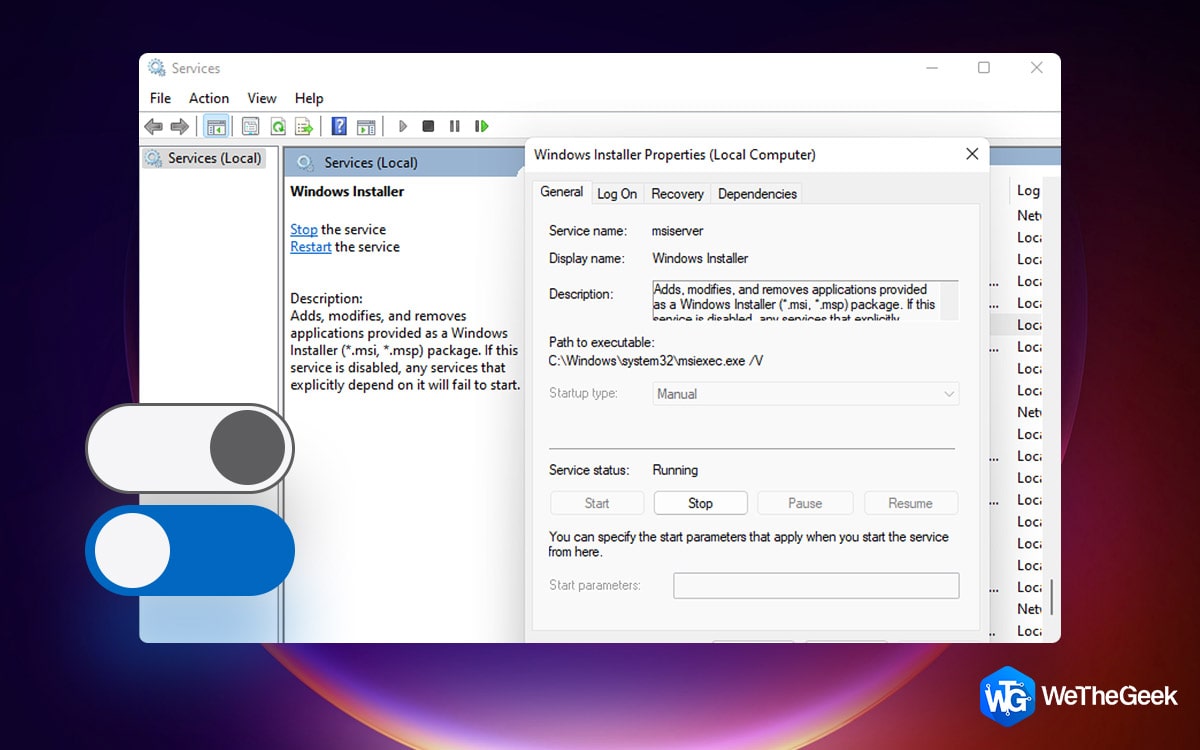
How to Enable or Disable Windows Installer Service

The Windows Installer Service is an important service, but it sometimes requires disabling and re-enabling for particular problems. This crucial element of your operating system completes all required installation tasks. However it occasion...

|
How-To

How To Trim Screen Recording On Windows 11/10

No matter how you have recorded a video on your screen, the job is not finished until you have removed unnecessary parts from the recorded video. And, why consider trimming your screen recording? To get your user’s attention to the exact ...

|
How-To

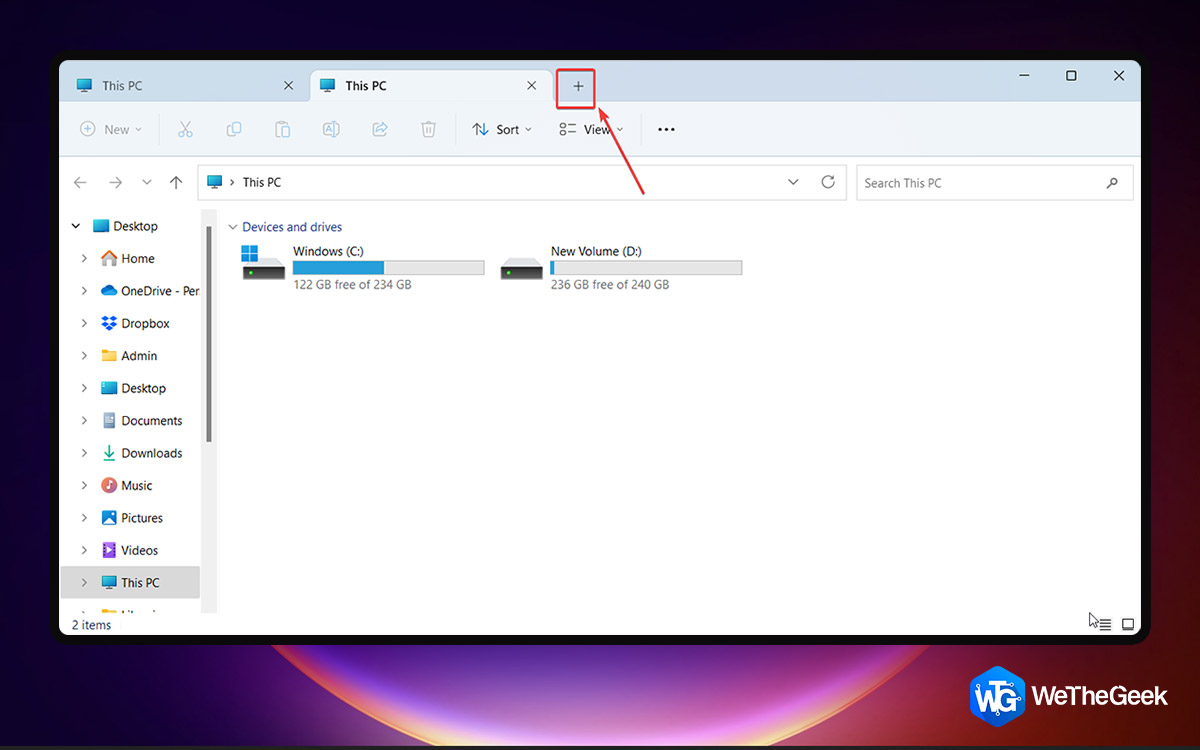
How to Fix File Explorer Tabs Not Showing in Windows 11

We recently talked about the Windows 11 22H2 update and the range of exciting features it has bought such as the Clipchamp Video Editor, New Snap Bars, Updated NotePad, etc. One feature, that has, in particular, excited users is the File Ex...

|
How-To

6 Ways To Fix App Store Missing On iPhone/iPad

Have you ever found yourself frantically swiping through your iPhone or iPad screens, searching for the App Store icon, only to realize that it's missing? If you're trying to download an app on your iPhone or iPad, but you can't seem to fin...

|
How-To

7 Ways To Fix Brightness Function Key Not Working In Windows 11

When the brightness of your laptop or PC monitor is too low, you could typically experience eye problems or headaches. A quick push of the brightness function key can quickly fix problems like these by altering the brightness. But, if this ...

|