How-To

How-To

How To Flush Steam DNS Cache On Windows

Your computer's IP addresses that it has connected to, are stored in a DNS cache, which is like a little database. Many distinct apps that can access the internet have their own DNS Cache, and Steam also has its own DNS cache. You may encou...

|
How-To

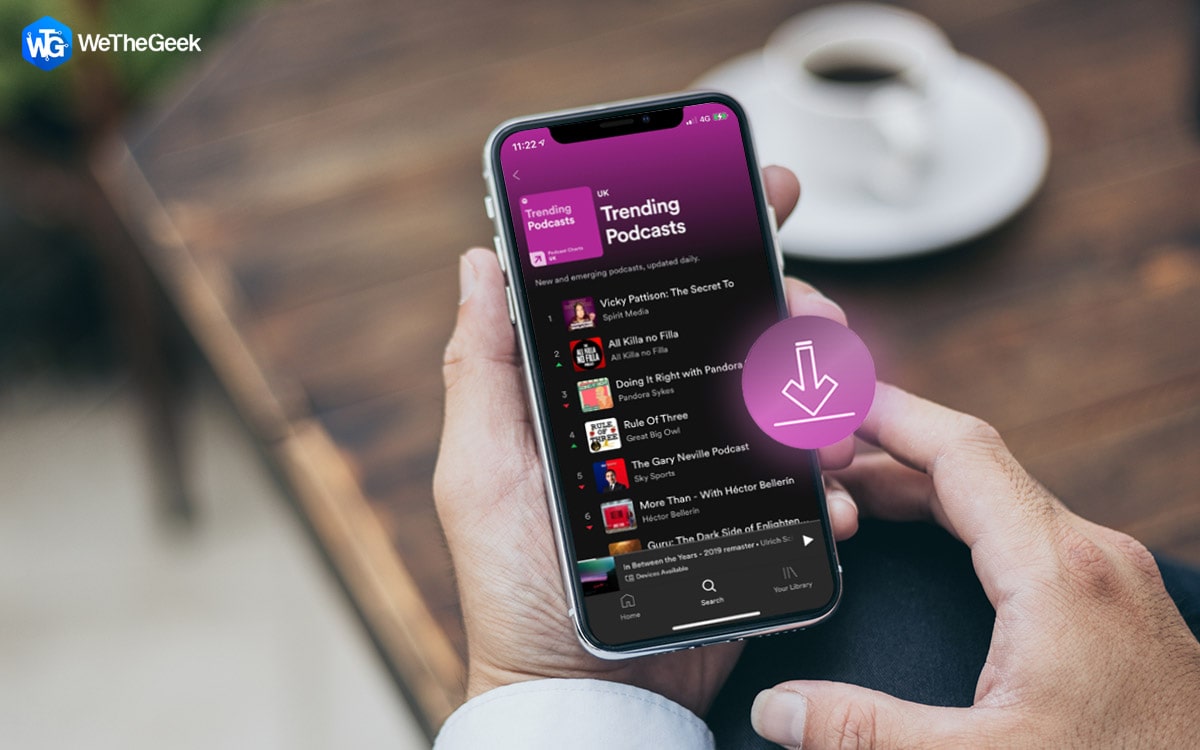
How to Automatically Download New Podcast Episodes on Spotify

Podcasts are a great way to stay informed, entertained, and inspired. With a wealth of content to choose from, it's easy to find something you'll love. But, manually downloading new episodes can be time-consuming and forgetful, especially i...

|
How-To

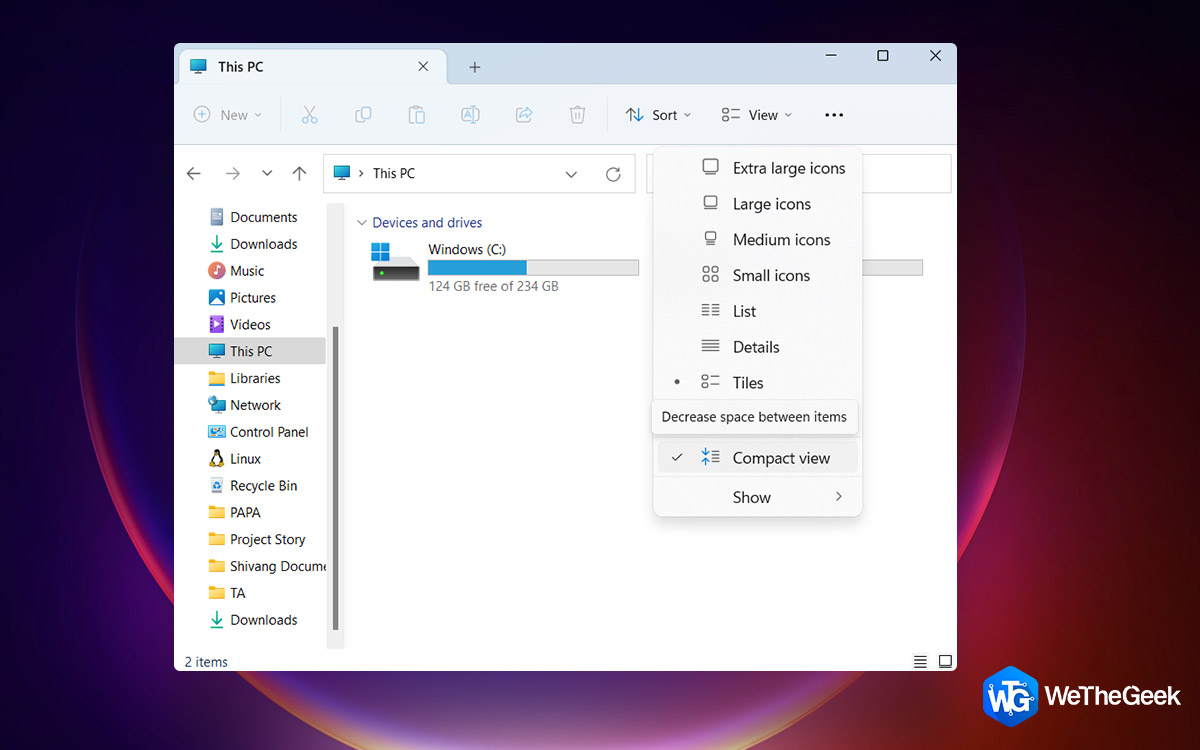
How To Enable Compact View In File Explorer On Windows 11

The Compact View is one of the numerous new features that Windows 11 has added to its File Explorer. Users who preferred the earlier File Explorer interface, which had less space between objects, are the main beneficiaries of this functiona...

|
How-To

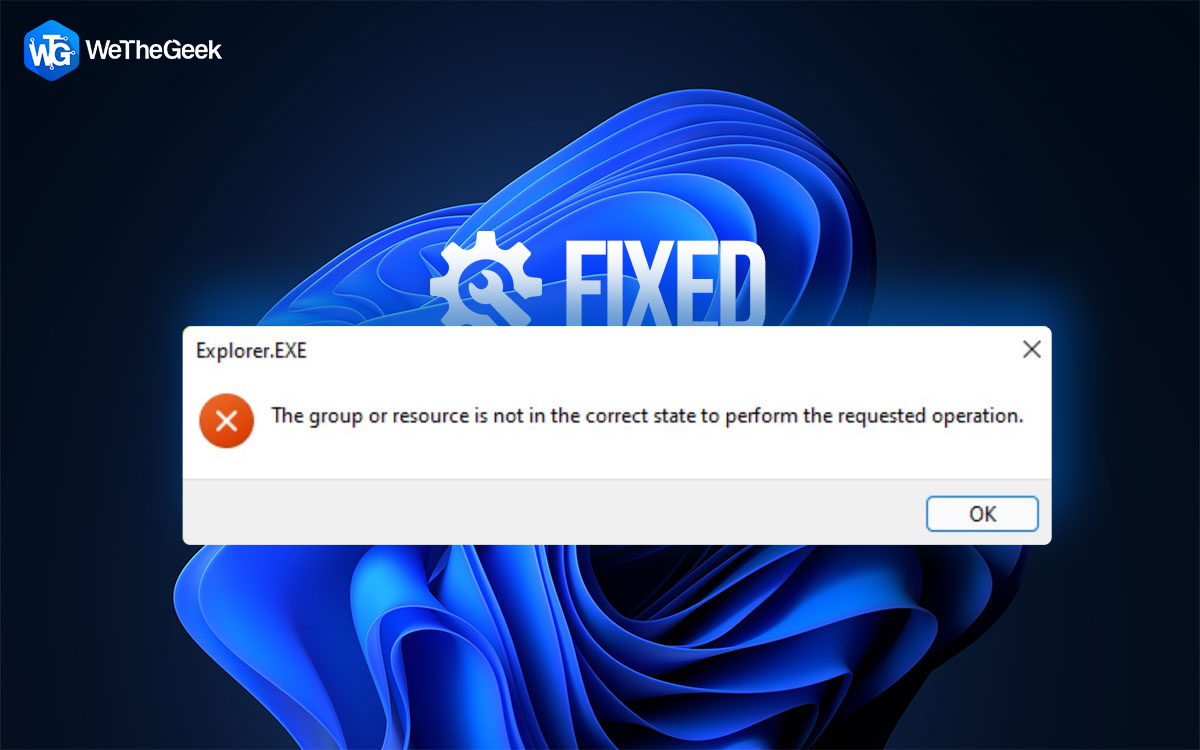
How To Fix Android Apps Not Working On Windows 11/10

Are you of the notion that you can’t run Android apps on Windows? If yes, the good news is you can. No, we aren’t talking about any emulators or third-party software, you can now run Android apps using Windows Subsystem for Android whic...

|
How-To

How To Delete Hard Drive Partitions In Windows 11/10

When you bought your Windows PC, there were several partitions (give and take a few more). But, now you want to resell your computer and are looking for ways to delete partitions from your Windows computer. You have come to the right place....

|
How-To

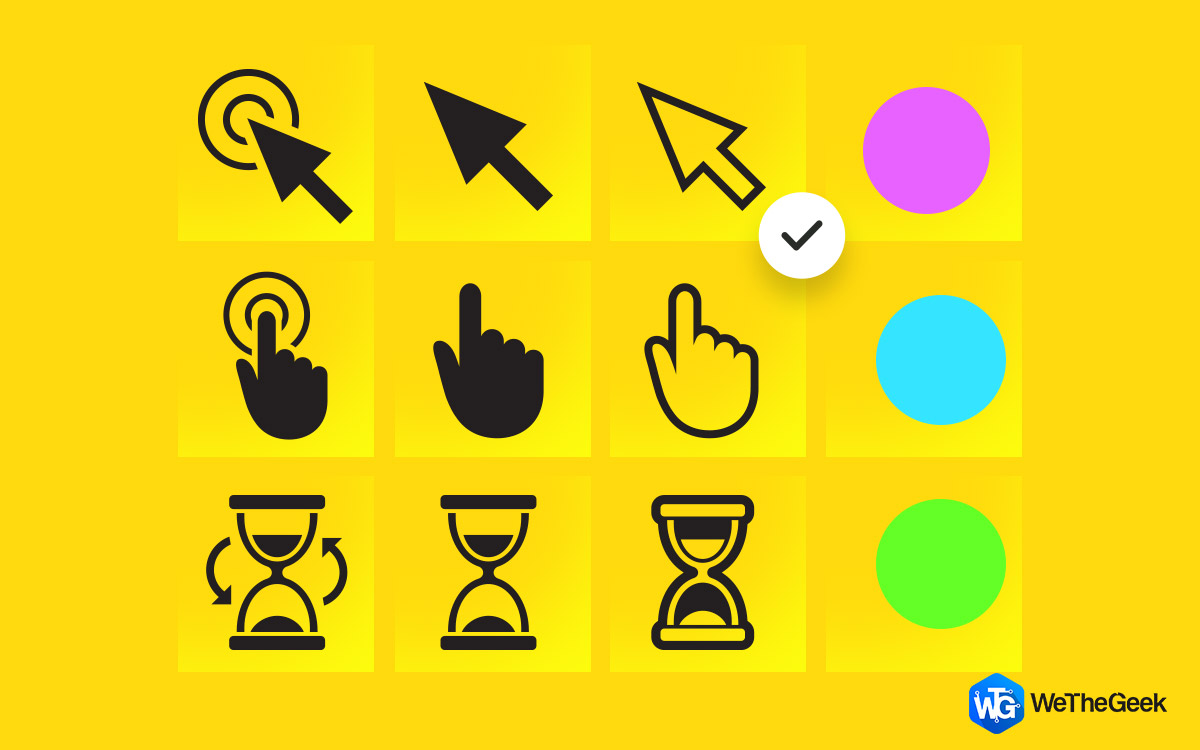
How To Change Your Cursor On Windows PC

Although the mouse cursor on a Windows PC is pre-set, not everyone likes it. Thanks to a function built into Windows, you may create a new cursor or change your current one to a more modern, refined one. Therefore, you may modify practicall...

|