How-To

For iPhone

5 Ways To Restart Your iPhone When it Refuses to Turn ON

In today’s modern world, people are either asleep or using their phones. We literally don’t keep our smartphone aside while sitting idle. It has become a crucial part of our lives on both personal and professional fronts. Whether we�...

|
Disk Optimizer

How to Defrag a Mac? Do Macs Need Defragmentation?

Has your Mac’s performance been degraded lately? Is your device taking forever to boot or to load apps and services? Well, disk fragmentation can help! In this post, we have covered a detailed guide on how to defrag a Mac, what is disk...

|
How-To

How To Use Split View On Safari Using iPad

iPad comes with feature Split View which enables a user to do multitasking. This feature was introduced with iOS 10. You can also run various applications simultaneously but can’t use two separate windows from the same application. It let...

|
How-To

How to Install pfSense Using a Bootable USB

Most common way to install an operating system or any other software is to insert a CD or DVD into computer’s DVD/Cd drive and let it take its course. This process is fine if you have a system with CD/DVD drive, but what will happen if th...

|
How-To

How To Run Windows On Mac

Mac is renowned for safety and smooth operation. However, if you are not switching from your Windows to Mac, because you don’t want to lose the programs compatible specifically with Windows, then you must know that there is a workaround w...

|
For Windows

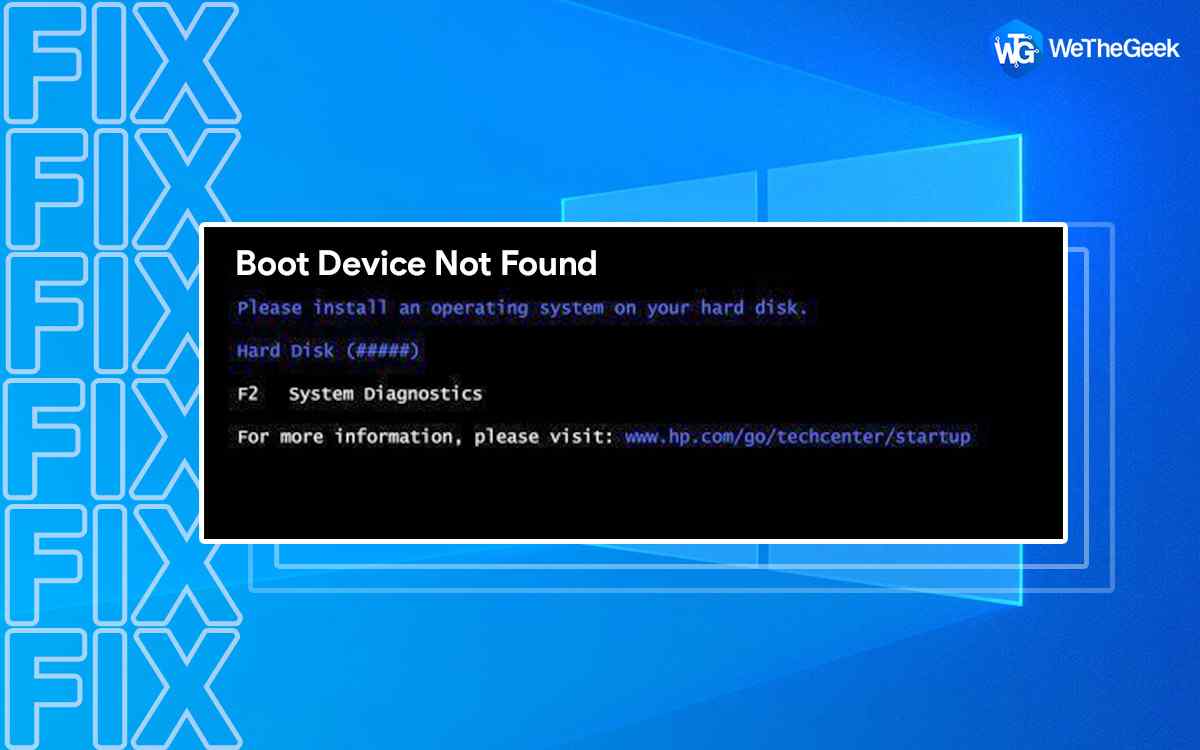
How to Fix Boot Device Not Found Error on Windows 11/10

Stuck with the “Boot device not found” error on Windows? Well, this error usually triggers when there’s an issue with the system hard drive. And this can probably be due to misconfigured BIOS setup settings or when your device is unab...

|
How-To

How to Disable Background Apps on Windows 11

While you’re using your Windows device tons of applications tend to run in the background. And yes, they also utilize system resources and memory even while running in the background. A plethora (Mostly all) of applications run in the bac...

|