How-To

How-To

Can You Be Tracked With A Vpn

A Virtual Private Network app is a must-have app for your PCs and smartphones. But does this app provide the security and privacy that it advertises and promises? Are VPN users digitally anonymous? Can my ISP and Government service get hold...
|
How-To

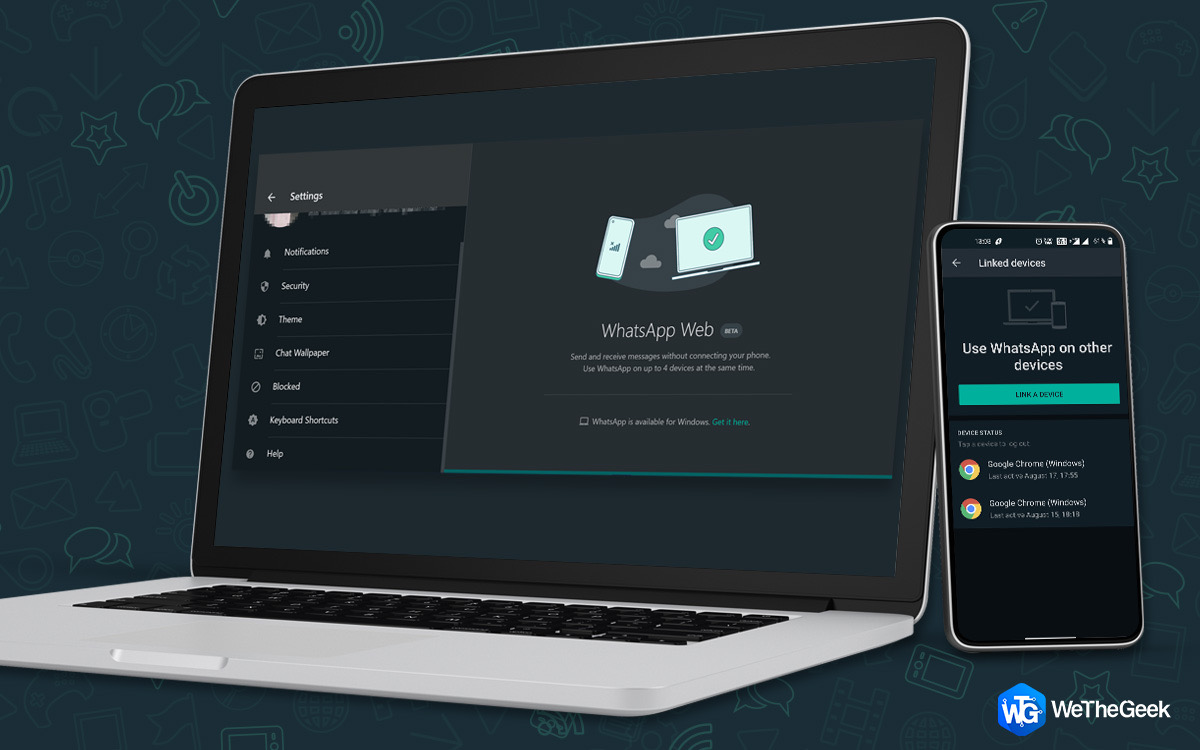
How To Use WhatsApp Multi-Device Support?

If you spend more time on a Desktop than your smartphone but have to keep checking your phone for messages, then we have great news for you. WhatsApp is bringing multi-device support for all its users very soon. It will help you use WhatsAp...

|
How-To

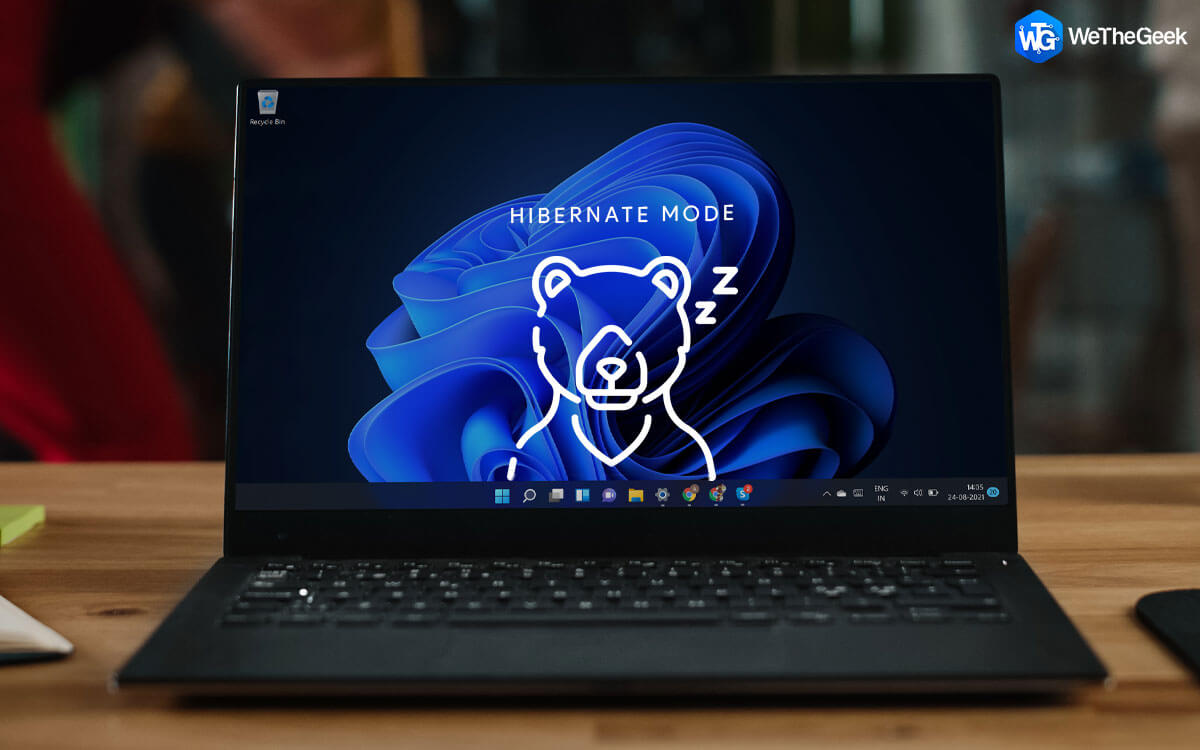
How to Enable Hibernate Mode on Windows 11

Hibernate mode is a useful feature in terms of saving battery and efficiently managing your system’s current power consumption. When you enable the hibernate mode on Windows, your machine suspends all the background activities, ongoing th...

|
Driver Guide

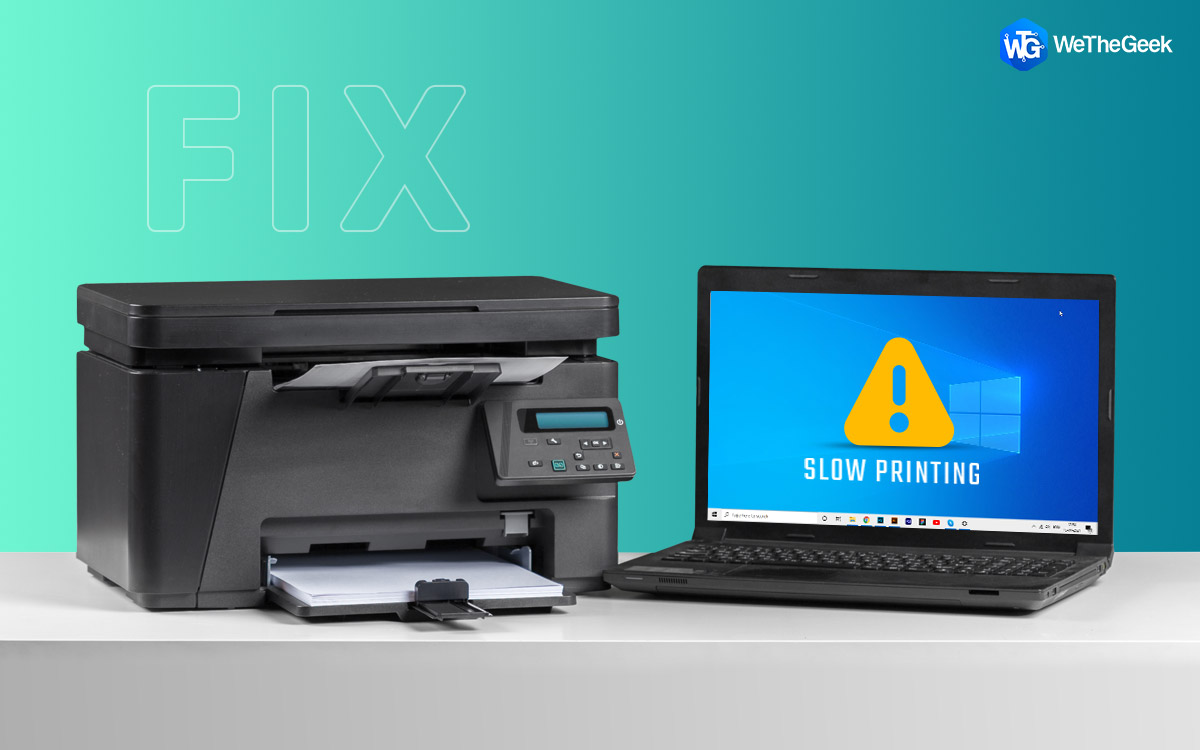
How to fix Slow Printing in Windows PC

Printer is a device that converts soft copy to hard copy. In other words, it brings out your digital documents on paper. Although the world is turning digital gradually, and until that transformation completes, we might have to use our prin...

|
For Mac

How To Mute Messages On Mac

Without a doubt, when using the Messages app on Mac, staying productive with pouring text message notifications is tough. Especially, when you have important work, these never-ending notifications can make you lose focus. Therefore, it is i...

|
How-To

How To Enable Gesture Navigation Controls In Android P

There are many added features in Android P. The traditional three buttons navigation bar has been discontinued and instead a newly designed home button has been introduced. It also has a new gesture navigation system to navigate through app...

|
Gmail Tips

How To Use Swipe Feature in Gmail App In Android

Google always tries to make the user experience better and easy. In its continued efforts to increase the user involvement, it has added yet another amazing feature to its Gmail App in Android devices. The new feature that’s introduced...

|