Productivity

Are you finding it challenging to stay focused, organized & productive? If yes, we’re here to help you with the best apps, tools & services.

For Android

How To Play YouTube In The Background On Android And iOS

YouTube is the most viewed video platform, but playing songs on YouTube app with screen locked - i.e. in the background - is a tricky business. As soon as the phone screen is locked, YouTube automatically pauses what you are listening to, m...

|
google docs

How To Make Resume Online?

Blog Summary - Are you looking for a new job or internship? Is it your first time applying for a job? Whatever the reason, a good Resumè will make an impression on you. So, in this blog, we will learn how to create a resume onlin...

|
How-To

How to Switch User Accounts on Windows 10

In today’s digital-driven world, using technology has become irresistible. Whether it’s about work, entertainment, or accomplishing our day-to-day tasks, we’re always glued to our gadgets and devices. When it comes to sharing a PC, W...

|
google

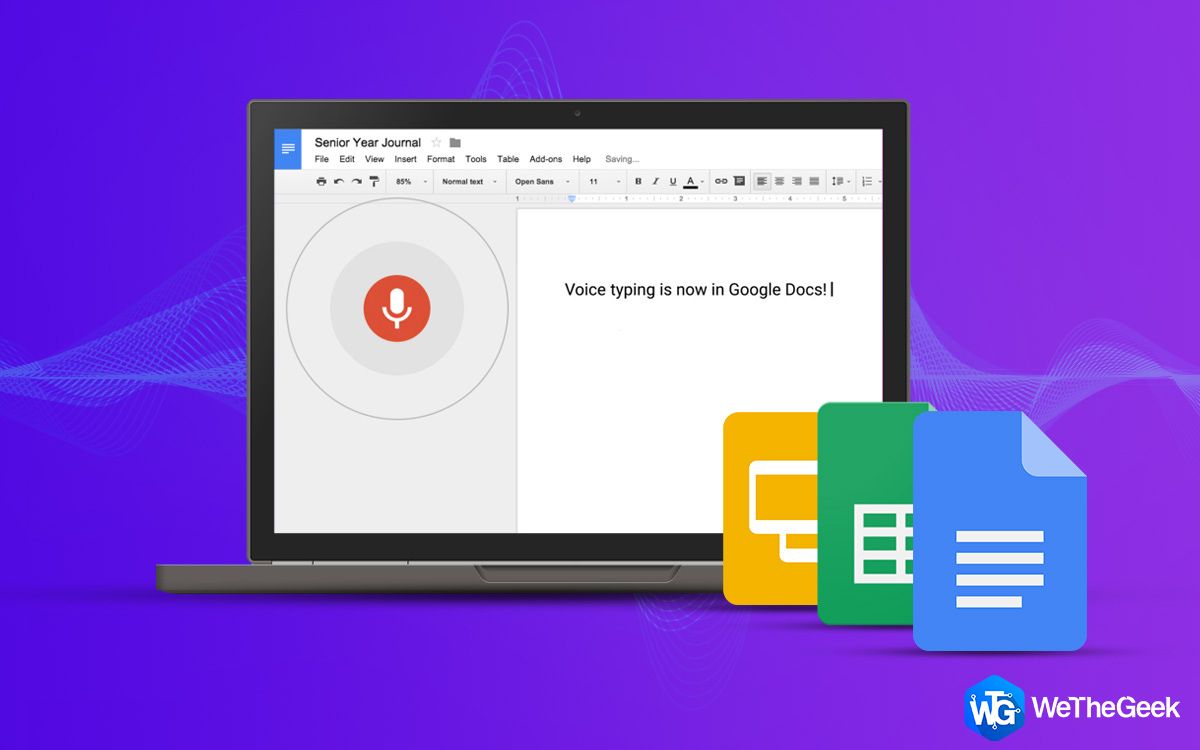
How To Use Google Docs For Voice Typing

Every one of us wants to explore new options to make our daily routine more productive. Google Docs is one of the tools which is popular among millions of users. But you know, there is an option of Voice To Text in Google Docs which will...

|
Apps

Best Hybrid App Development Frameworks

Today we have apps for every necessity, whether it is for ordering food or booking a cab or tickets, we have it all. Moreover, all the apps are available on almost all the platforms. With the need of apps on all platforms increasing day by ...

|
Productivity

Is the Dark Theme Rat Race Really Worth it?

Nowadays, everybody is using dark themes as they are recently made available for most devices and platforms. For smartphone users, a bunch of third-party apps has been providing dark themes on devices for quite some time. You can see the da...

|
For Windows

How To Fix OneDrive Unable to Move Shortcut Error

Stuck with OneDrive unable to move shortcut error on Windows? Don’t worry! We’ve got you covered. By following a few workarounds, you can easily get past this alert and start accessing your OneDrive folder again without any hindrances. ...

|