Troubleshooting

Learn how to troubleshoot and fix problems faced on Mac, Windows, Android, and iOS.

Optimization

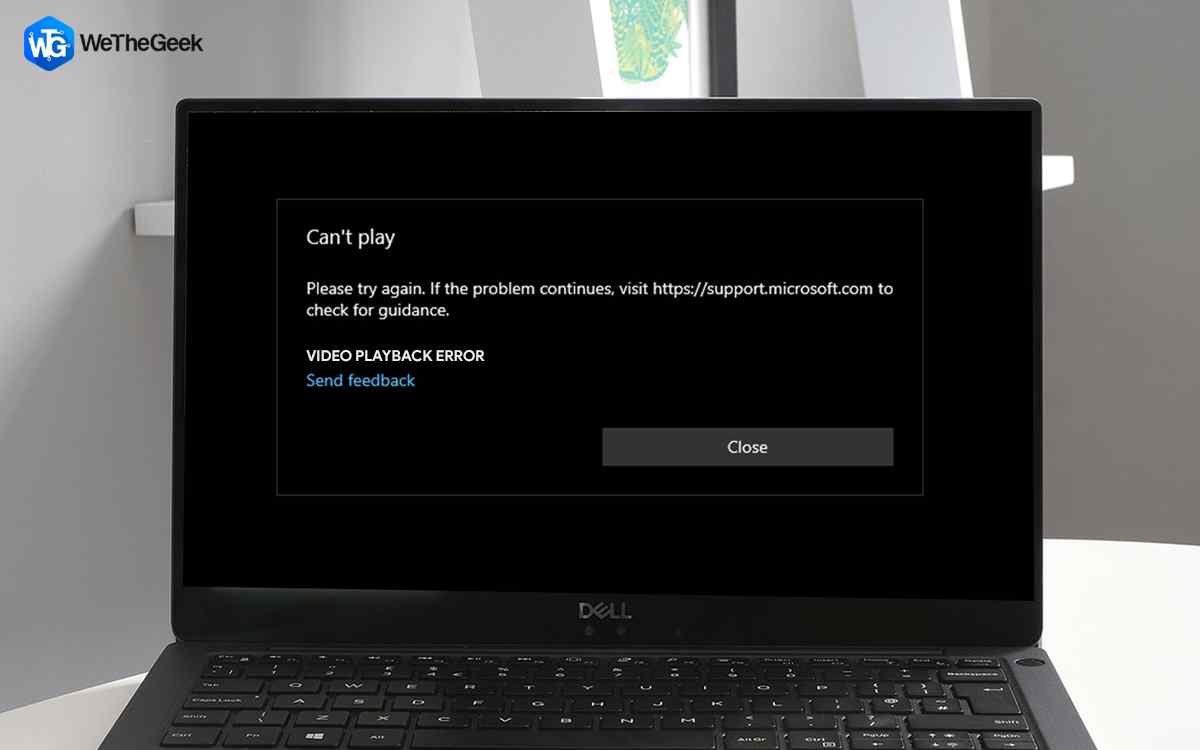
How to Fix Video Playback Error and Issues on PC

Everyone wants smooth video playback, but some can ruin your experience. Video playback errors can surface in many forms. You might not be able to play a video, or you might encounter issues such as flickering video, video not in sync with ...

|
For Windows 10

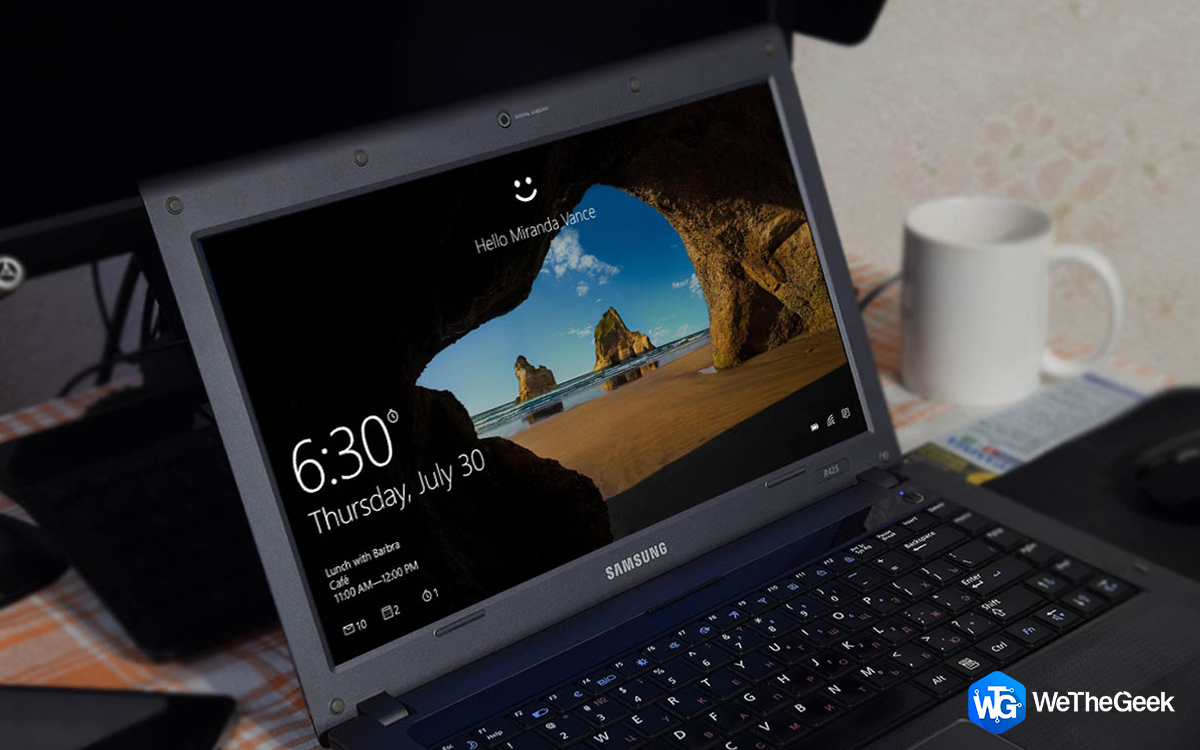
How To Open & Use Any App From Windows 10 Lock Screen

Wondering if there's any way to run and access a Windows 10 program from the lock screen? Well, the short answer is Yes! In case, you want to take a quick screenshot of the Windows login screen; there's a simple way to do it. Today, we'll b...

|
Troubleshooting

Top 8 Fixes for YouTube Autoplay Not Working

Are you tired of settling down to watch your favorite YouTube videos, only to find that the autoplay feature isn't working as it should? Autoplay glitches can be frustrating, interrupting the seamless streaming experience we crave. Fortu...

|
How-To

How To Fix Runtime Error 76: Path Not Found?

All operating systems, including Windows and macOS, as well as various programs, such as Microsoft Office applications and World of Mixed Martial Arts 5 (WMMA5), encounter the error “Run time error 76 Path not found." It may occur as a re...

|
Troubleshooting

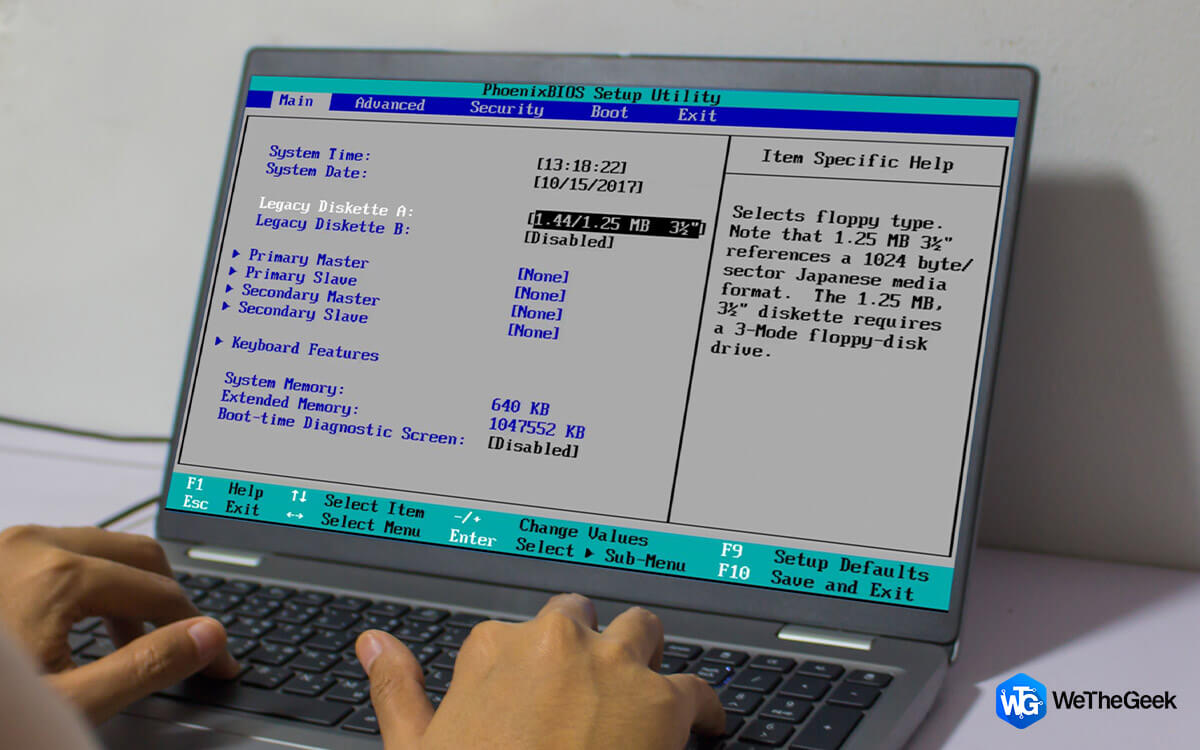
What to Do If PC Is Stuck on BIOS Screen?

In the realm of personal computers, the BIOS, or Basic Input/Output System, serves as the gatekeeper, orchestrating the intricate startup process. However, when this crucial component encounters a glitch, it can leave your PC indefinitely s...

|
Gaming

Enjoy Uninterrupted Gaming by Fixing the Destiny 2 Weasel Code

According to the official website, Weasel is an all-encompassing error message that indicates a network problem. Moreover, if a player is in an activity and a ban is applied to their account, they will be returned to the title screen with a...

|