Troubleshooting

Learn how to troubleshoot and fix problems faced on Mac, Windows, Android, and iOS.

For Mac

Mac Won’t Connect to Wi-Fi? 8 Steps to Get Back Online

Have you ever been in the middle of an important work or online class when your Mac suddenly loses its Wi-Fi connection? It can be frustrating but don't worry, you're not alone. This is a common problem that many Mac users face. But before ...

|
How-To

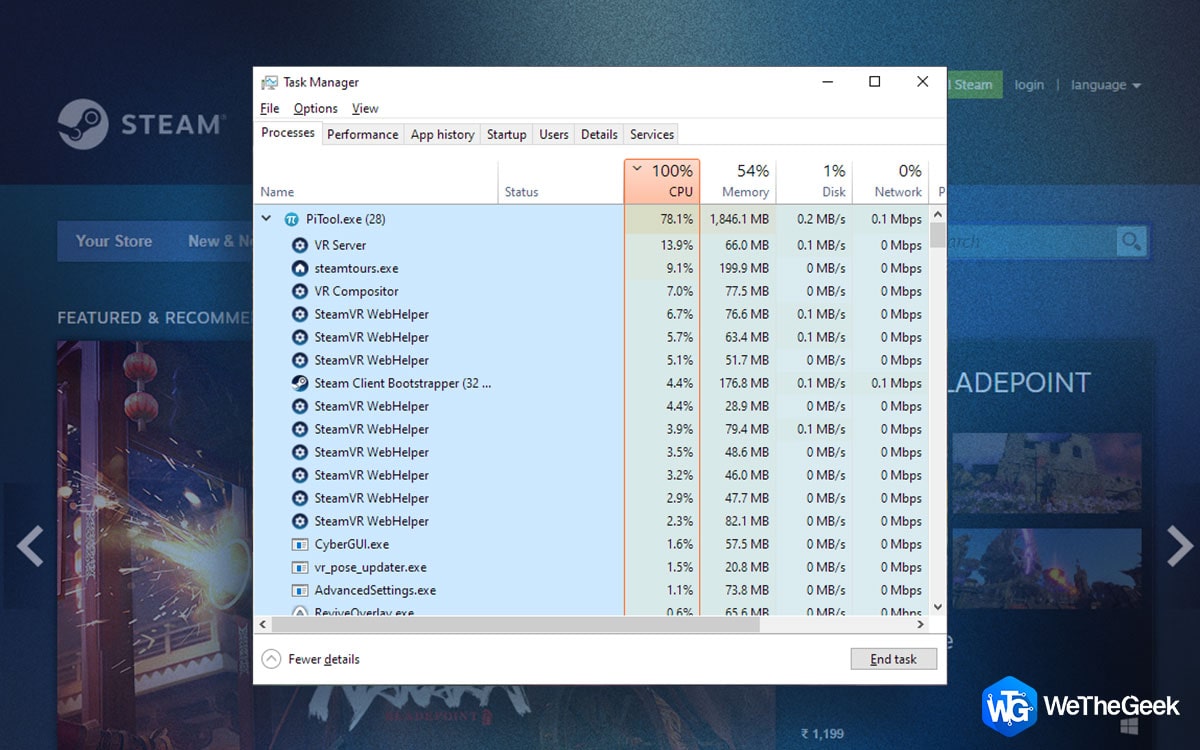
How To Stop Steam From Using All Your RAM

Steam is a fantastic app that allows gamers to purchase and play games on their PC. However, this app is also one of the reasons for a slow PC. When Steam consumes too much of your memory then your PC might display the error message about y...

|
How-To

How To Disable File Explorer Tabs In Windows 11?

Microsoft hoped to introduce the tabs functionality in the Windows 10 File Explorer app. Shortly on, though, the plan was abandoned. However, users may now test out the tabs functionality in File Explorer thanks to the Windows 11 22H2 upgra...

|
Optimization

How To Record A Microsoft Teams Meeting As A Guest?

Microsoft debuted the Teams Personal Edition on May 17, 2021. In addition to the standard capabilities like file sharing, video calling, and chatting, users may hold group video calls with up to 300 people for up to 24 hours. Although Mi...

|
How-To

How To Fix Android Apps Not Working On Windows 11/10

Are you of the notion that you can’t run Android apps on Windows? If yes, the good news is you can. No, we aren’t talking about any emulators or third-party software, you can now run Android apps using Windows Subsystem for Android whic...

|
How-To

How To Change Your Cursor On Windows PC

Although the mouse cursor on a Windows PC is pre-set, not everyone likes it. Thanks to a function built into Windows, you may create a new cursor or change your current one to a more modern, refined one. Therefore, you may modify practicall...

|
How-To

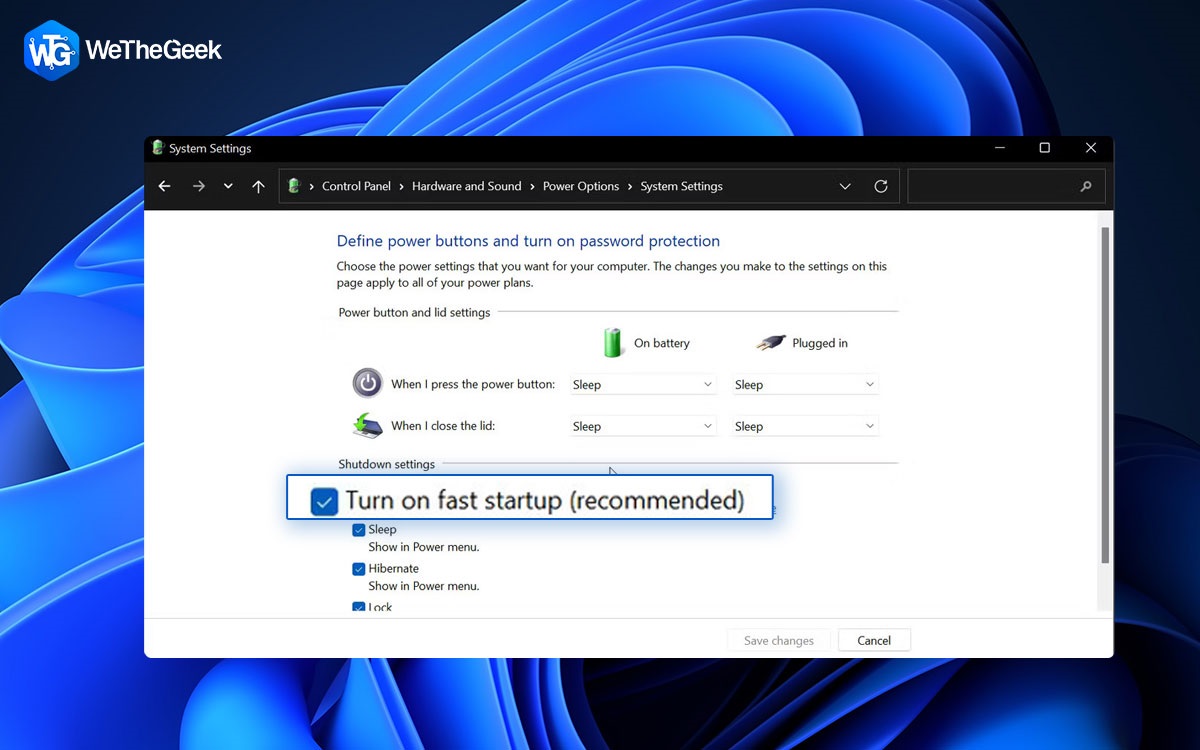
4 Ways to Disable Fast Startup on Windows 11

Windows 11 has a function called Fast Startup that makes the computer start up more quickly after being shut down. When the computer is turned off, it saves the status of the drivers and operating system to a hibernation file. Instead of co...

|