Utilities & Tools

We’ll help you figure out which software & apps are best for your everyday digital needs for your computer, smartphones & other devices.

How-To

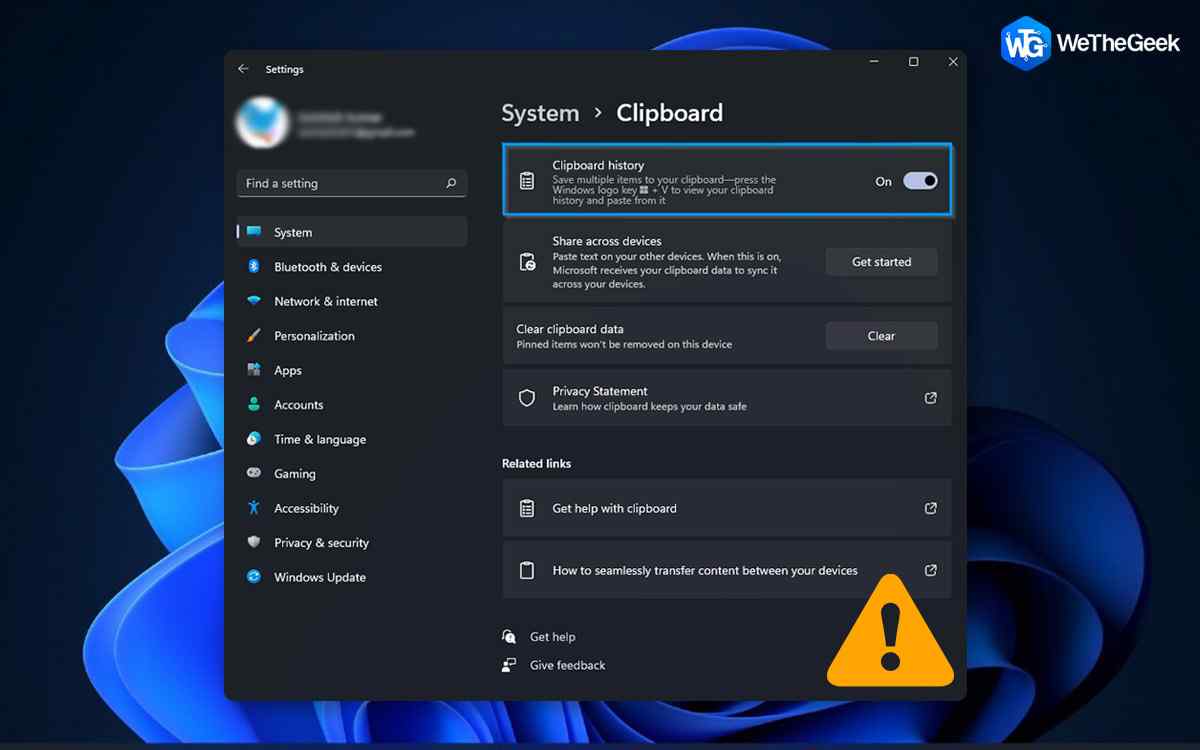
How To Fix Windows 11 Clipboard History Not Working

Unable to access Windows 11’s clipboard history? Clipboard is an essential part of the Windows OS, a pretty handy feature that we frequently use for copying and pasting text and images. It is a storage area that saves items temporarily wh...

|
For Mac

Handoff Not Working on Mac? Here’s the Fix!

Handoff not working on Mac? Unable to sync content from one Apple device to another? We’ve got you covered. In this post, we have listed several solutions that you can use for fixing the Handoff functionality on Mac. For those of you who...

|
For Android

How To Share Files Between iPhone and Android

“Hello! I am unable to share my music files with you. Though heard about SHAREit and Xender, what are your opinions?” Asked a friend last evening ‘once again’. Both iPhone and Android enjoy an extant userbase across the globe whe...

|
duplicate files

How To Keep Your Contact Library Organized And Updated

I am sure you have faced issues with duplicate content like images, video clips, and audio files but did you know that smartphone users also face issues with duplicate contacts. The contacts stored on your smartphone do occupy negligible sp...

|
Apps

Duplicate Music Fixer: Ultimate Tool to Delete Duplicate Music

Dear music, Thanks for always clearing my head, healing my heart, and lifting my spirits ~ Lori Deschene. Quite true, isn’t it? Imagining a life without music seems like staring at a blank canvas—utterly incomplete! Listening to musi...

|
For Android

10 Best Battery Saver Apps for Android

Are you amongst those Android users who keep on hunting charging point all the time? Well, when your phone is discharged, you are certain to look around for alternatives. Nevertheless, instead of looking for a plugin, you should choose the ...

|
How-To

How to Disable Background Apps on Windows 11

While you’re using your Windows device tons of applications tend to run in the background. And yes, they also utilize system resources and memory even while running in the background. A plethora (Mostly all) of applications run in the bac...

|