How-To

How-To

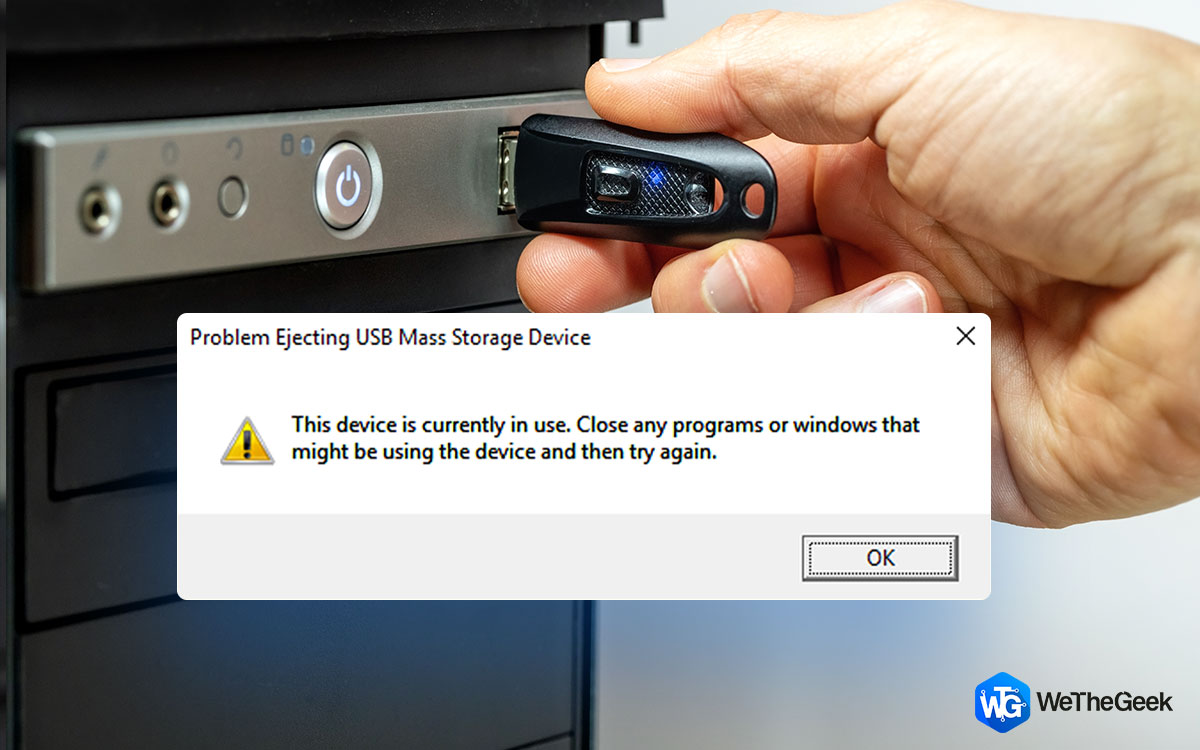
7 Ways to Fix Problem Ejecting USB Mass Storage Device

External USB drives are a great way to perform so many operations on Windows. One of the most important tasks includes taking backups, and transferring large amounts of data or storing data. But, that’s not what we are here for. What if y...

|
How-To

Best Ways to Extract Text From Any Image

It can be difficult to extract text from images. Most individuals just rewrite the text from the photo, however, this is time-consuming and ineffective when dealing with a large number of pictures. There could be several reasons you need...

|
How-To

How To Uninstall WhatsApp On Your Mac

If we talk about messaging apps to communicate and share your thoughts and ideas with your loved ones, then WhatsApp is the name that comes to mind first. WhatsApp is undoubtedly the most used messaging platform in the world. And there are ...

|
How-To

How To Install Optional Features On Your Windows 11 PC

Although Windows 11 has a lot of features and elements, not all are installed by default. And the ones that you cannot see on your new Windows 11, are features referred to as Windows "Optional features." The default setting for the optional...

|
How-To

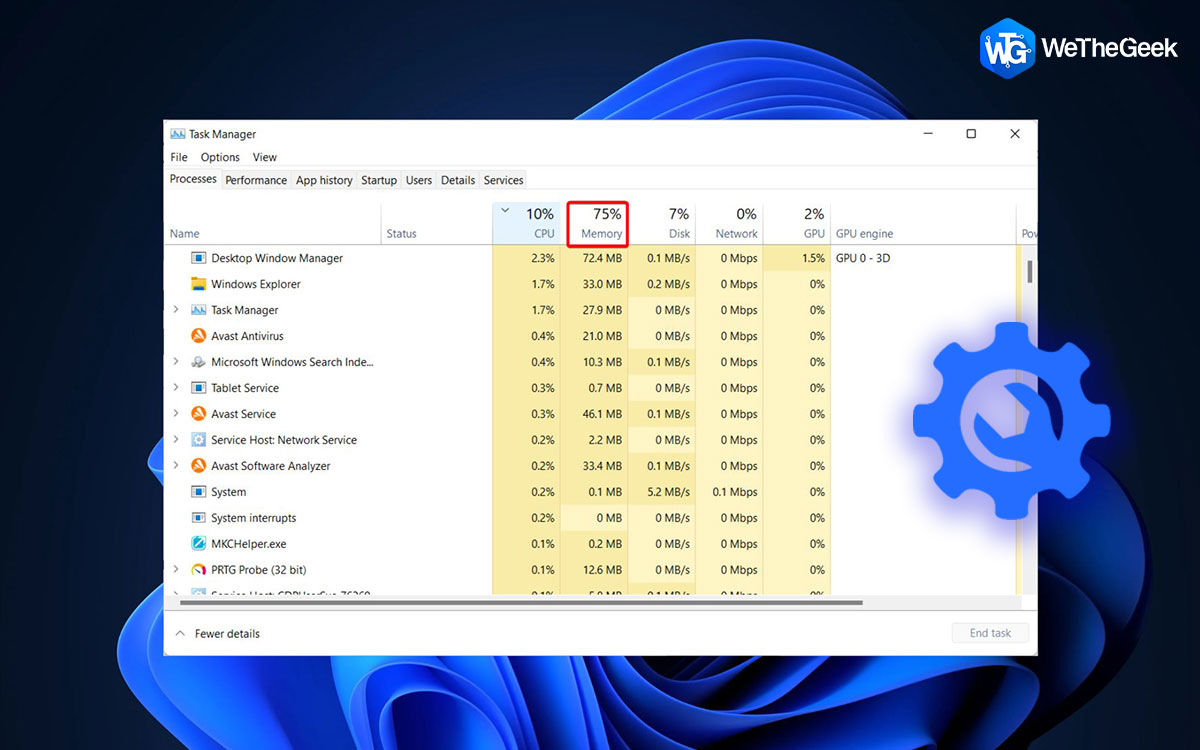
6 Easy Ways to Fix Windows 11 High RAM Usage

Do you think RAM is used only when playing a video game or watching a high-resolution video on your Windows PC? Think again! It is present in almost every software and helps the CPU perform specific tasks more efficiently. Unfortunately, hi...

|
Driver Guide

8 Method to Fix Red Dead Redemption 2 Crashing Issue?

After GTA and Bully, Rockstar Games launched another masterpiece in 2018 by the name of Red Dead Redemption 2 which is set in the Wild West. The main character is an outlaw by the name of Arthur Morgan, who sets on an exciting adventure. Al...

|
For Mac

How To Clear Recent Files And Folders From Your Mac

Blog Summary: In this guide, we’ll discuss an easy solution to clear recent files, folders and documents via Finder and Terminal tools. You will also learn a quick tactic to remove activity history from popular browsers like...

|